

This translation is awaiting language review. Application screenshots and interface labels are in Turkish. The downloadable PDF is also in Turkish.
Find custody records
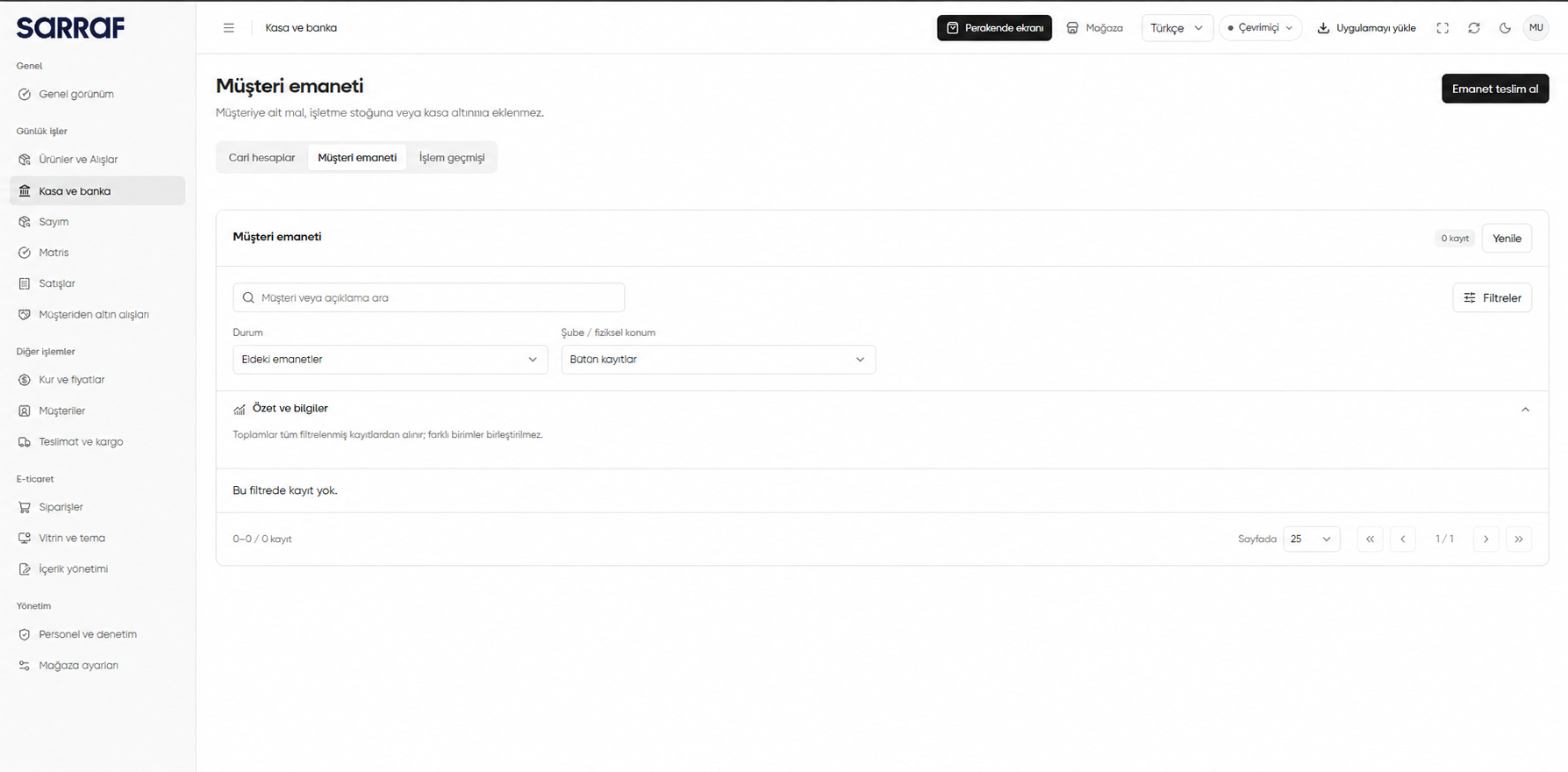
Open Customer custody (Müşteri emaneti). Search by customer or description, and narrow records with Status (Durum), Branch / physical location (Şube / fiziksel konum) and Filters (Filtreler). Refresh (Yenile) updates the list. The image shows no records under Held custody (Eldeki emanetler); other statuses may still have records.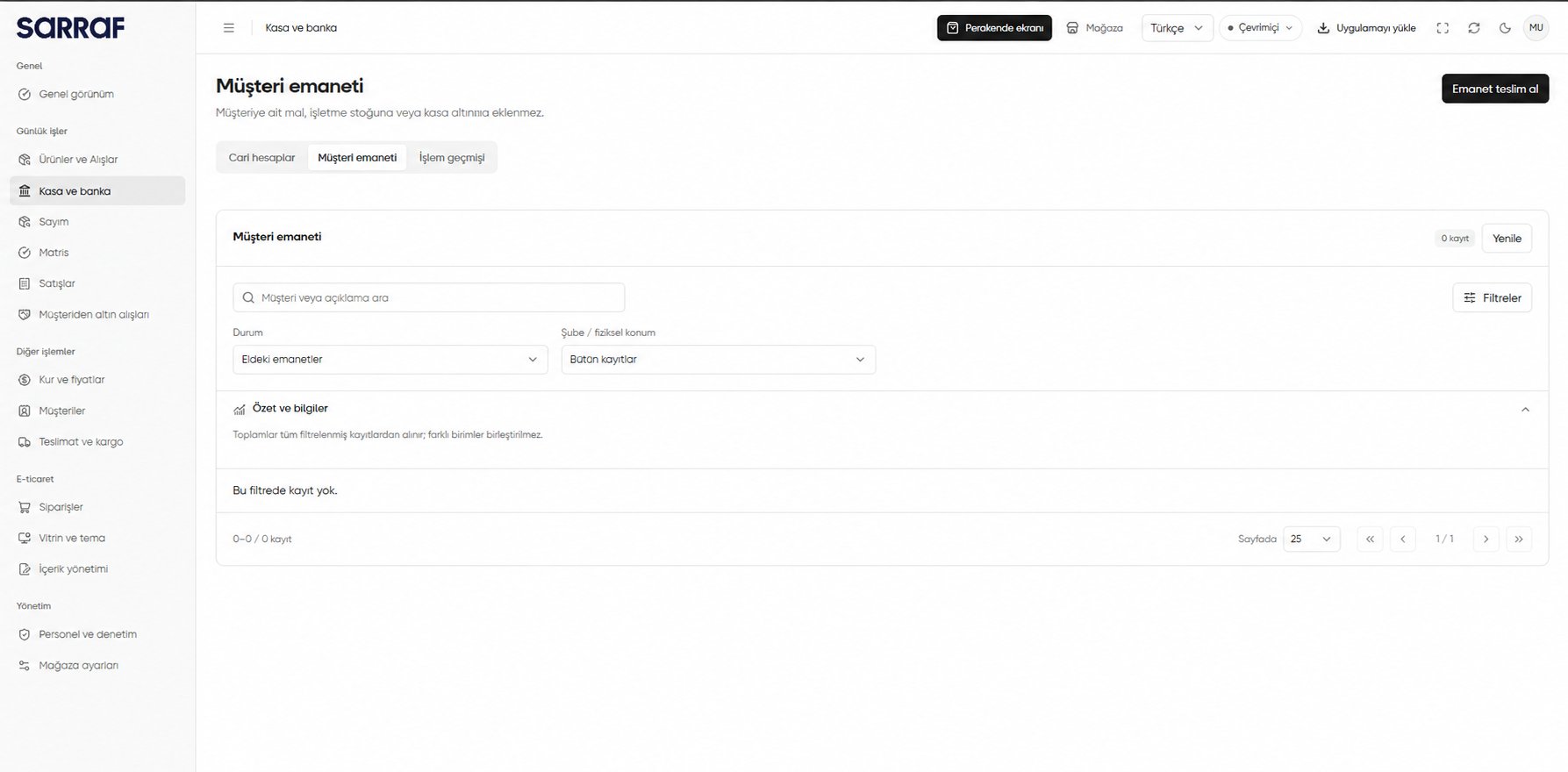
Customer custody list: search, status and location filters
Receive an asset into custody
- Open Receive custody (Emanet teslim al). Verify Branch / physical location (Şube / fiziksel konum) and Customer (Müşteri).
- Set Asset (Varlık) and Quantity (Miktar) to what was physically received. If one physical jewellery item measured in grams cannot be returned in part, select the relevant option.
- Add Physical identification / description (Fiziksel tanım / açıklama) if needed. Review effects under Review operation (İşlemi incele), or use Save draft and close (Taslağı sakla ve kapat) to continue later.
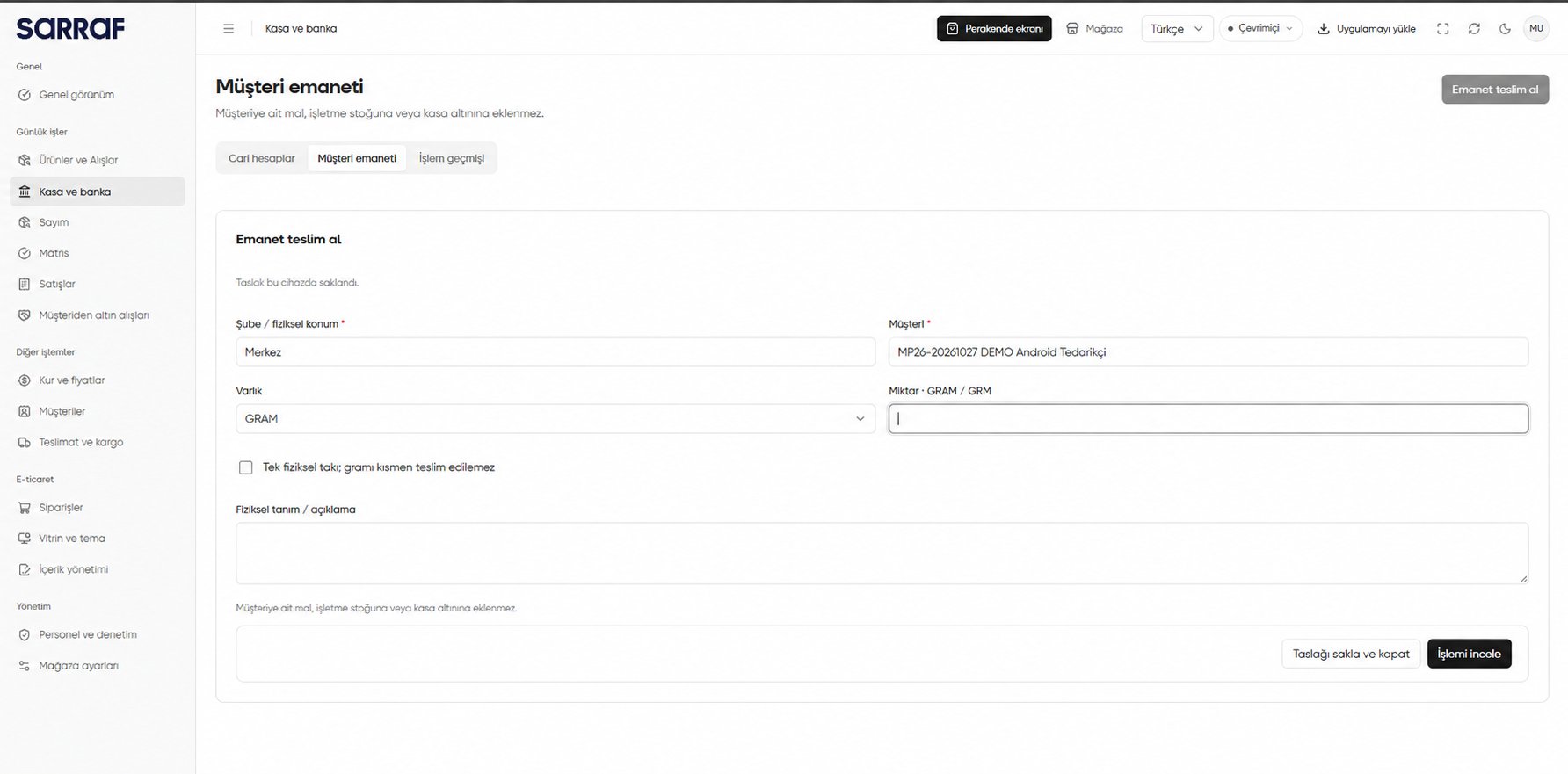
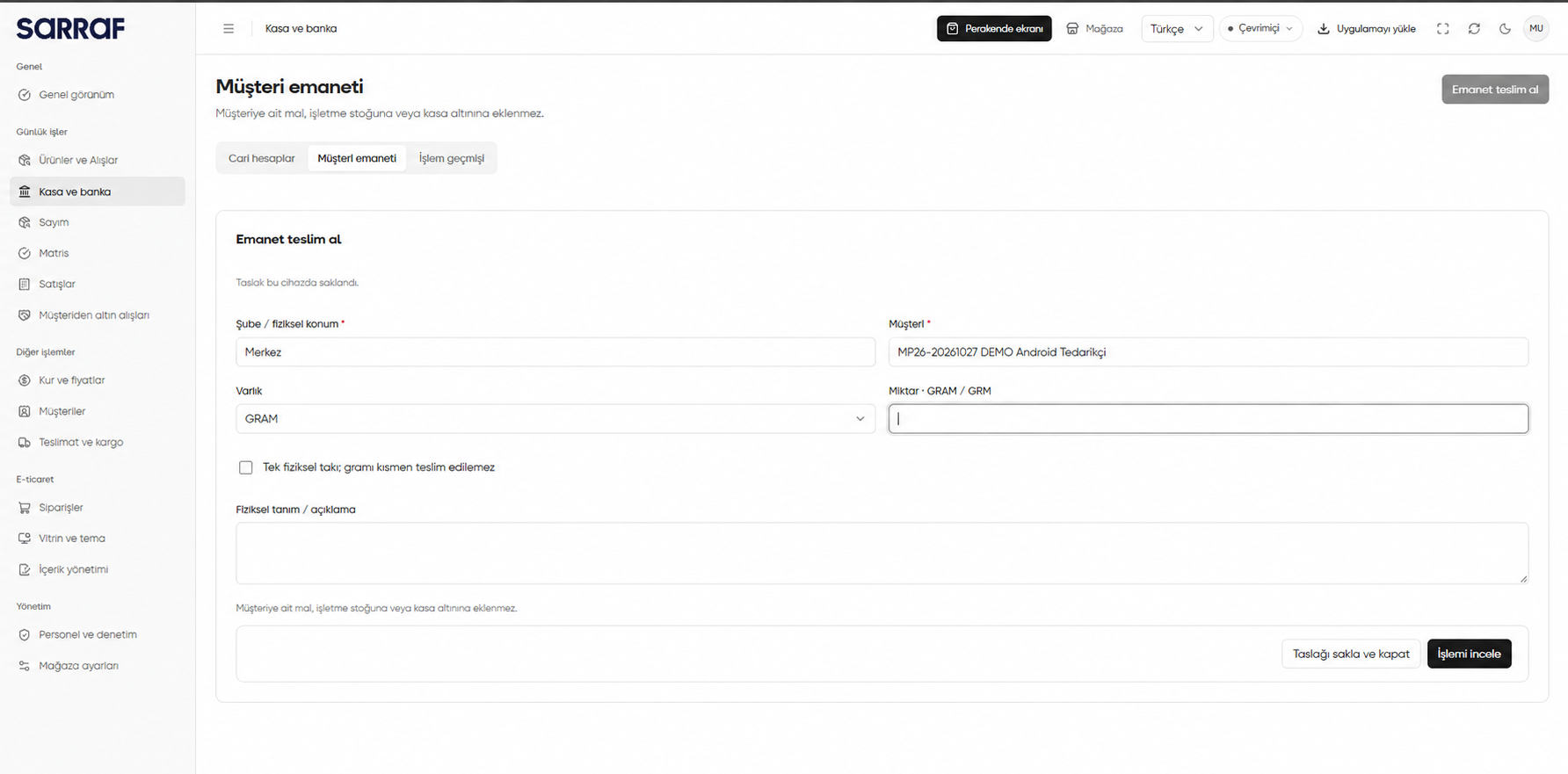
Receiving a customer-owned asset into custody
Receiving custody is not a purchase from the customer or a payment. A customer purchase is recorded later as a separate operation.