

This translation is awaiting language review. Application screenshots and interface labels are in Turkish. The downloadable PDF is also in Turkish.
Find an operation
- Open Operation history (İşlem geçmişi). Search by customer, operation ID or note; use Filters (Filtreler) for operation type, date range, branch or cash/bank account.
- Compare the operation name, customer or account, amount, time and status. For operations involving different asset units, the amount may show In the agreed unit (Anlaşılan birimde).
- Select Review (İncele) on the row.
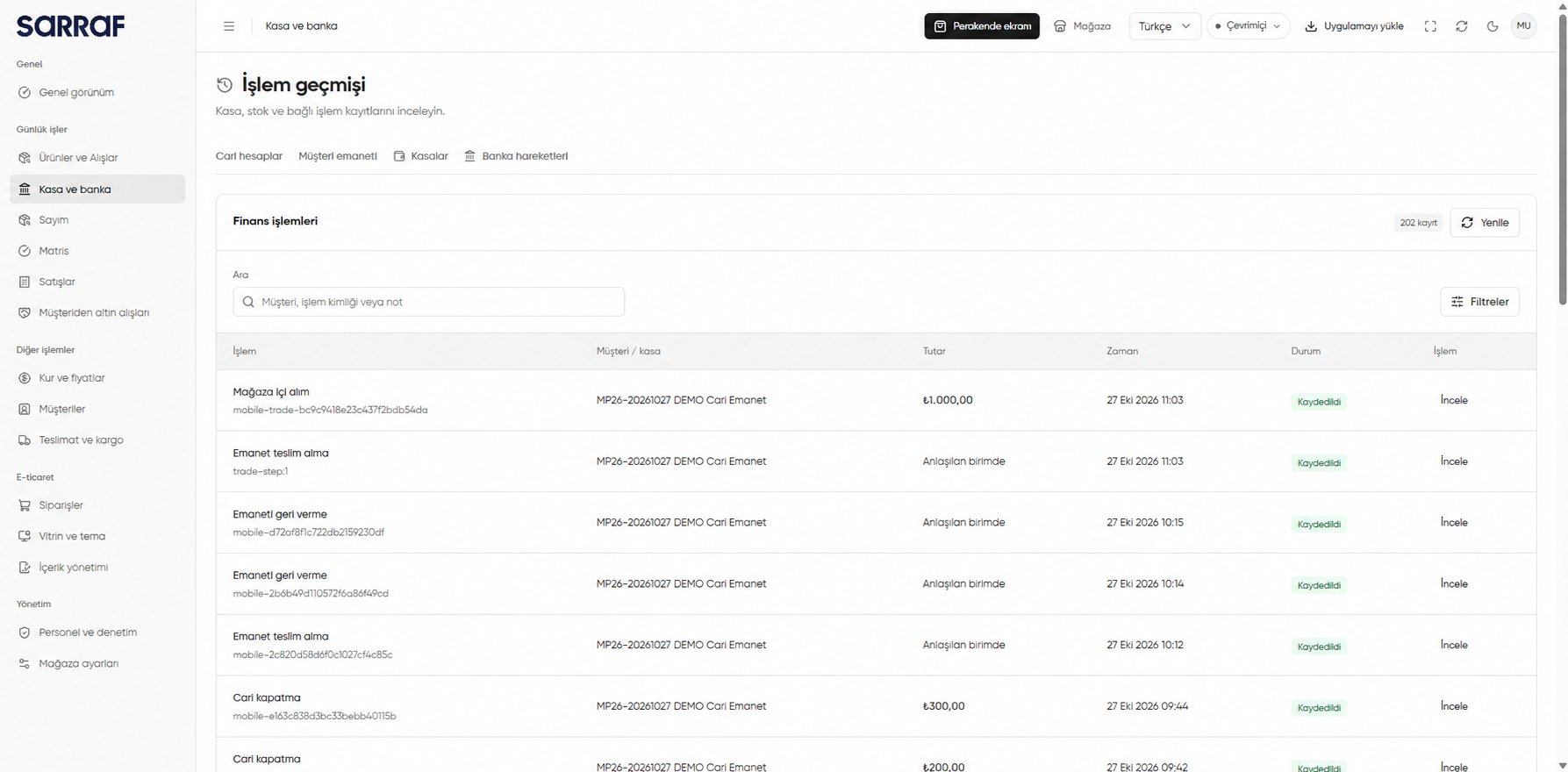
Finance operations list with search, filters and Review link
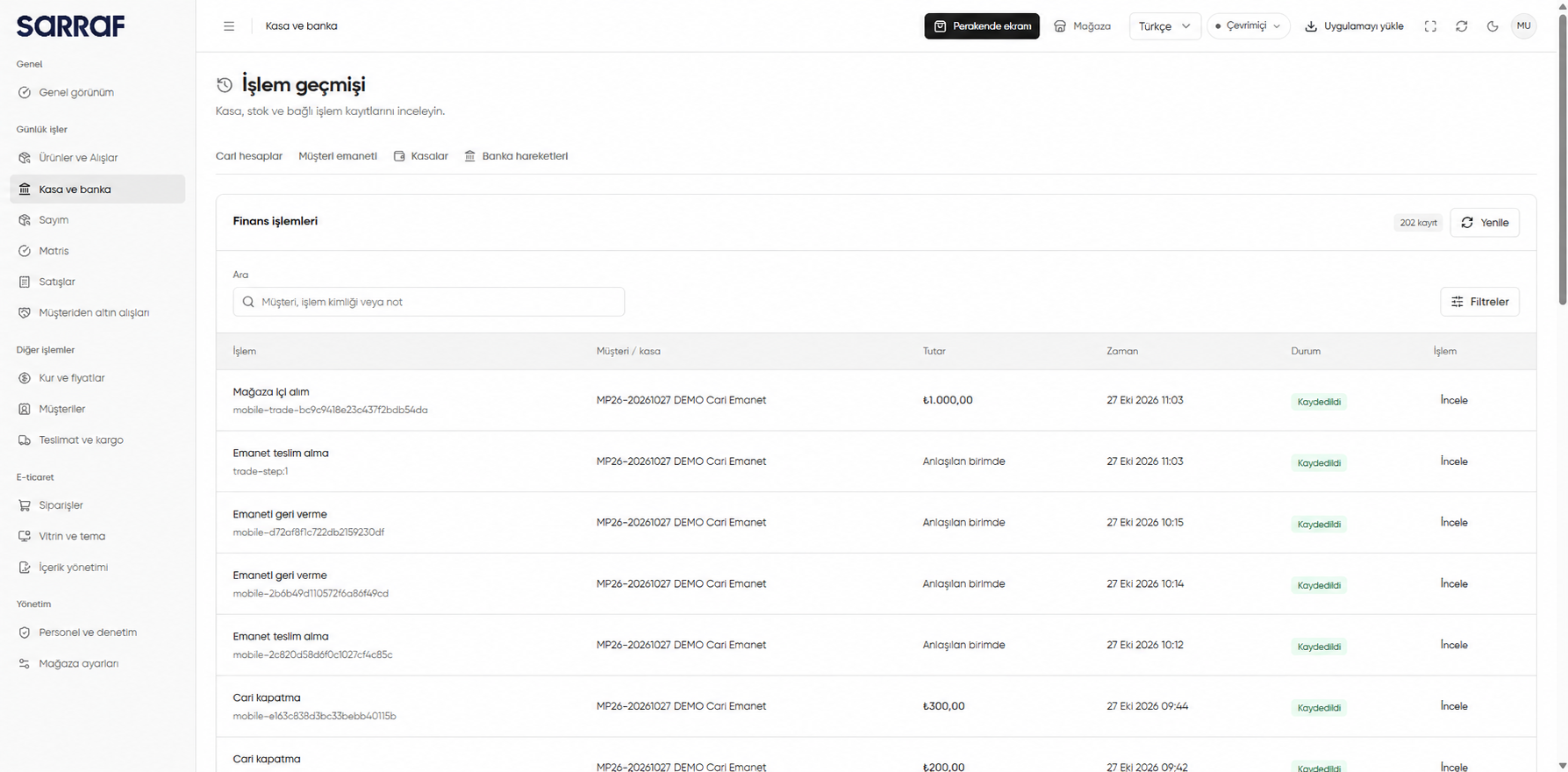
Review the operation record
The Operation record (İşlem kaydı) dialog shows when and by whom it was recorded, the linked customer or product, and balances before and after inventory, customer custody and customer account movements. The image shows these effects together for an in-store purchase. Prices and movements retain their values from the operation date.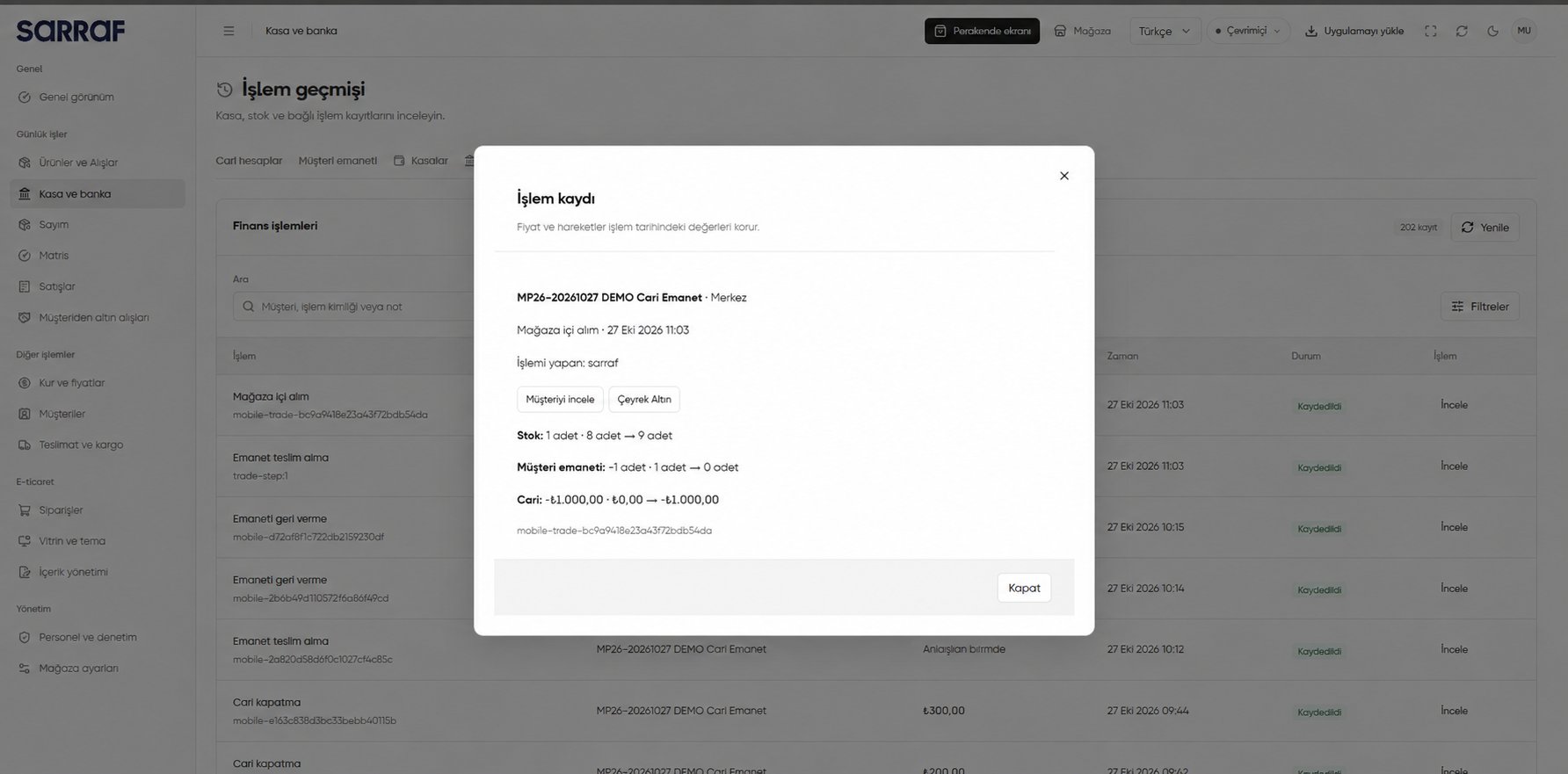
Operation record: inventory, custody and customer account effects
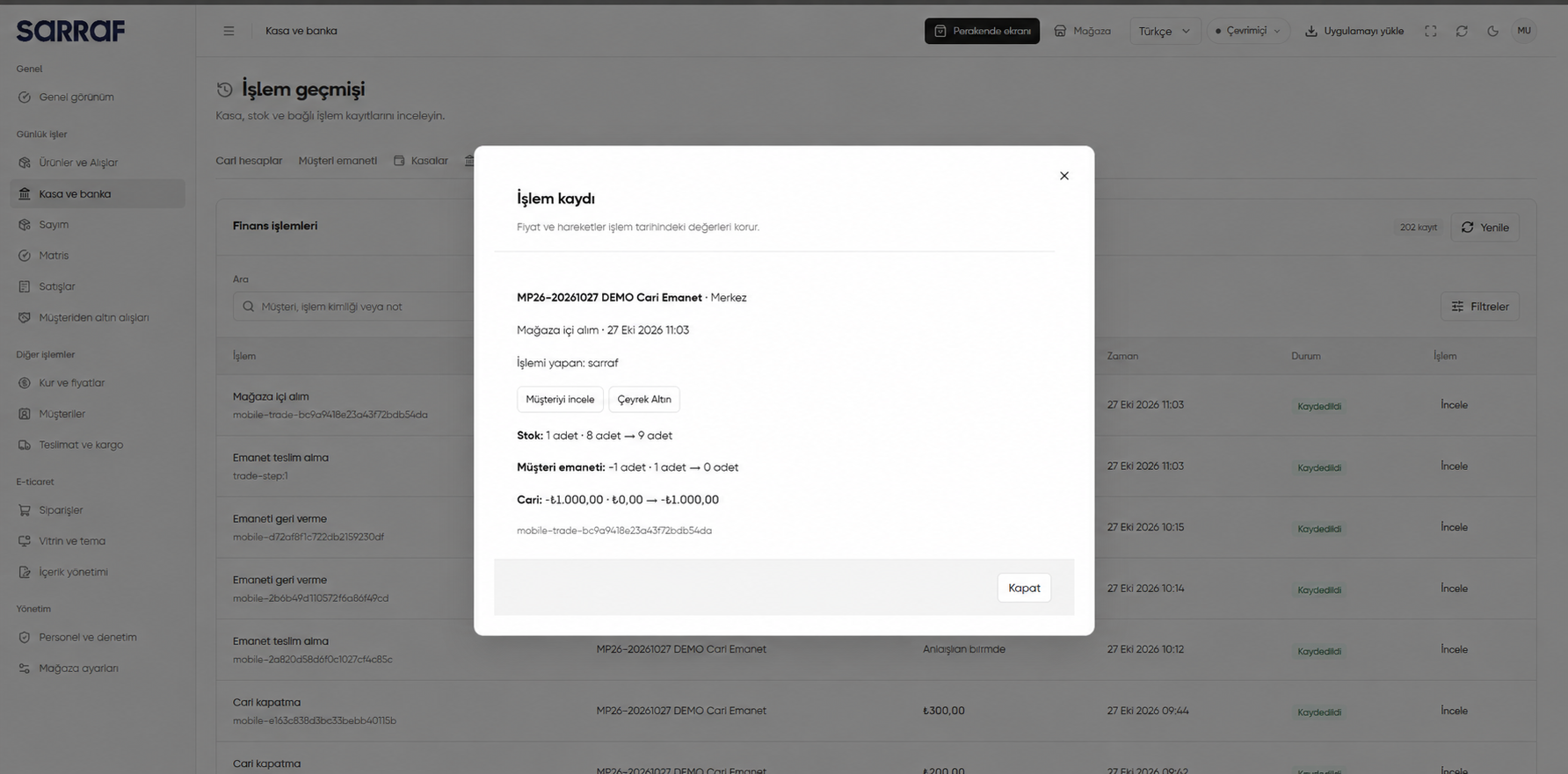
The operation ID and DEMO records are examples. Use the record to audit how different movement types arose from one operation; do not read a custody movement as a cash account balance.