This translation is awaiting language review. Application screenshots and interface labels are in Turkish. The downloadable PDF is also in Turkish.
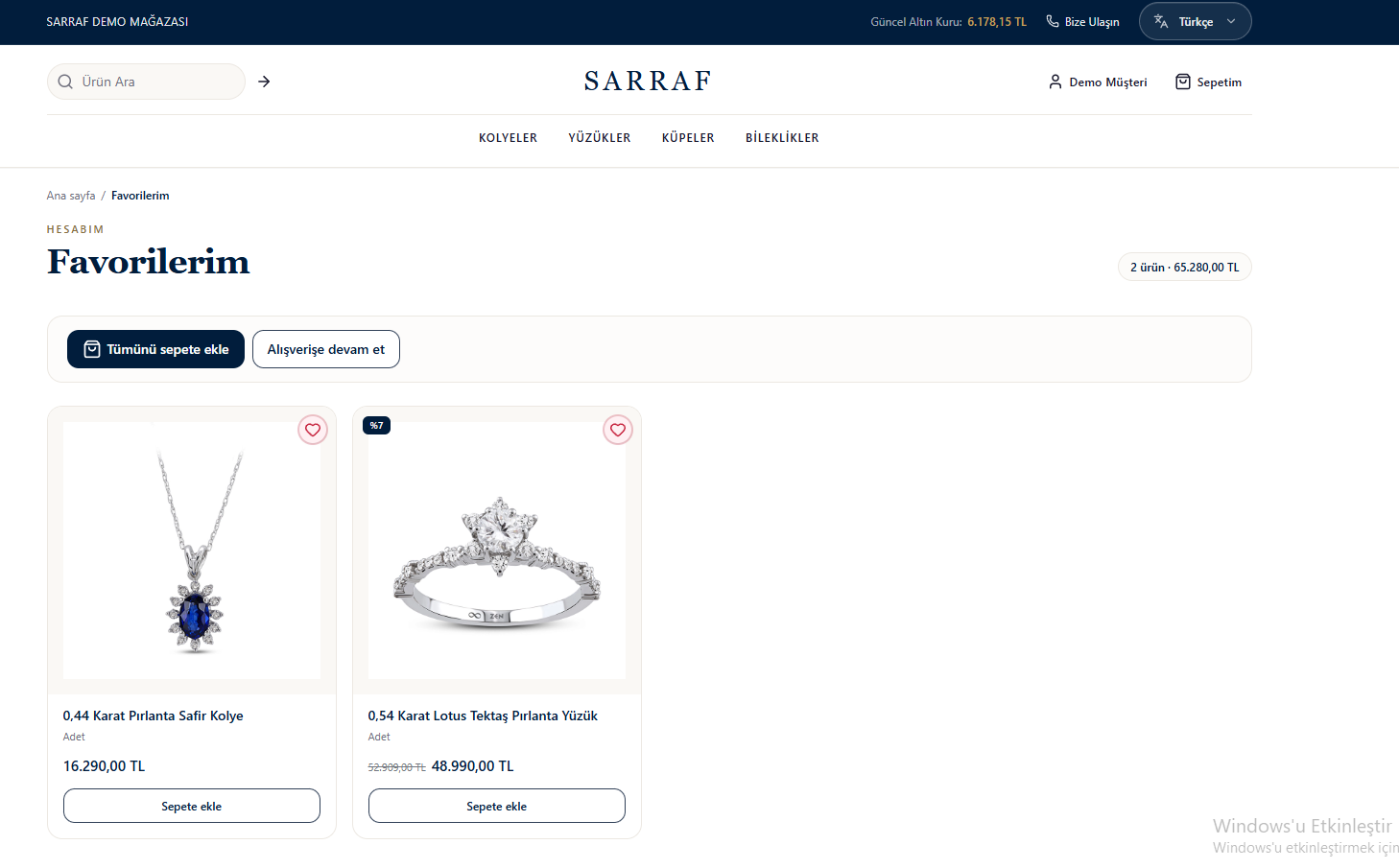
- Click a product name or image to view its details.
- Use Add to cart (Sepete ekle) for one product, or Add all to cart (Tümünü sepete ekle) for the products in the list.
- Click the heart icon again to remove the product from your favorites.
- If your list is empty, use Start shopping (Alışverişe Başla) to explore products.
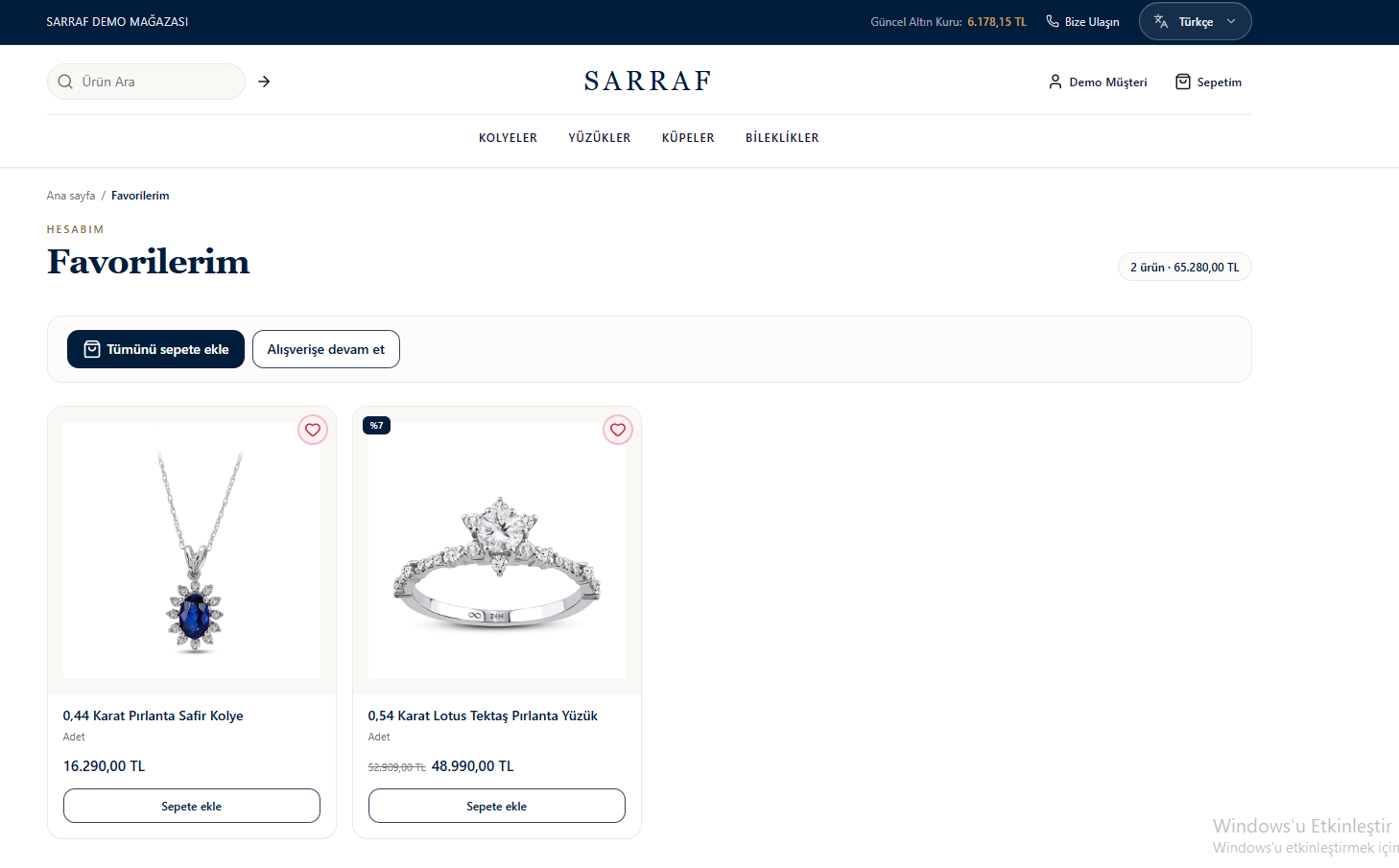
Favorite products and options for adding them to the cart