This translation is awaiting language review. Application screenshots and interface labels are in Turkish. The downloadable PDF is also in Turkish.
Steps
- Open session history from the cash account details.
- Use the status filter to list the relevant sessions.
- Review session details if records are available.
- Use Open cash session (Kasa açılışı) for a new opening count.
Screenshot
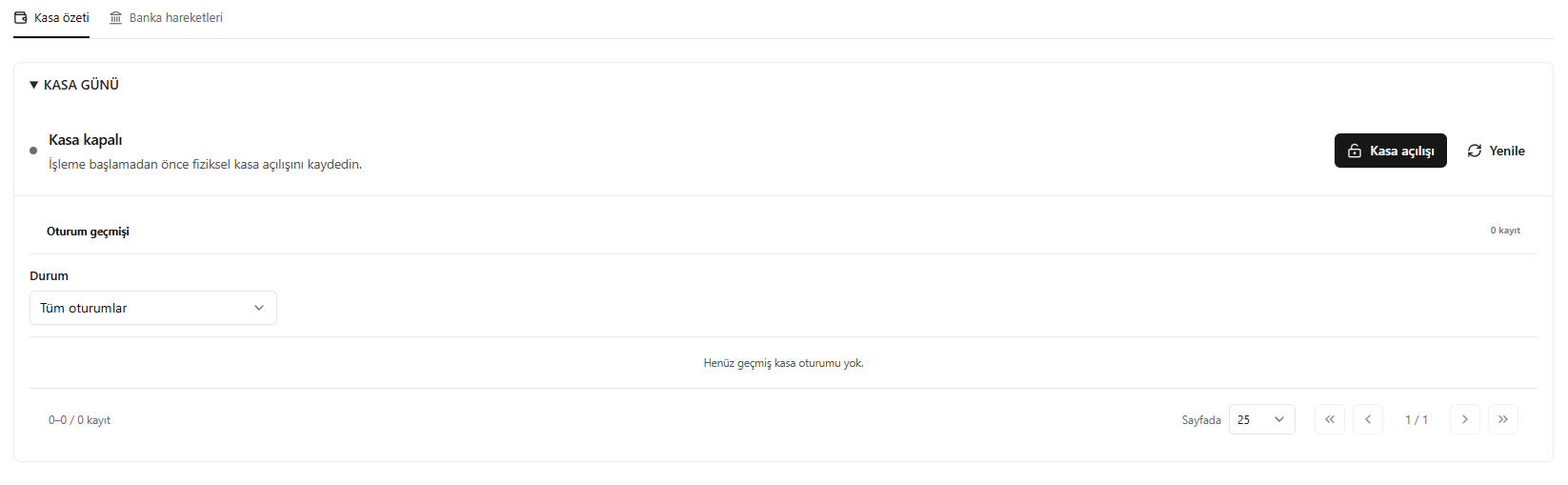
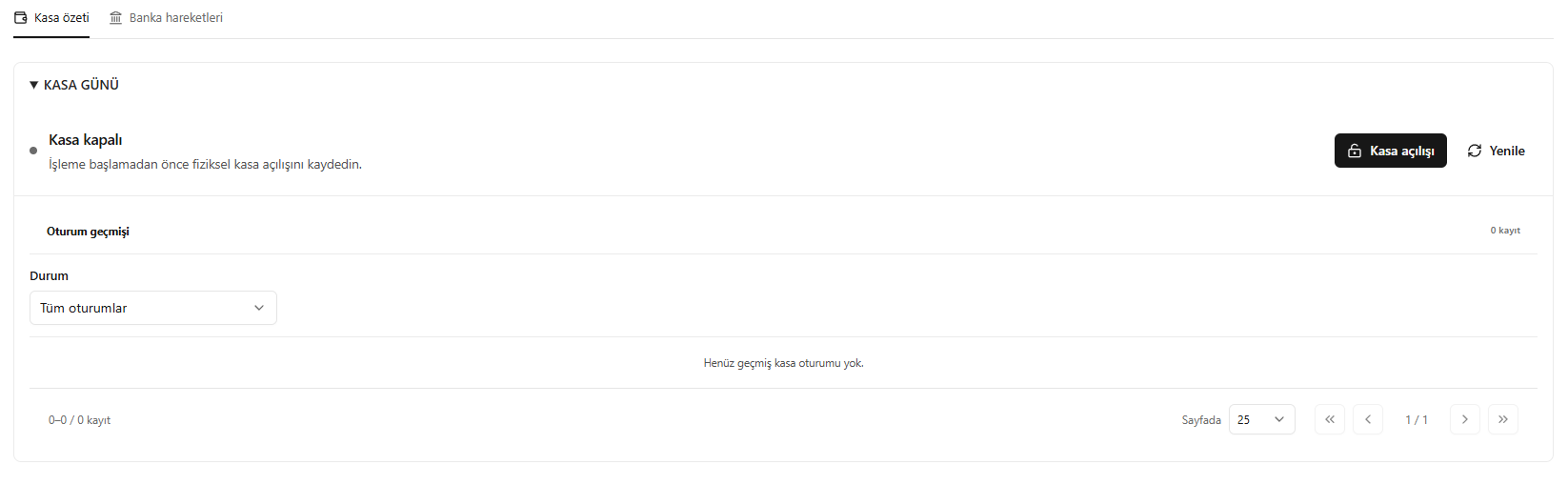
Cash day and session history