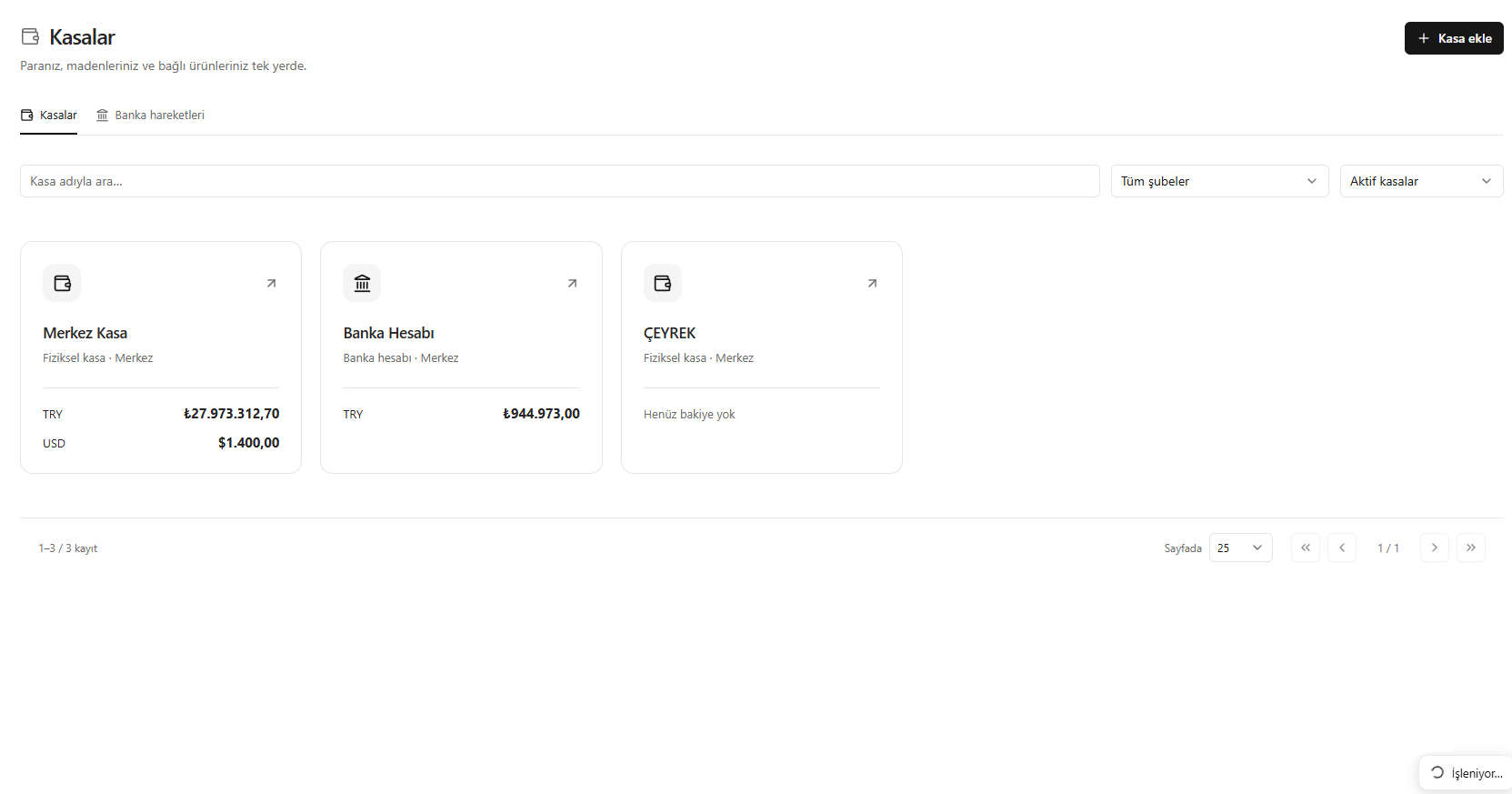
This translation is awaiting language review. Application screenshots and interface labels are in Turkish. The downloadable PDF is also in Turkish.
Steps
- Open Cash and bank accounts (Kasa ve banka).
- Review balances by asset on the cash account cards.
- Find the relevant account using search and filters.
- Open the cash account card to see movements and details.
Screenshot
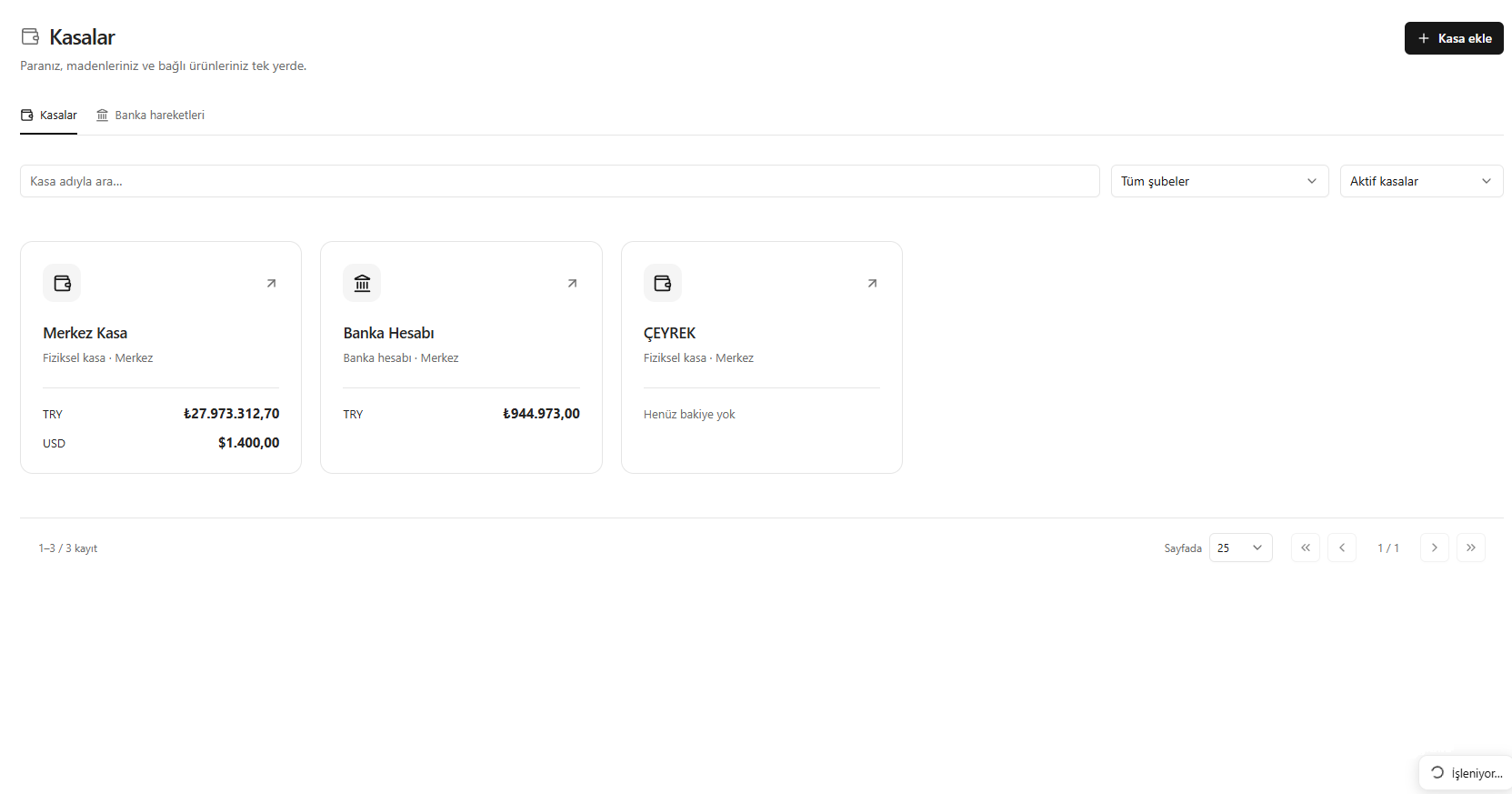
Cash and account balances