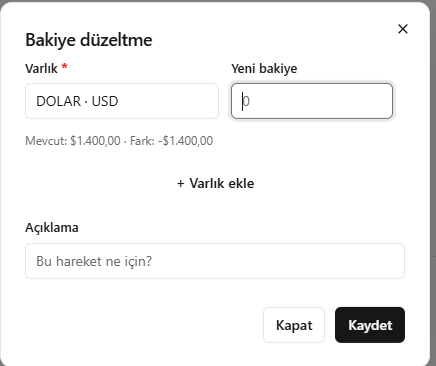
This translation is awaiting language review. Application screenshots and interface labels are in Turkish. The downloadable PDF is also in Turkish.
Steps
- Open Correct balance (Bakiyeyi düzelt) and select the asset.
- In New balance (Yeni bakiye), enter the total quantity that should be in the cash account.
- Check the current balance and calculated difference.
- Enter the reason for the correction and save.
In New balance, enter the resulting total balance, not the difference.
Screenshot
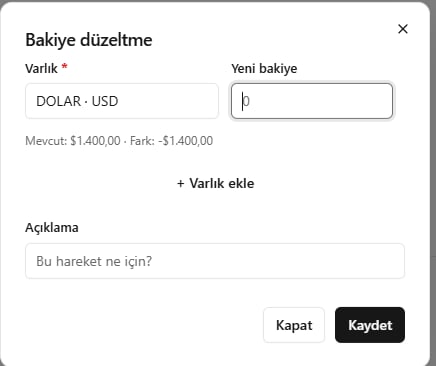
Correcting a balance