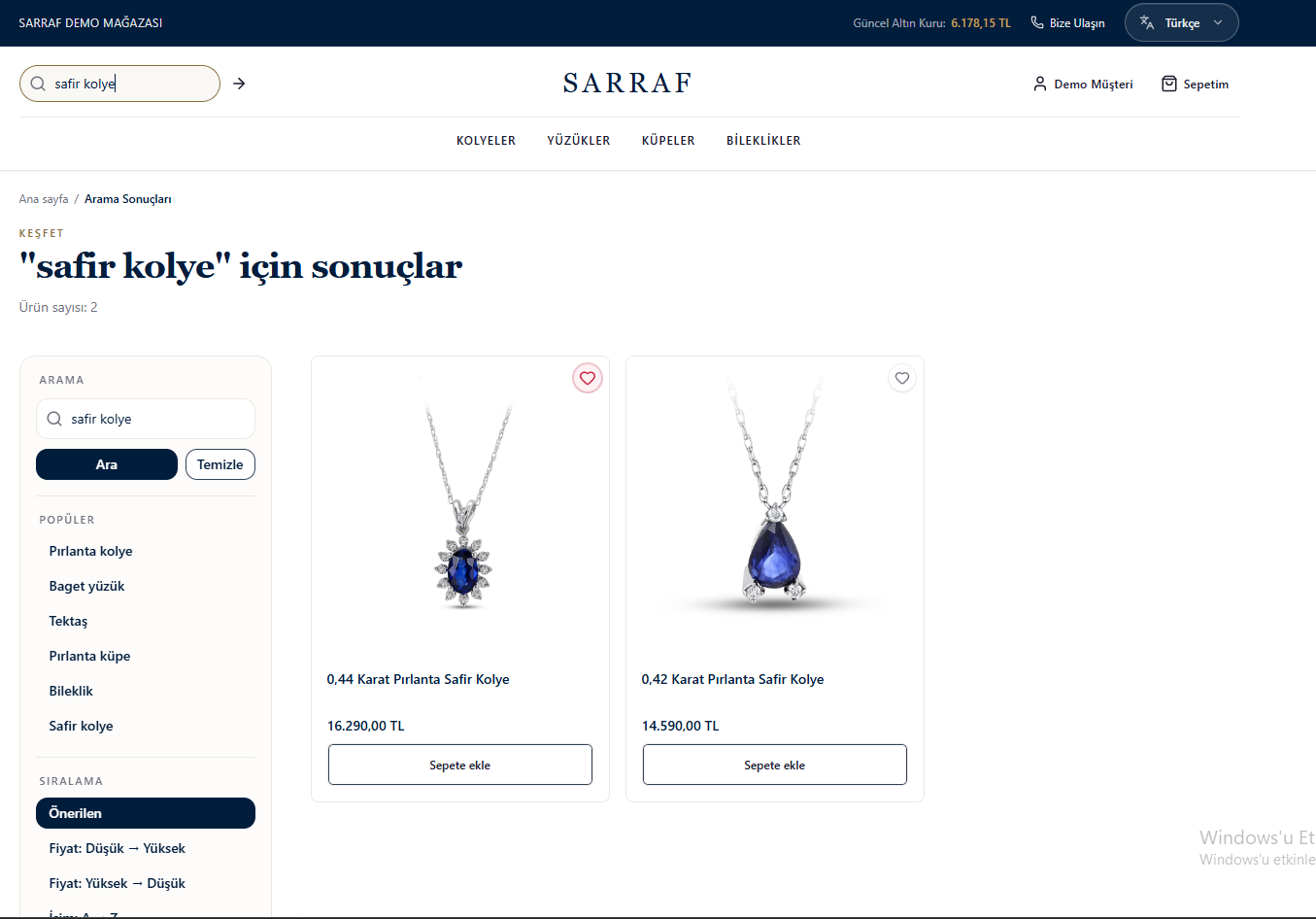
This translation is awaiting language review. Application screenshots and interface labels are in Turkish. The downloadable PDF is also in Turkish.
Using categories
- Open a product category from the top menu.
- Choose the group you want from the category list in Filters (Filtreler). The selected category is marked with ✓.
- Set the display order from Sort (Sıralama):
- Recommended (Önerilen): The store’s recommended order.
- Price, ascending (Fiyat (artan)): Lowest to highest price.
- Price, descending (Fiyat (azalan)): Highest to lowest price.
- Name, A–Z (İsim (A–Z)): Alphabetical order by product name.
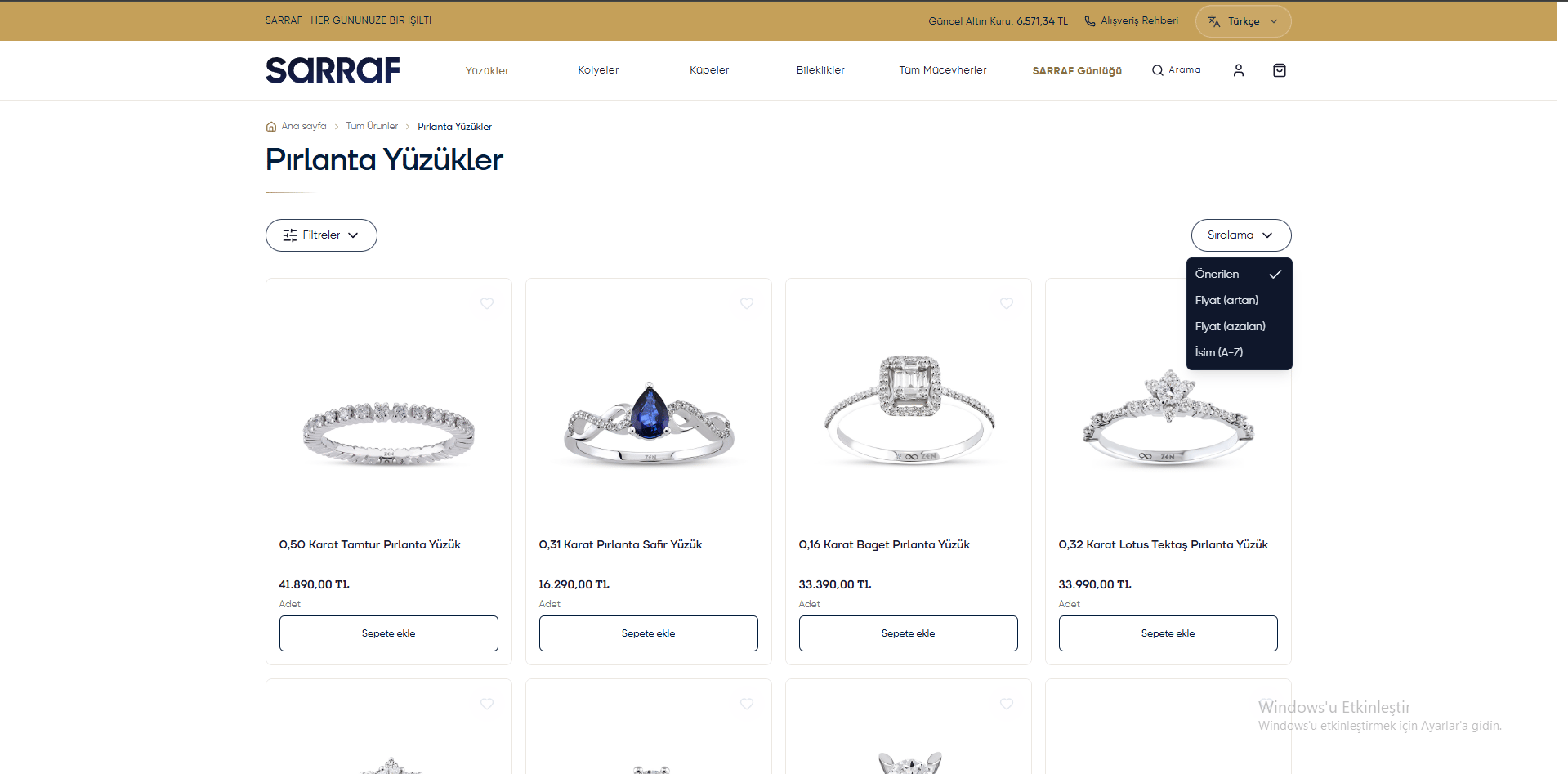
Category page and sorting options
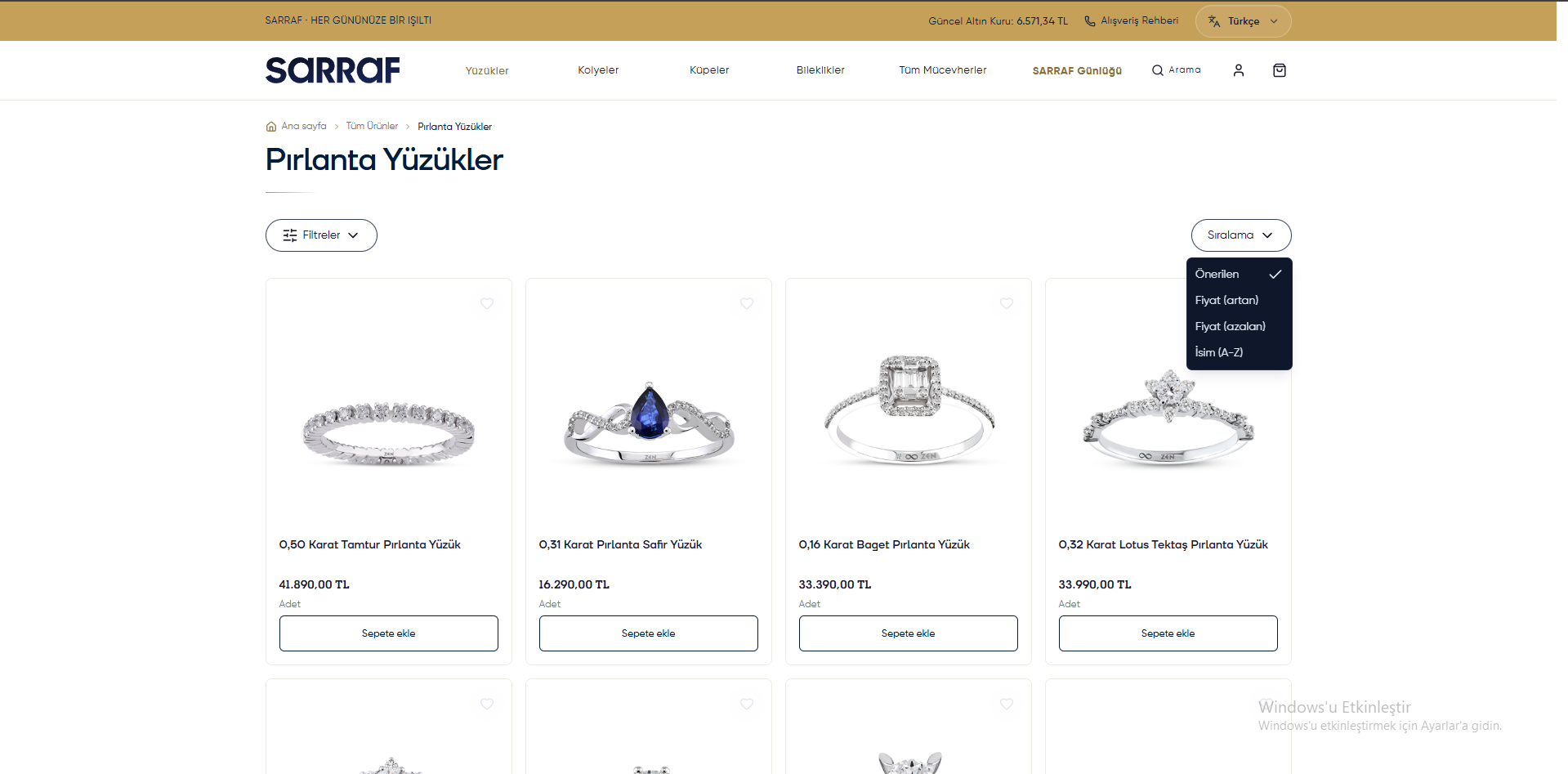
Searching
- Enter a product name or phrase such as “sapphire necklace” (safir kolye) in the search field and click Search (Ara) or the arrow icon.
- Review the products found on the results page.
- Edit your search in the area on the left, clear it with Clear (Temizle) or choose a Popular (Popüler) search.
- Arrange the results using the sorting options.
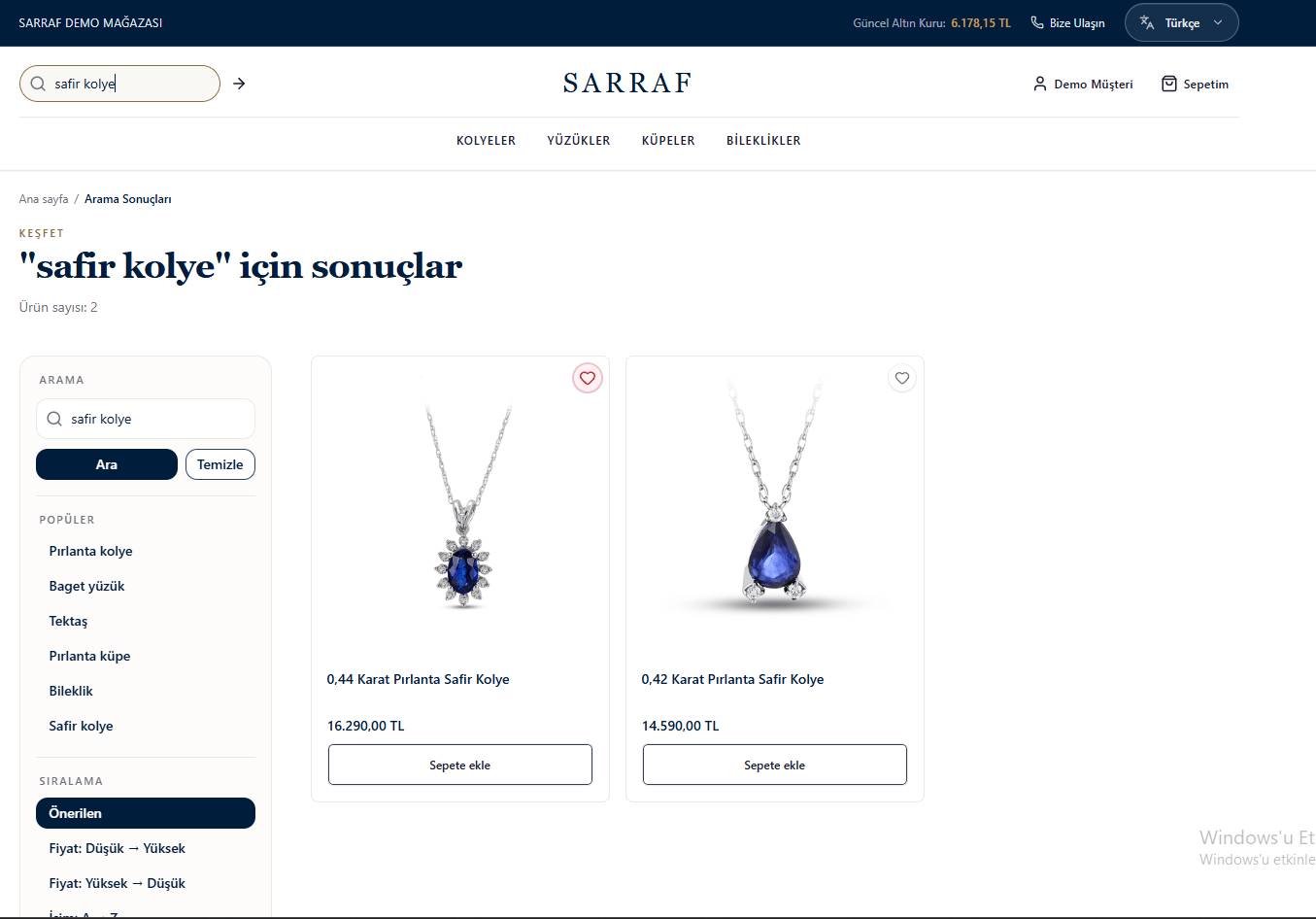
Product search results