This translation is awaiting language review. Application screenshots and interface labels are in Turkish. The downloadable PDF is also in Turkish.
Steps
- Click Incoming (Giriş) or Outgoing (Çıkış) in the cash account details.
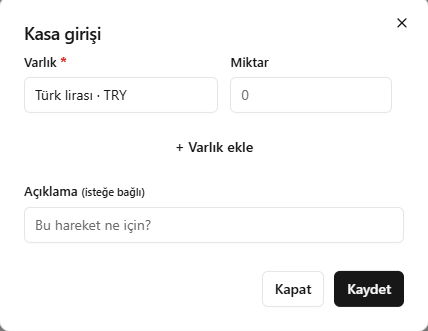
- Select the asset and enter the quantity.
- For multiple assets, add rows with Add asset (Varlık ekle).
- Enter a description and click Save (Kaydet).
Check the direction of the transaction before saving.
Screenshot
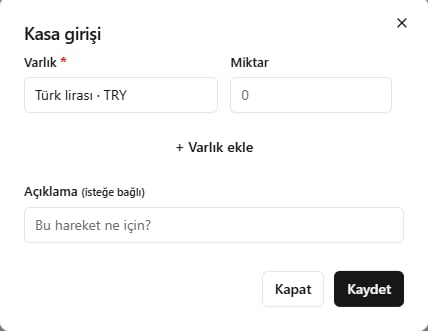
Incoming or outgoing cash account movements