

This translation is awaiting language review. Application screenshots and interface labels are in Turkish. The downloadable PDF is also in Turkish.
Use the customer account list
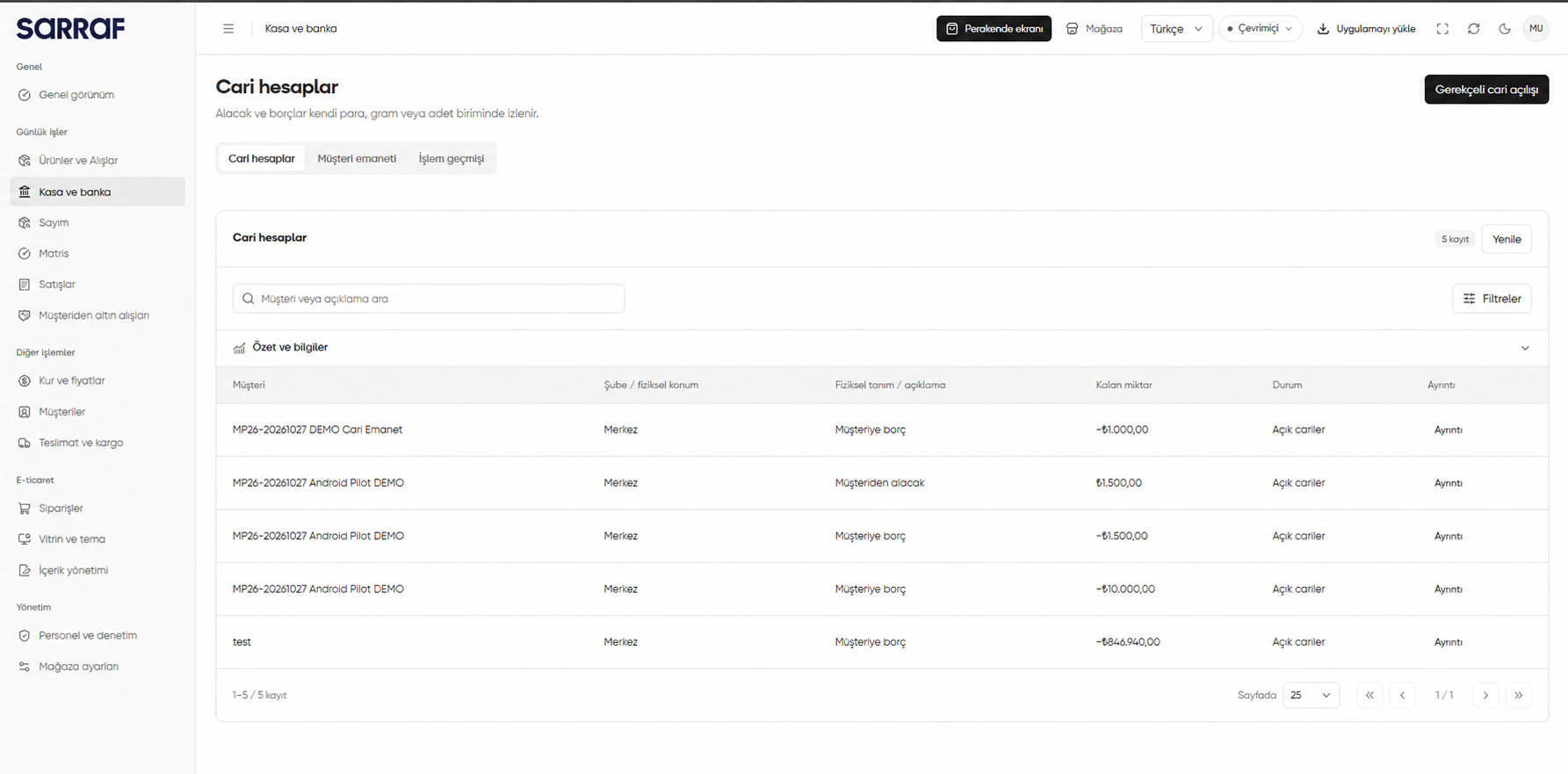
- Open Customer accounts (Cari hesaplar). Search by customer or description; use Filters (Filtreler) and Refresh (Yenile) to update the list.
- Check the customer, branch or physical location, description, Remaining quantity (Kalan miktar) and status. Read the signed balance together with Payable to customer (Müşteriye borç) or Receivable from customer (Müşteriden alacak).
- Open Details (Ayrıntı) on the relevant row.
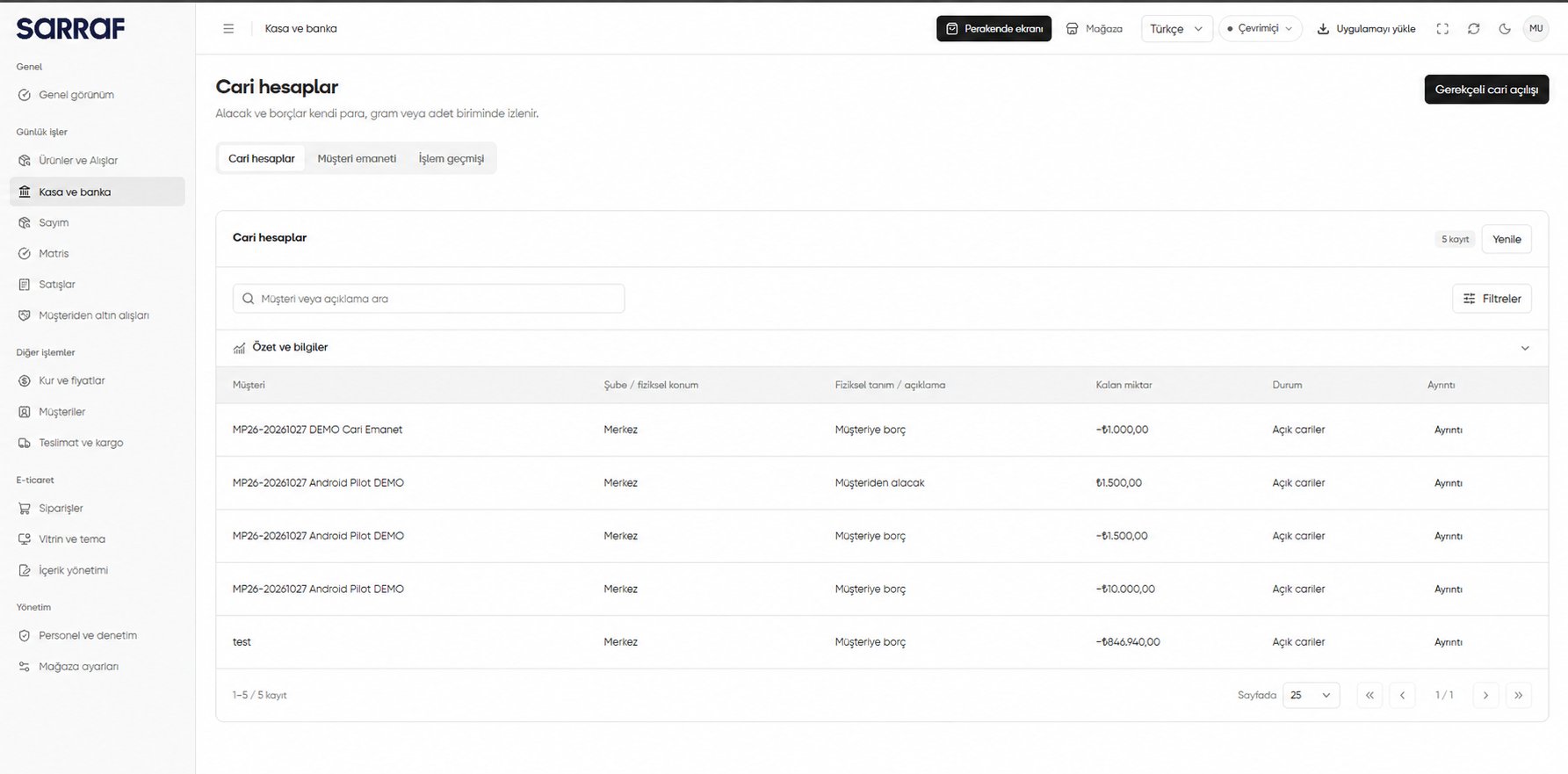
Customer accounts: customer, remaining quantity, status and Details columns
Review the balance and movements
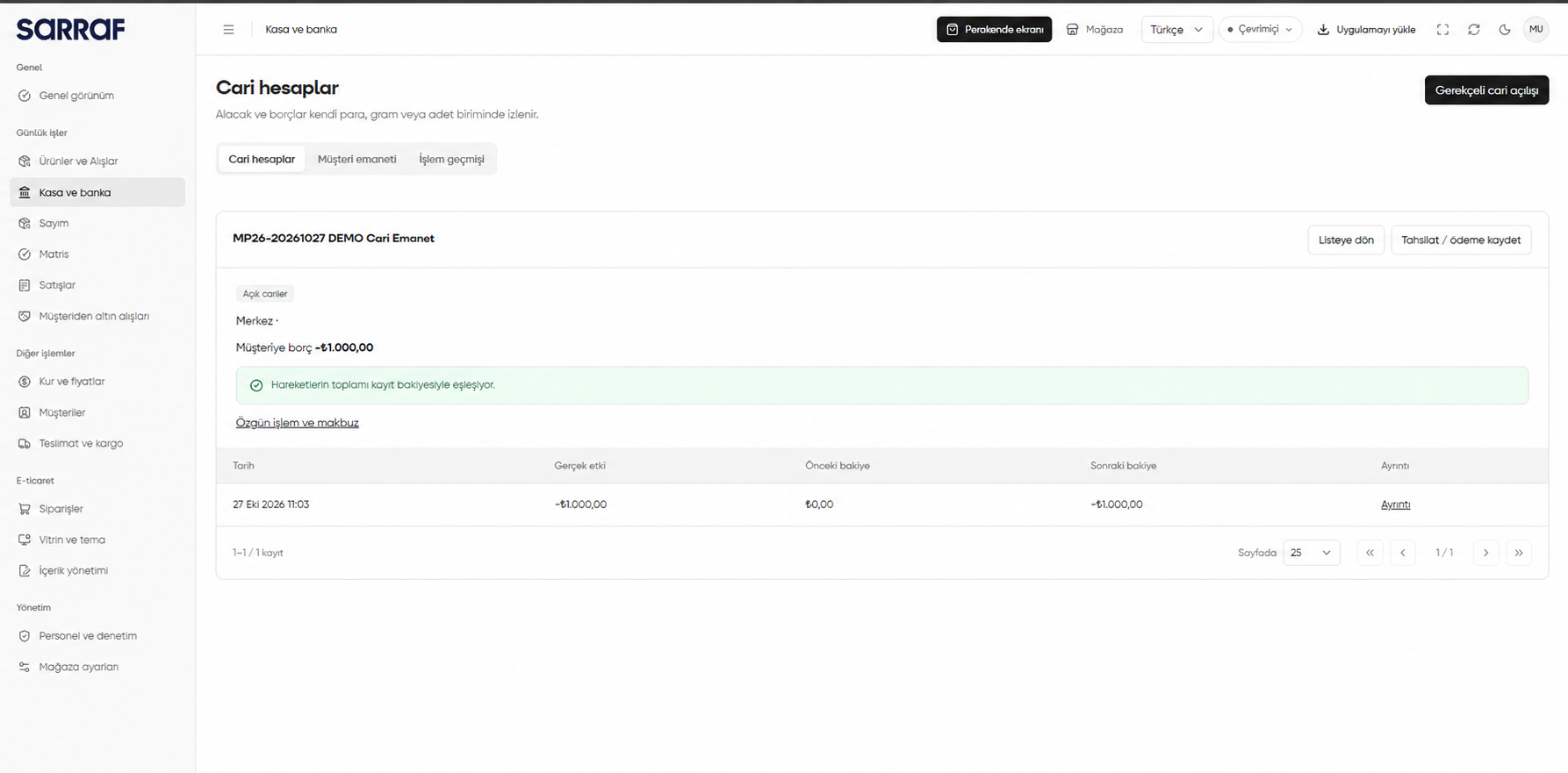
Details (Ayrıntı) shows the open account’s balance, whether it matches the sum of movements, and each movement’s balance before and after. Original transaction and receipt (Özgün işlem ve makbuz) opens the related finance operation. Use Back to list (Listeye dön) to return.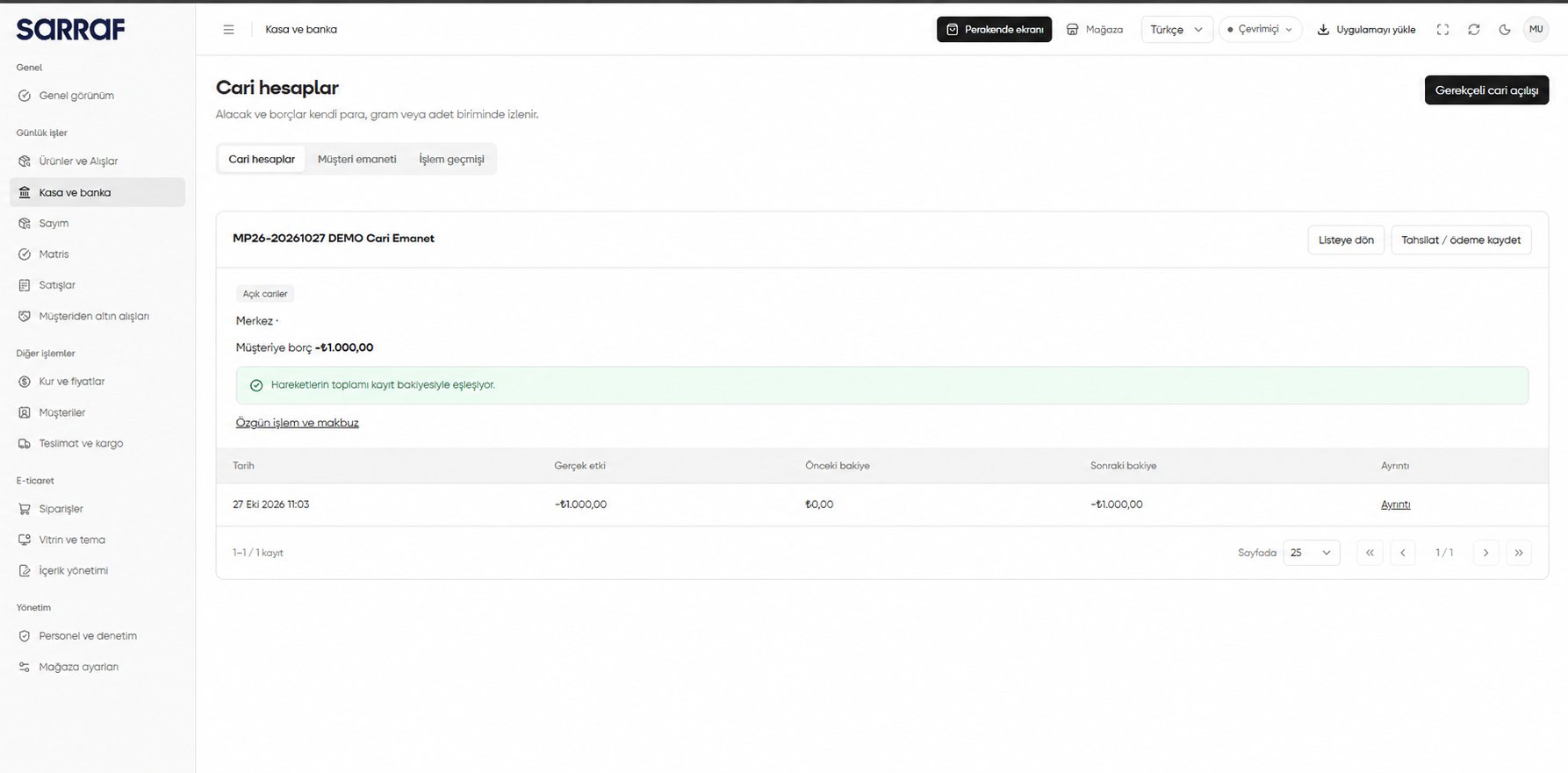
Customer account details: balance, movements and original transaction
Record a collection or payment
- On an open account, choose Record collection / payment (Tahsilat / ödeme kaydet). Check the customer and branch or physical location.
- Enter the Quantity (Miktar) to settle. For Payment made to customer (Müşteriye yapılan ödeme), add a cash/asset or bank payment line only for a payment that actually occurred.
- Review balance and payment effects with Review operation (İşlemi incele), or use Save draft and close (Taslağı sakla ve kapat) to continue later.
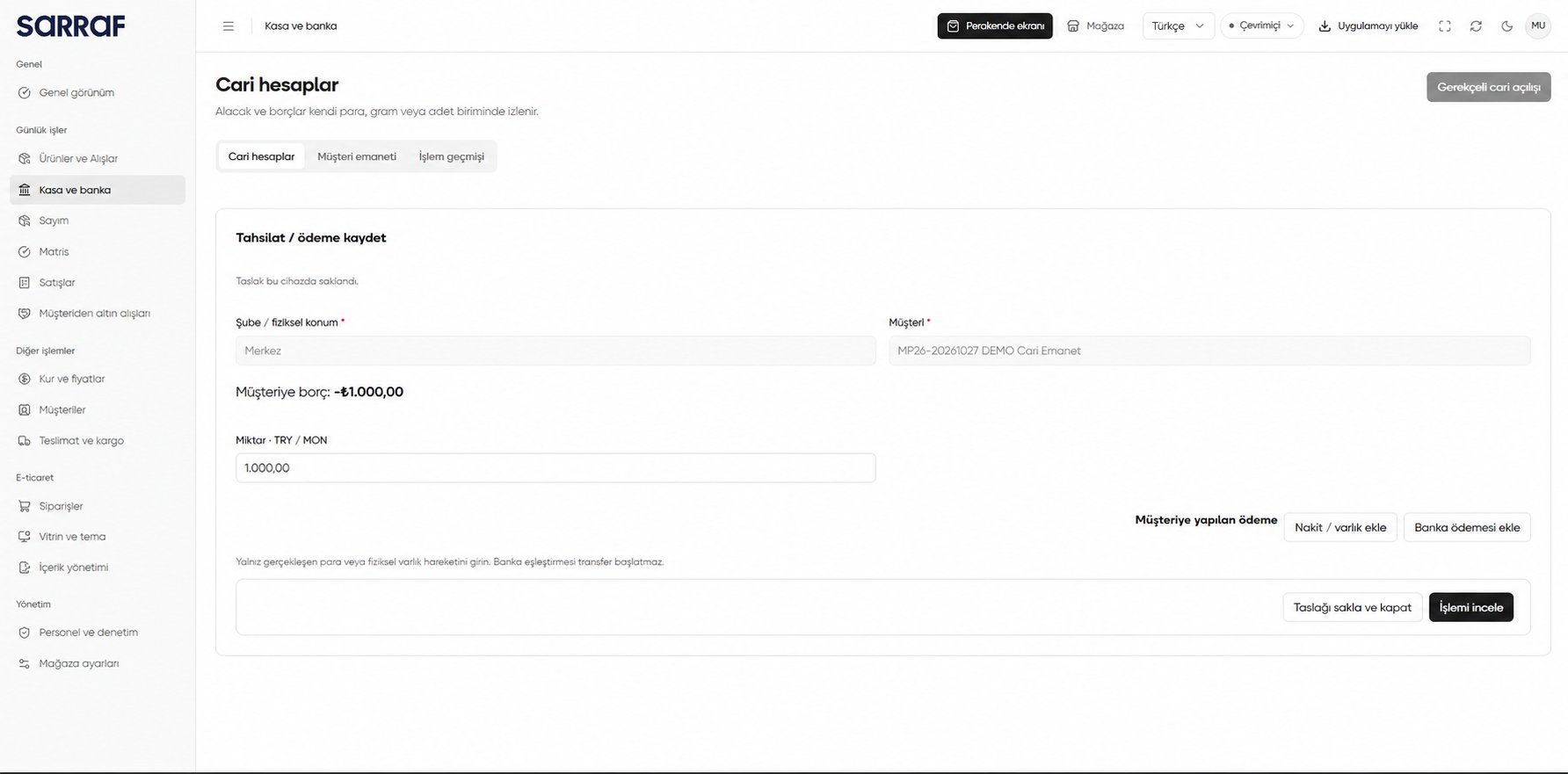
Preparing a collection or payment on a customer account
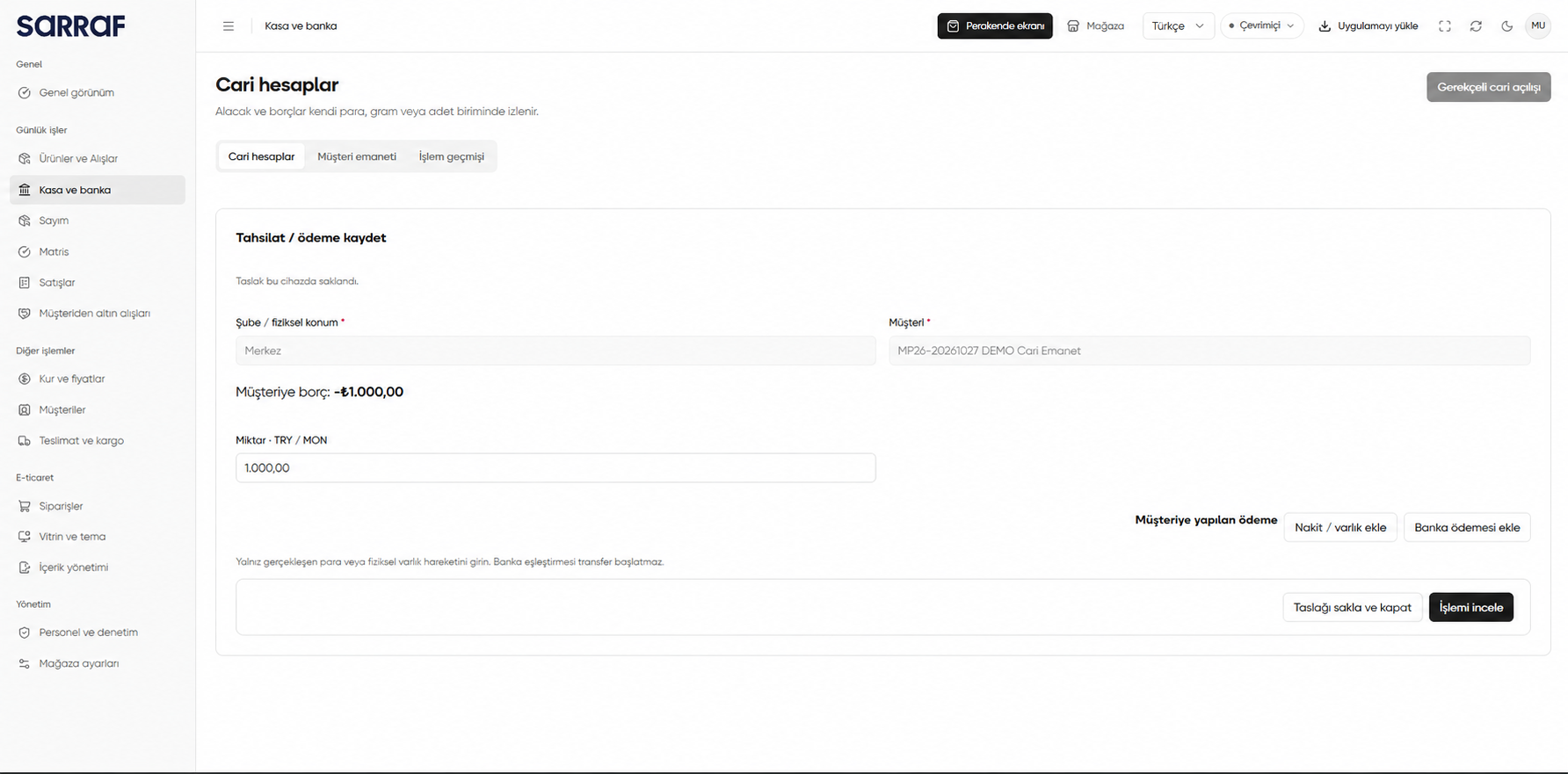
The DEMO customer and amounts are examples. Saving a draft or adding a bank payment line does not itself initiate a bank transfer; record only payment movements that occurred.