This translation is awaiting language review. Application screenshots and interface labels are in Turkish. The downloadable PDF is also in Turkish.
Steps
- Open Transfer in the source cash account.
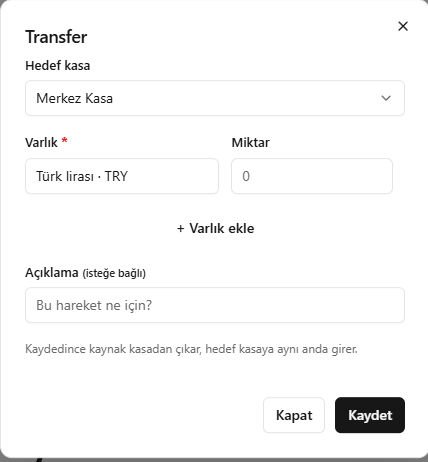
- Select the destination cash account and enter the asset and quantity.
- Add other asset rows and a description if needed.
- Check the information and click Save (Kaydet).
Saving creates both the outgoing movement from the source account and the incoming movement to the destination account.
Screenshot
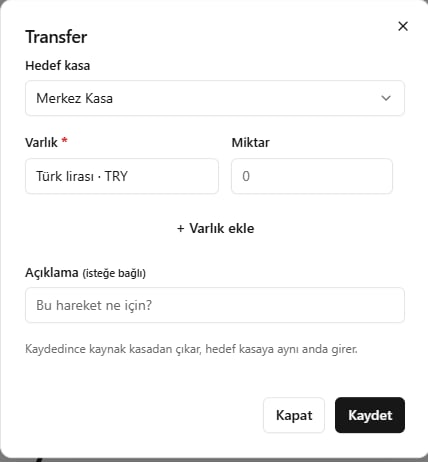
Transfers between cash accounts