This translation is awaiting language review. Application screenshots and interface labels are in Turkish. The downloadable PDF is also in Turkish.
Steps
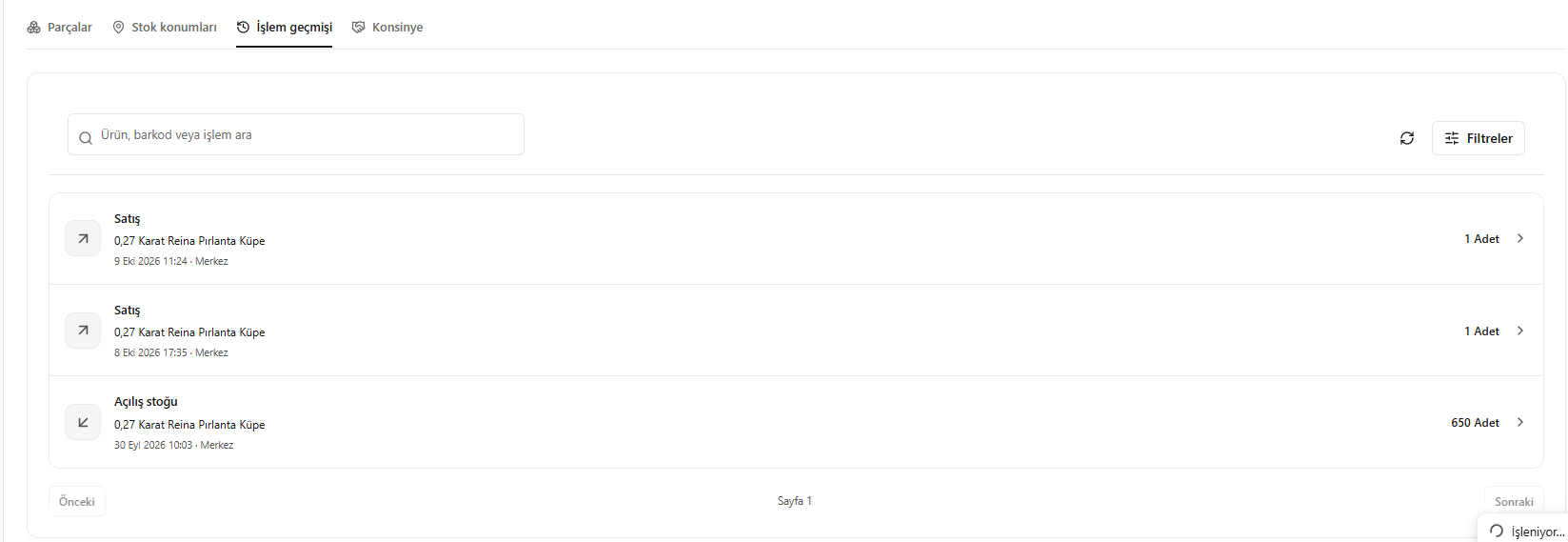
- Open the product’s Transaction history (İşlem geçmişi) tab.
- Find the relevant movement using the search field or filters.
- Read the descriptions of records such as purchases, stock movements and sales.
- Open the required record to see its details.
Screenshot
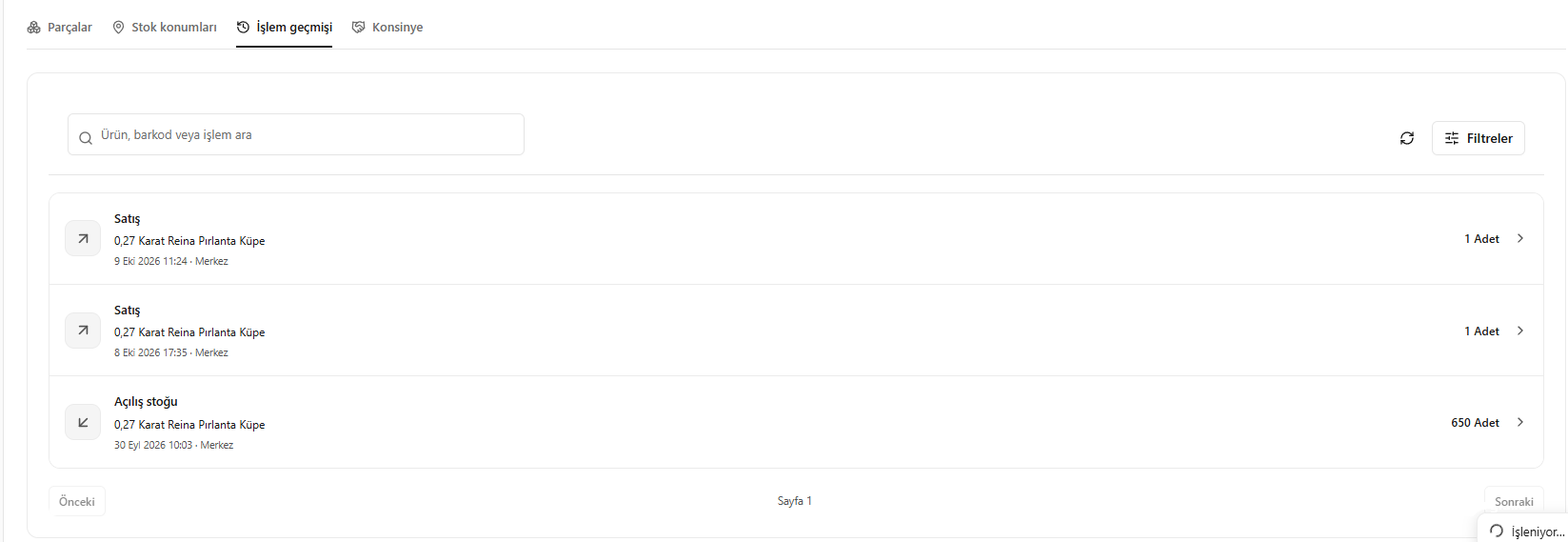
Product transaction history