

This translation is awaiting language review. Application screenshots and interface labels are in Turkish. The downloadable PDF is also in Turkish.
Steps
- Open the editing screen from the product’s action menu.
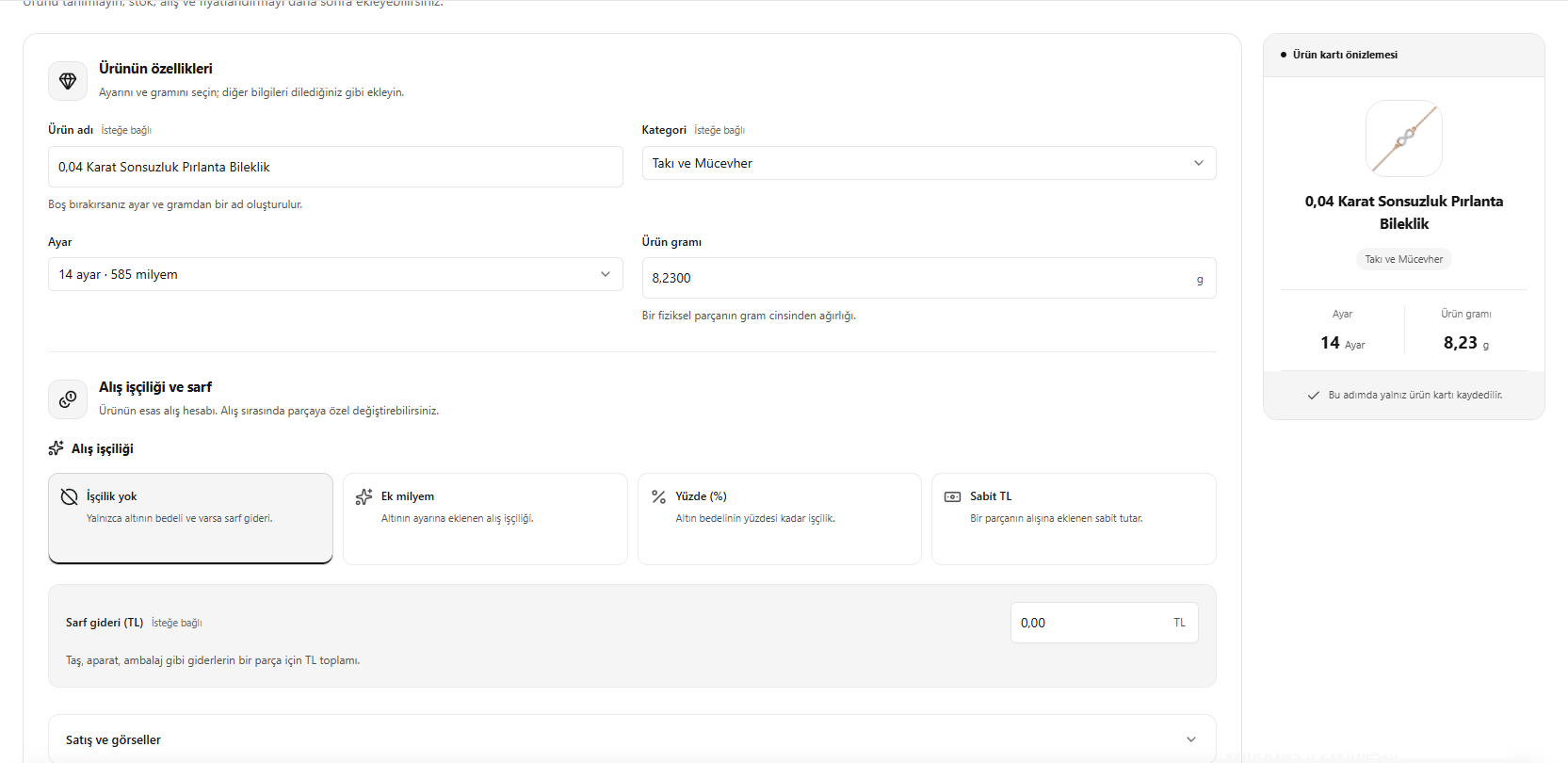
- Check Product name (Ürün adı), Category (Kategori), Gold fineness (Ayar) and the weight per unit in grams.
- Adjust the Purchase workmanship difference (Alış işçilik farkı) and Consumables cost (Sarf gideri) fields to match the product’s cost structure.
- Check the preview and save your changes.
The additional per mille, percentage or fixed amount fields may vary with the selected workmanship method.
Screenshot
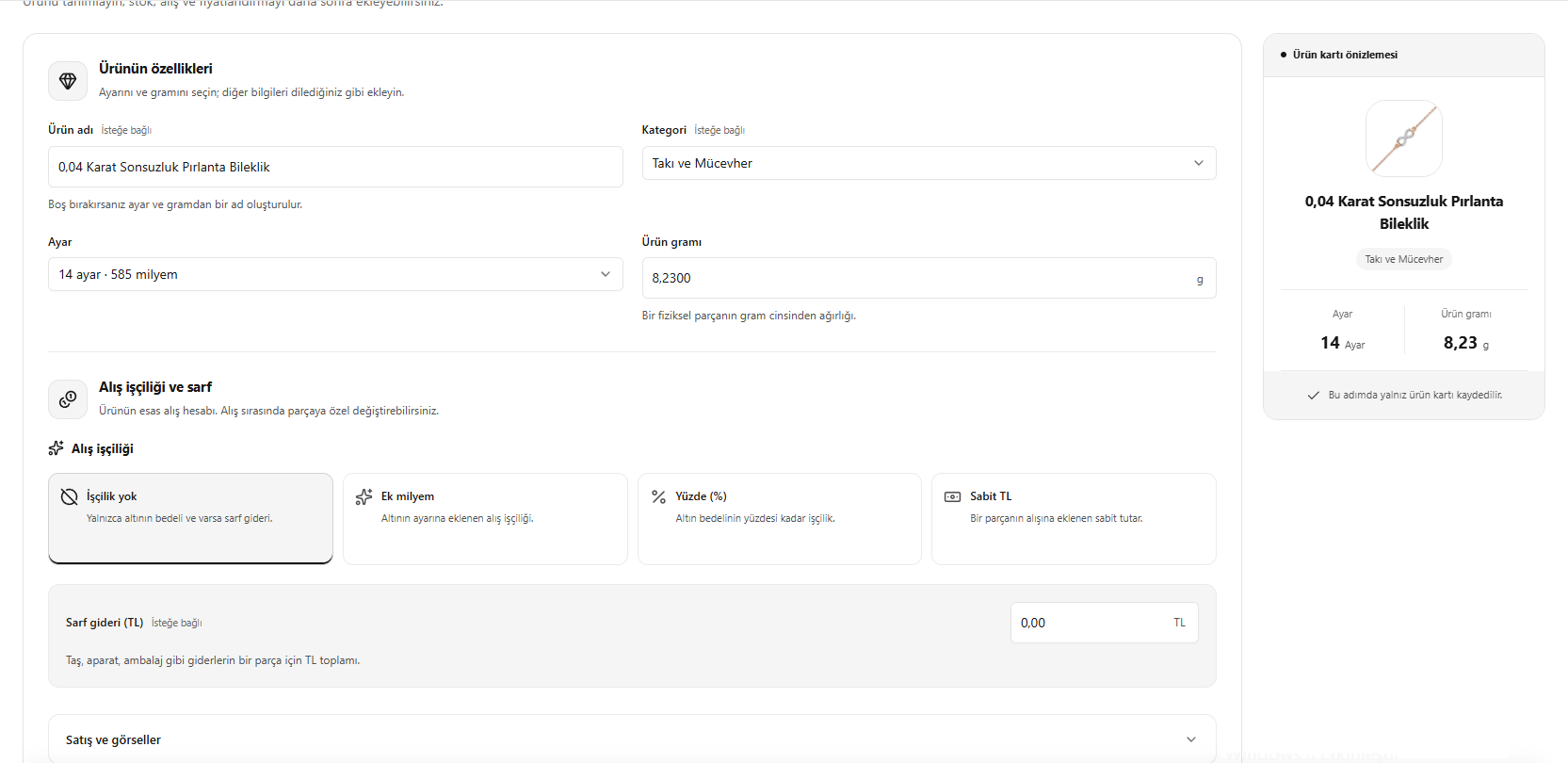
Editing product information
Sales and images
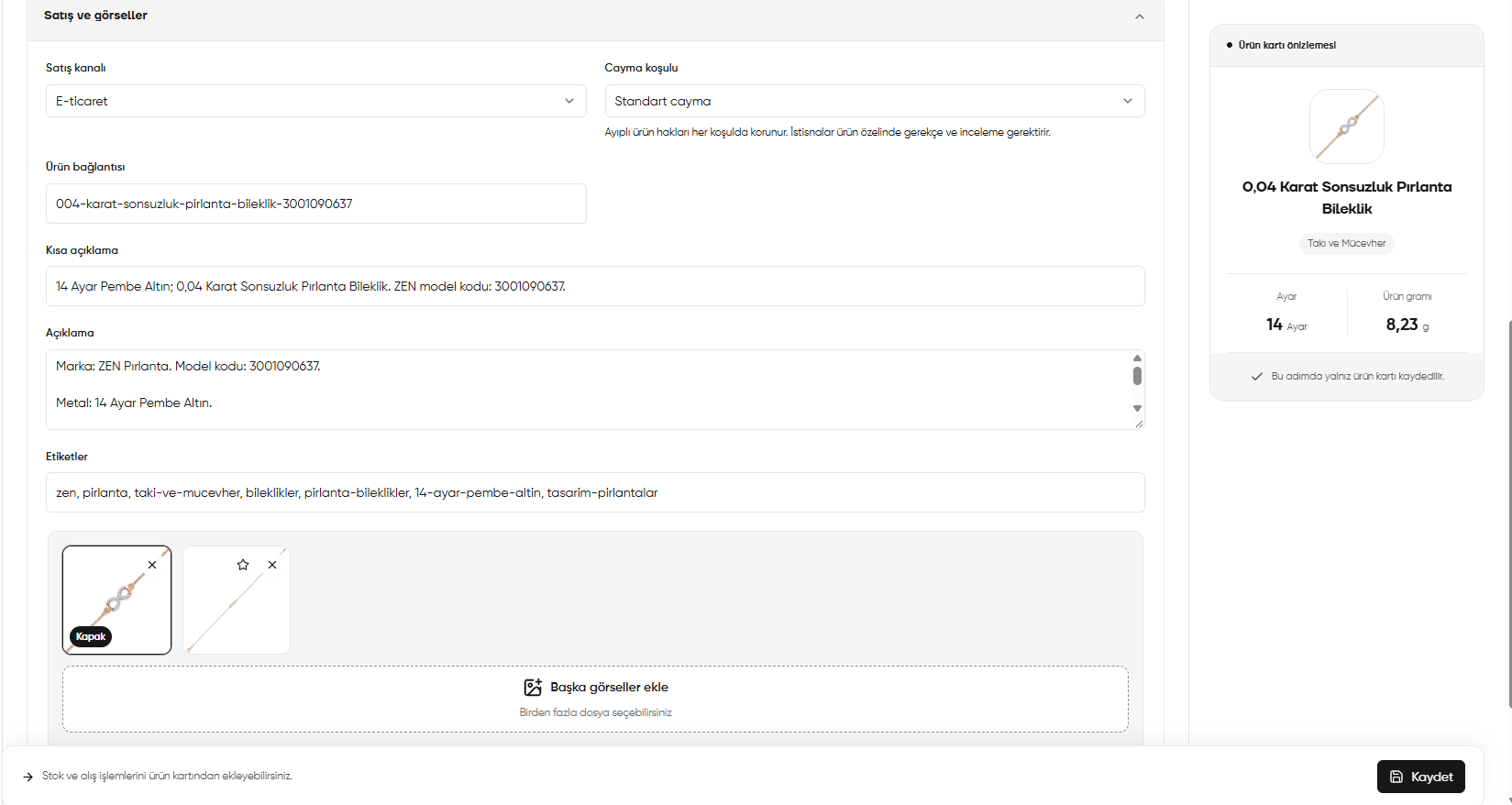
Scroll down in the product editor and open Sales and images (Satış ve görseller). Here you can edit the product’s sales channel, descriptions and images.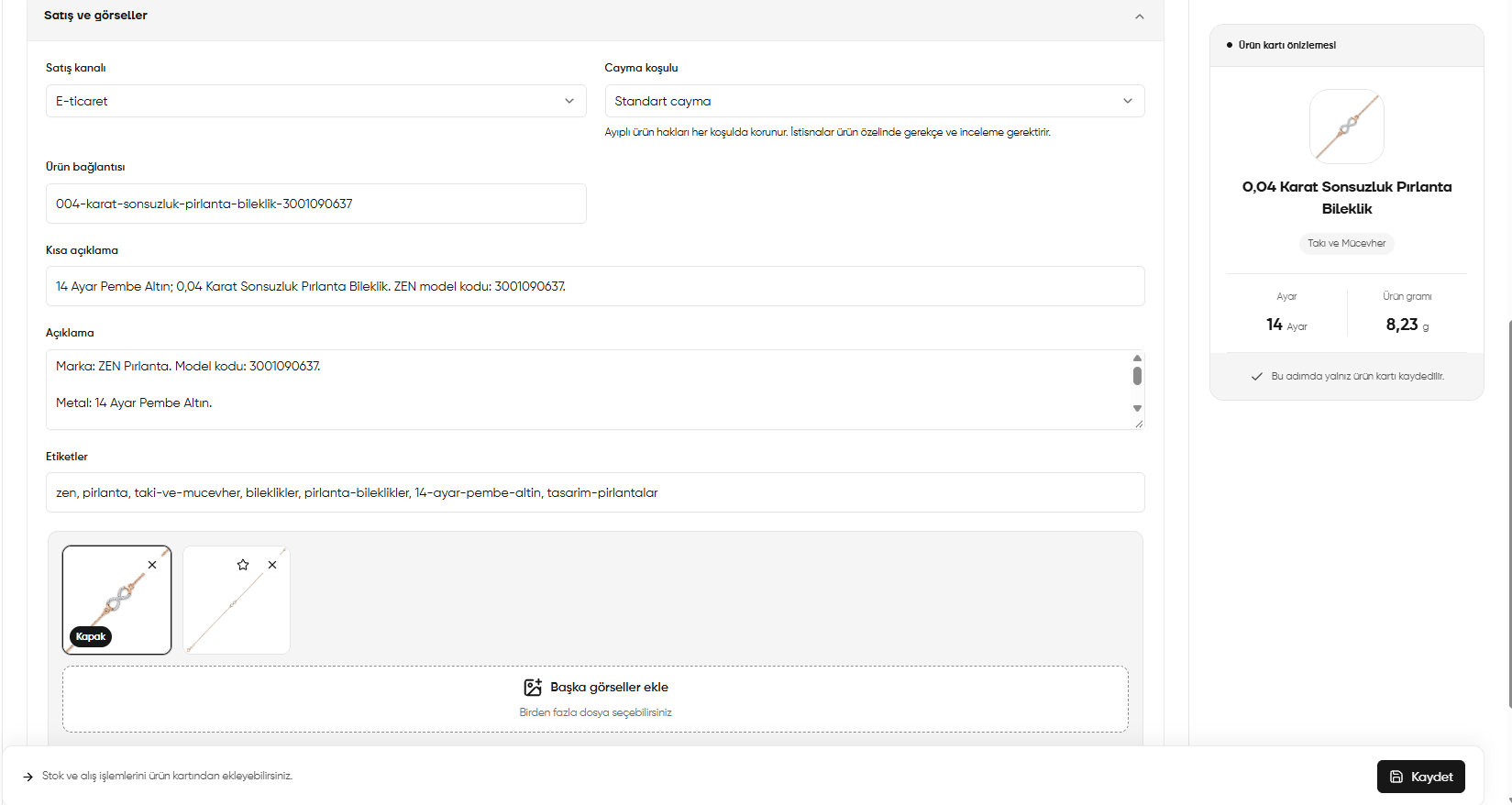
Product editor: sales channel, descriptions, tags and product images
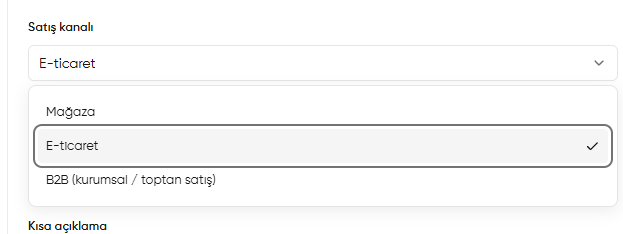
Selecting a sales channel
Click the arrow to the right of Sales channel (Satış kanalı) and select the appropriate channel. A check mark appears beside the selected option.
E-commerce (E-ticaret) is selected in the image. Click another option in the list to change it.
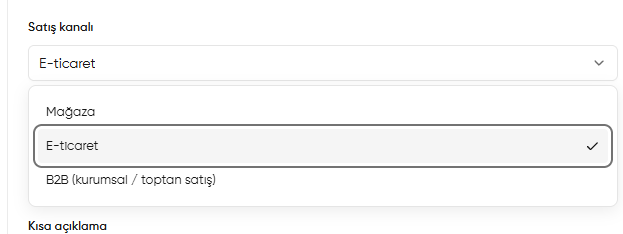
Sales channel: Store, E-commerce and B2B options
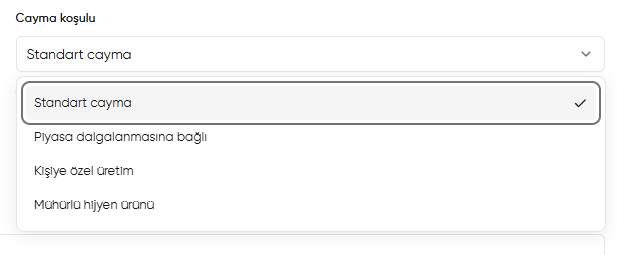
Selecting a withdrawal condition
Click the arrow to the right of Withdrawal condition (Cayma koşulu). This menu selects the condition to save for the product. Standard withdrawal (Standart cayma) is selected in the image.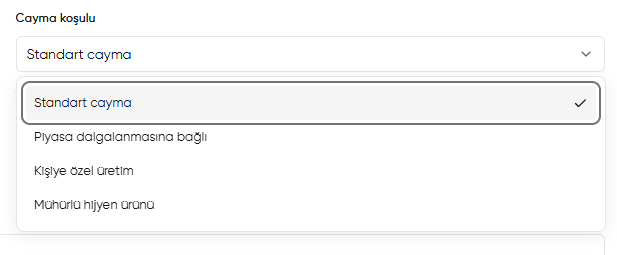
Selecting a withdrawal condition for a product
Product link and descriptions
Check that the product name, model code, gold fineness and material agree with the descriptions.
Adding images, selecting a cover and removing images
- Click Add more images (Başka görseller ekle). You can select multiple files.
- Check the images you added in the thumbnails.
- Click the star on the image you want to use as the cover. The selected image is marked Cover (Kapak).
- Click × at the top right of an image to remove it. This icon removes that particular image.
Checking the preview and saving
In Product card preview (Ürün kartı önizlemesi) on the right, check the image, product name, category, gold fineness and weight in grams. When your changes are ready, click Save (Kaydet) at the bottom right.This step saves the product record. You can add stock or purchase transactions separately from the product record.