This translation is awaiting language review. Application screenshots and interface labels are in Turkish. The downloadable PDF is also in Turkish.
1. Setting the stock quantity
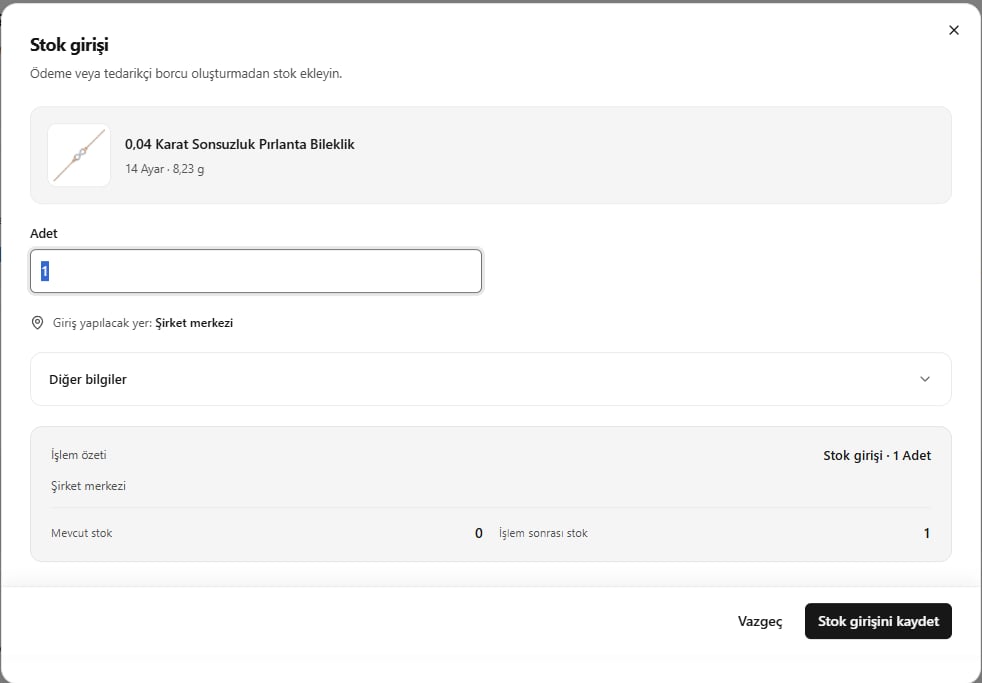
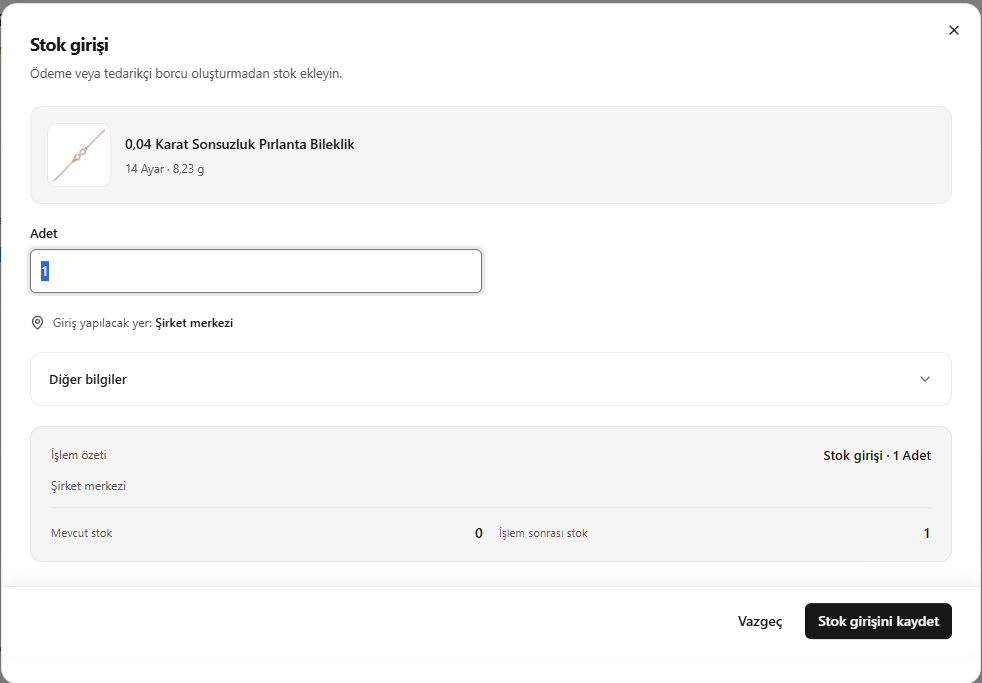
- On the stock entry screen, enter the number of pieces to add.
- Check the physical location receiving the stock.
- Compare current stock with stock after the transaction.
- Before saving, check Other information (Diğer bilgiler) below.
This operation creates a stock movement record; it does not create a payment or a debt to a supplier.
Direct stock entry
2. Completing the other information
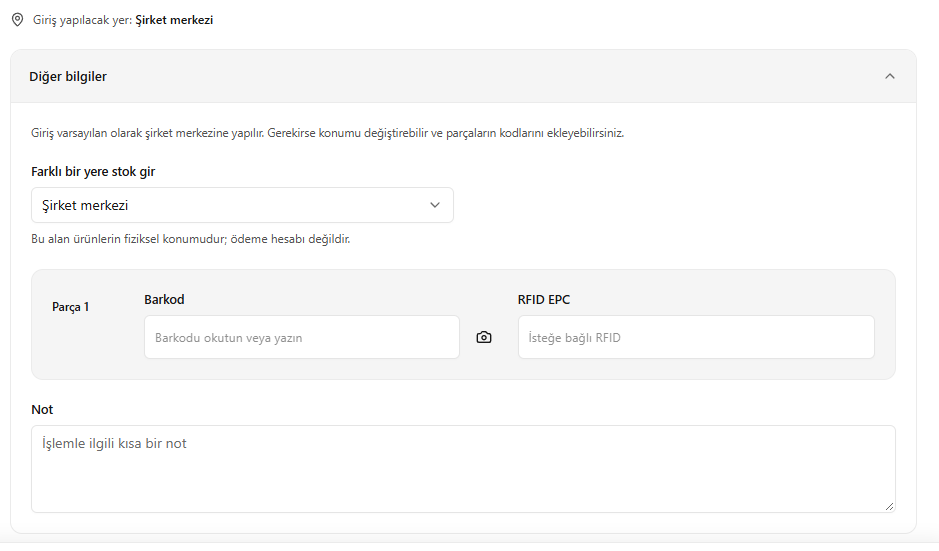
- Open Other information (Diğer bilgiler).
- Change the receiving physical location if necessary.
- Enter the pieces’ barcode and RFID EPC information.
- Add a note explaining the transaction.
The stock location is where the piece is held; it is not a payment account.
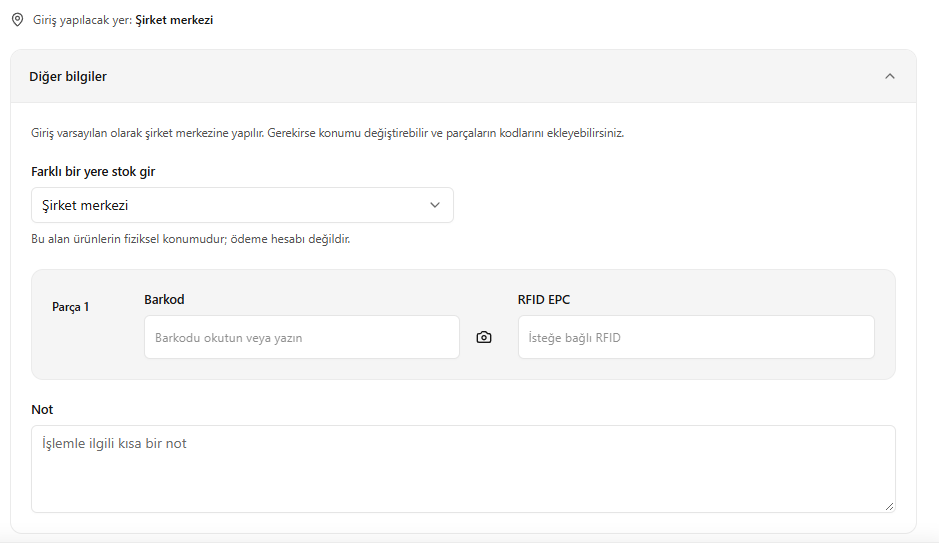
Other information for the stock entry