

This translation is awaiting language review. Application screenshots and interface labels are in Turkish. The downloadable PDF is also in Turkish.
Opening the pricing screen
- Find the relevant product in Products and Purchases → Products (Ürünler ve Alışlar → Ürünler).
- Click the three-dot (…) button at the far right of the product row and select Price (Fiyatlandır).
- In the Open new pricing (Yeni fiyatlandırmayı aç) window, check the product name, fineness and weight in grams.
- Under Profit method (Kâr yöntemi), select one of the three methods below. Fill in the fields for your chosen method.
This transaction calculates the product’s shared selling price using the new profit rule. Amounts for past sales do not change. The rates, weights and amounts in the screenshots are sample records.
1. Additional per mille profit
- Click the Additional per mille profit (Ek milyem kârı) card.
- Enter the value you want to apply in Additional per mille (Ek milyem). The field uses ‰ (per mille), not percent.
- In the Per mille calculation (Milyem hesabı) table, compare the product fineness (Saf milyem), purchase workmanship charge, purchase calculation, additional per mille profit and sales calculation.
- Check Profit (Kâr) and Shared selling price (Ortak satış fiyatı) on the right.
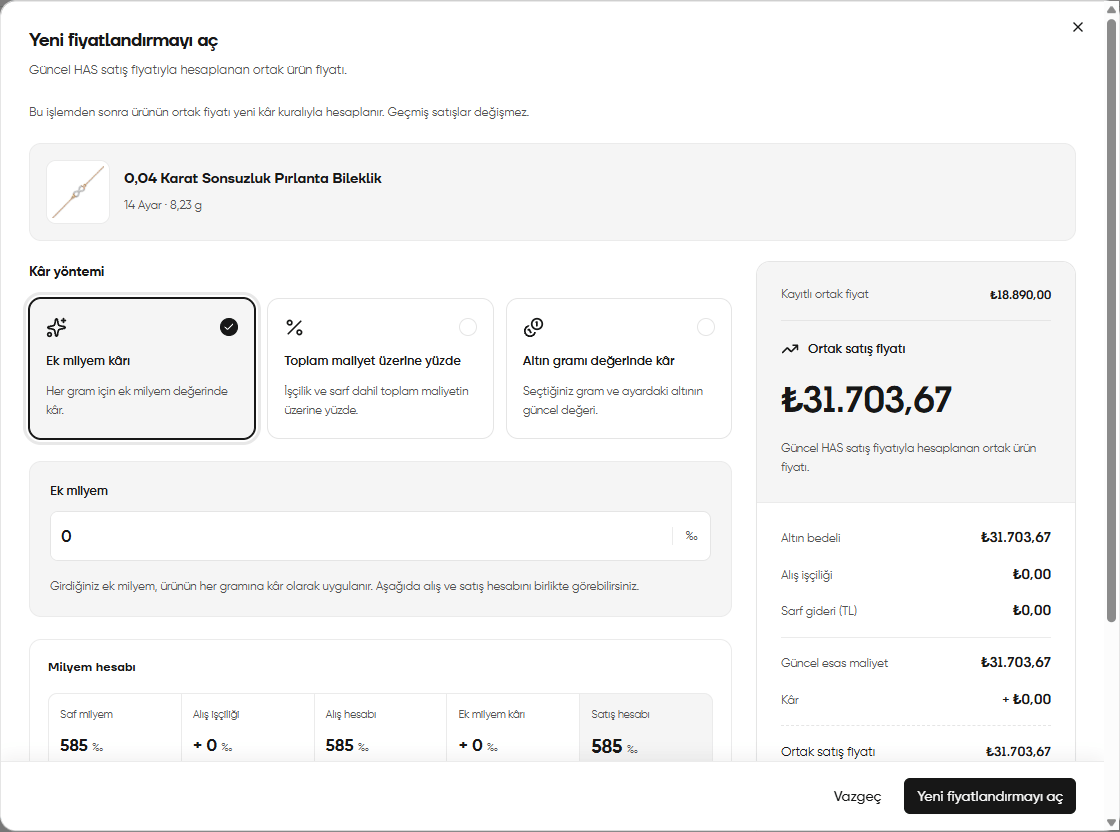
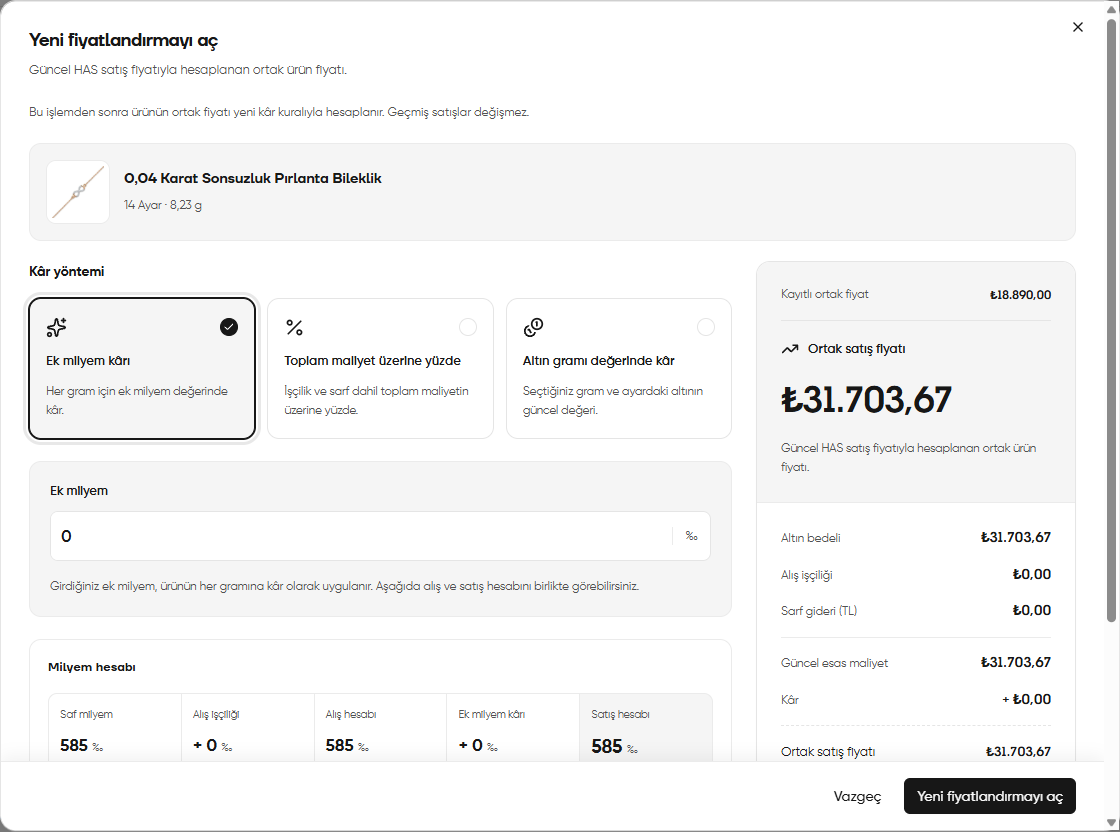
Additional per mille profit: value entry, per mille calculation and shared selling price
2. Percentage on total cost
- Select the Percentage on total cost (Toplam maliyet üzerine yüzde) card.
- Enter the rate to apply in the percentage field that opens.
- Check Current base cost (Güncel esas maliyet), Profit (Kâr) and Shared selling price (Ortak satış fiyatı) on the right.
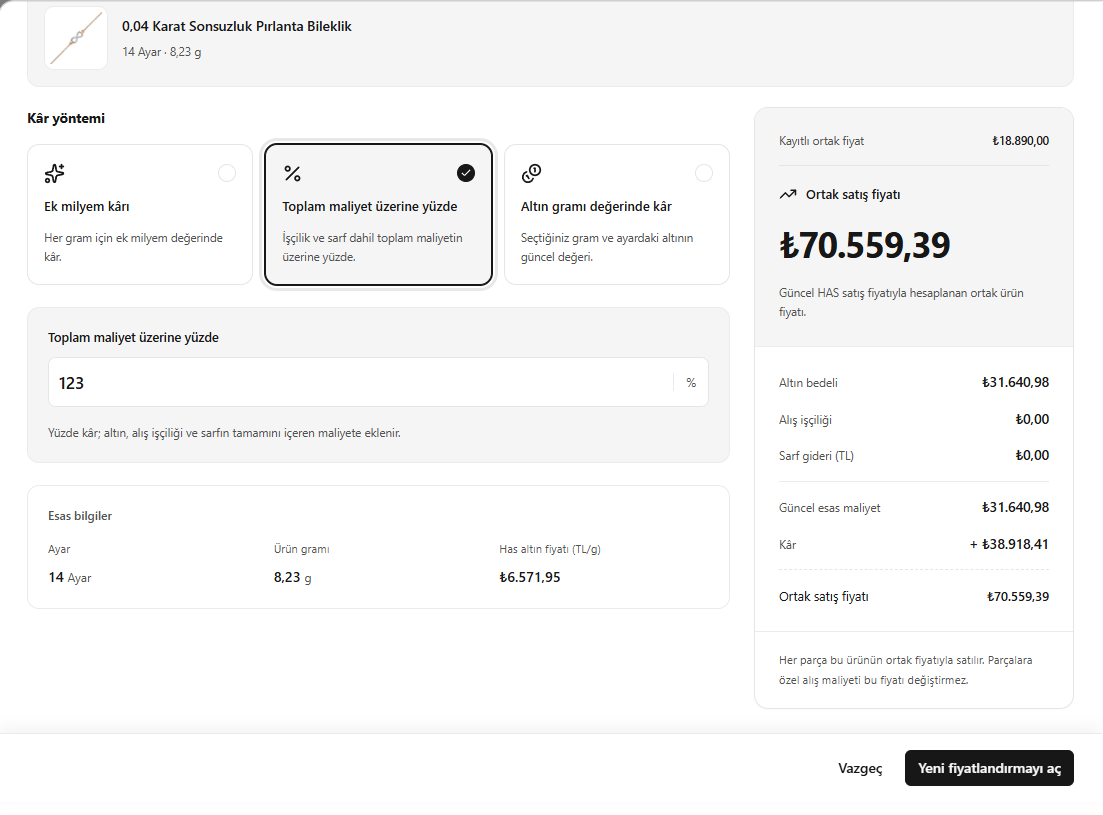
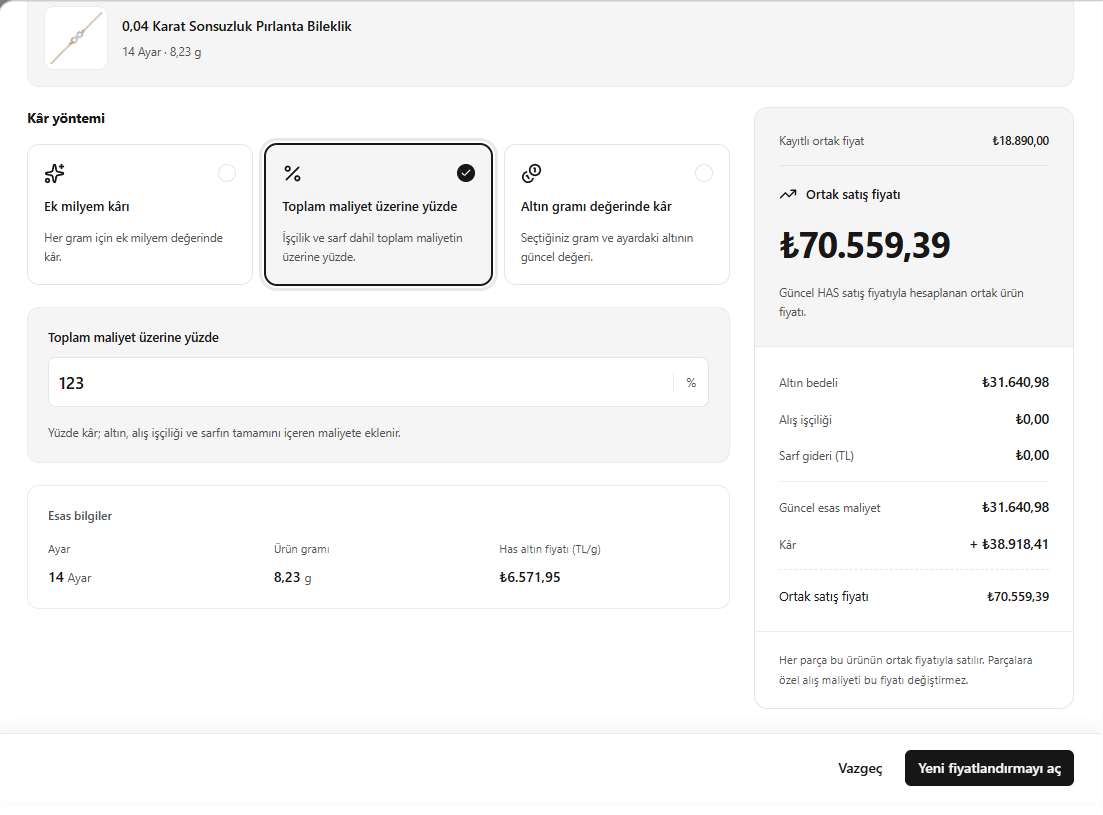
Percentage on total cost method
3. Profit based on the value of gold in grams
- Select the Profit based on the value of gold in grams (Altın gram değerinde kâr) card.
- In Grams (Gram), enter the quantity of gold to use in the profit calculation.
- In Fineness of the profit gold (Kâr altınının ayarı), select the fineness at which this quantity will be valued.
- Check the Profit (Kâr) calculated from the current gold value and the resulting Shared selling price (Ortak satış fiyatı).
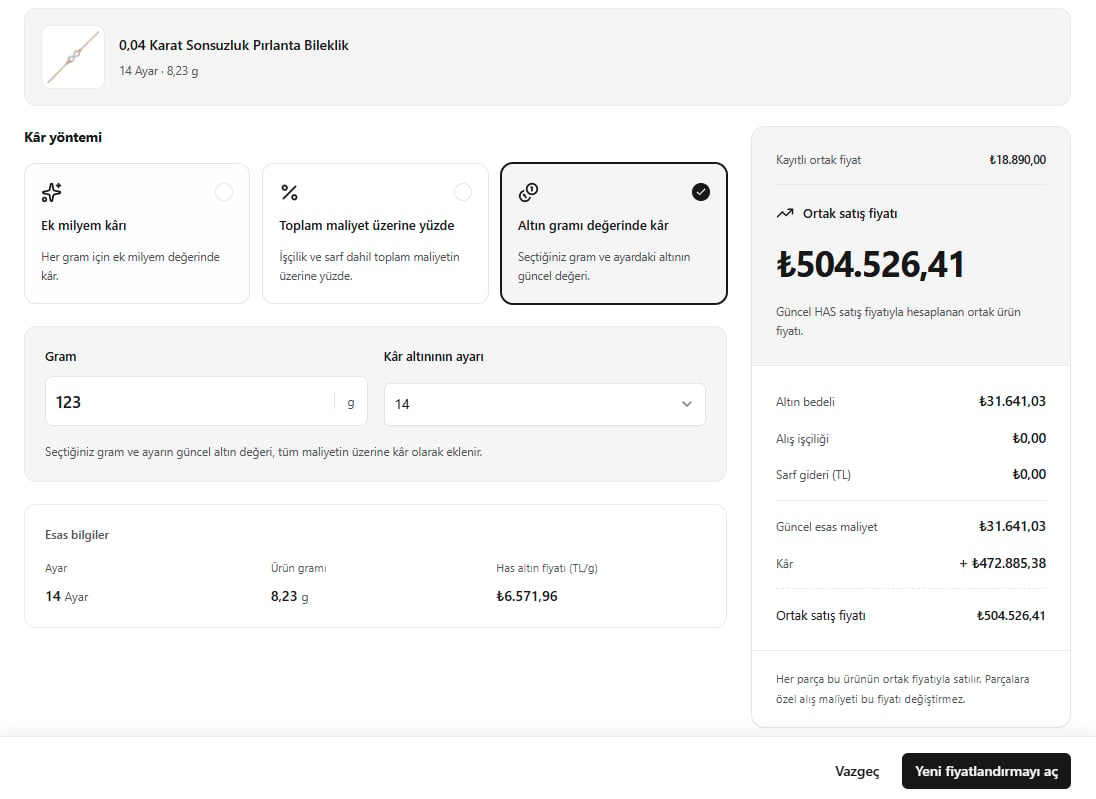
Profit based on the value of gold in grams: selecting weight and fineness
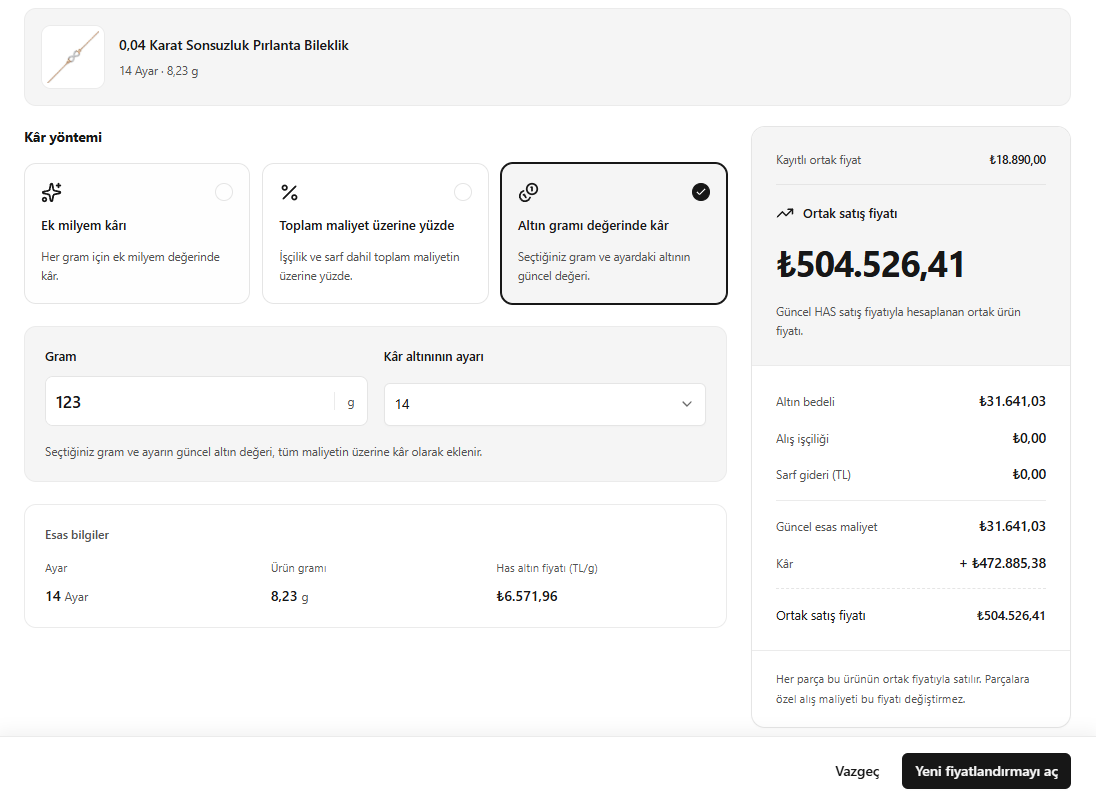
Checking the price summary
Compare the saved price with the newly calculated price in the panel on the right:According to the explanation on screen, every piece is sold at this product’s shared price. A purchase cost specific to one piece does not change this shared selling price.