This translation is awaiting language review. Application screenshots and interface labels are in Turkish. The downloadable PDF is also in Turkish.
Steps
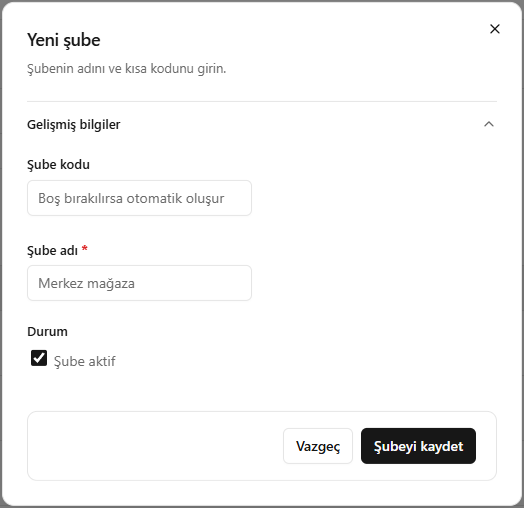
- Click Add branch (Şube ekle).
- Enter the branch name.
- In Advanced information (Gelişmiş bilgiler), enter a branch code or leave it blank to generate one automatically.
- Check Branch active (Şube aktif), then click Save branch (Şubeyi kaydet).
Screenshot
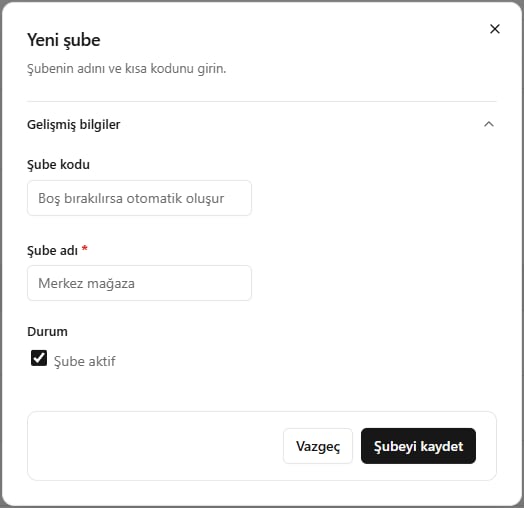
Adding a branch