This translation is awaiting language review. Application screenshots and interface labels are in Turkish. The downloadable PDF is also in Turkish.
Steps
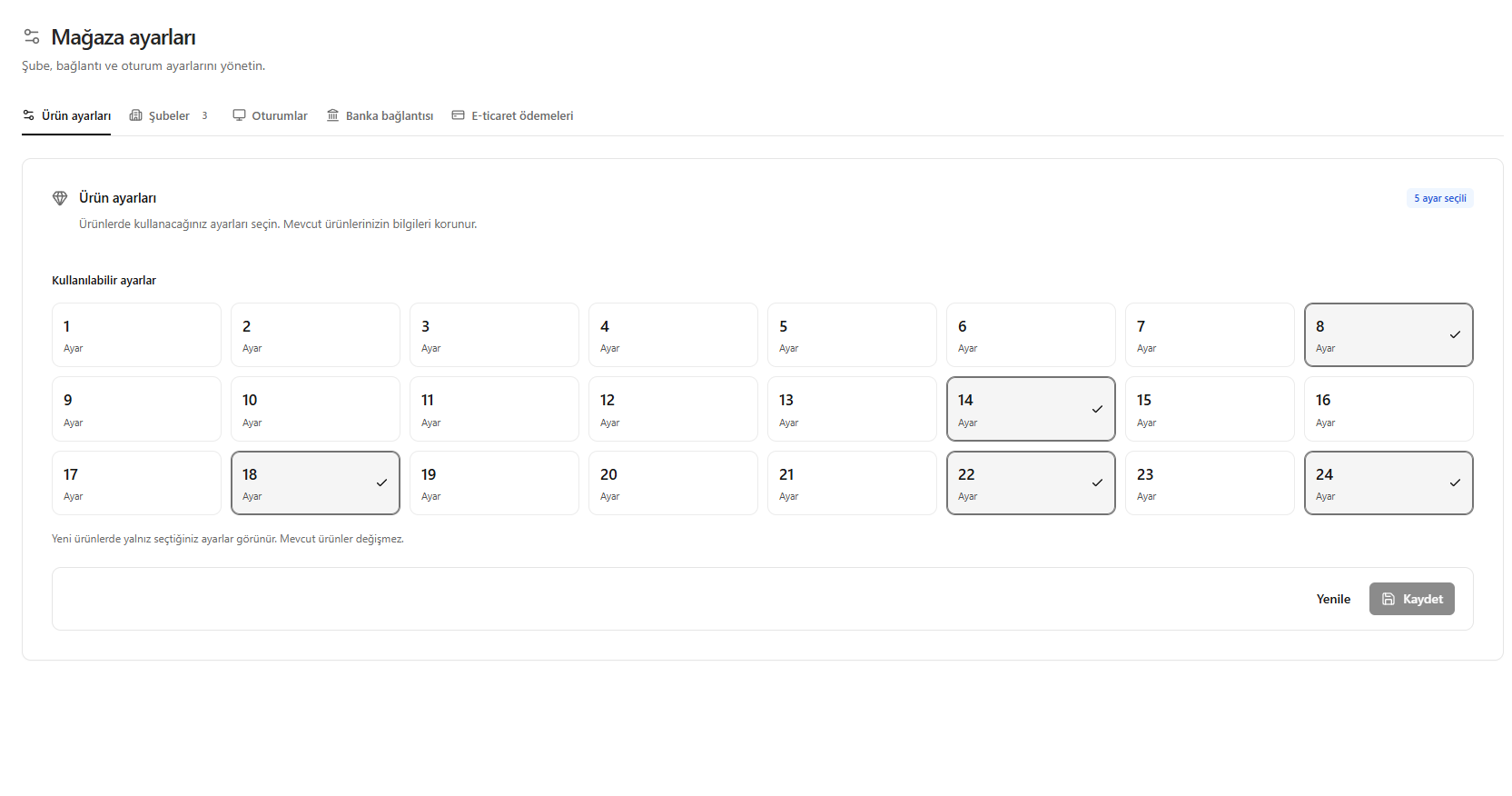
- Open Store settings > Product settings (Mağaza ayarları > Ürün ayarları).
- Select the gold fineness options to use for new products.
- Check the selection marks on the selected cards.
- Click Save (Kaydet).
Only the selected fineness options appear for new products; existing products’ fineness information is unchanged.
Screenshot
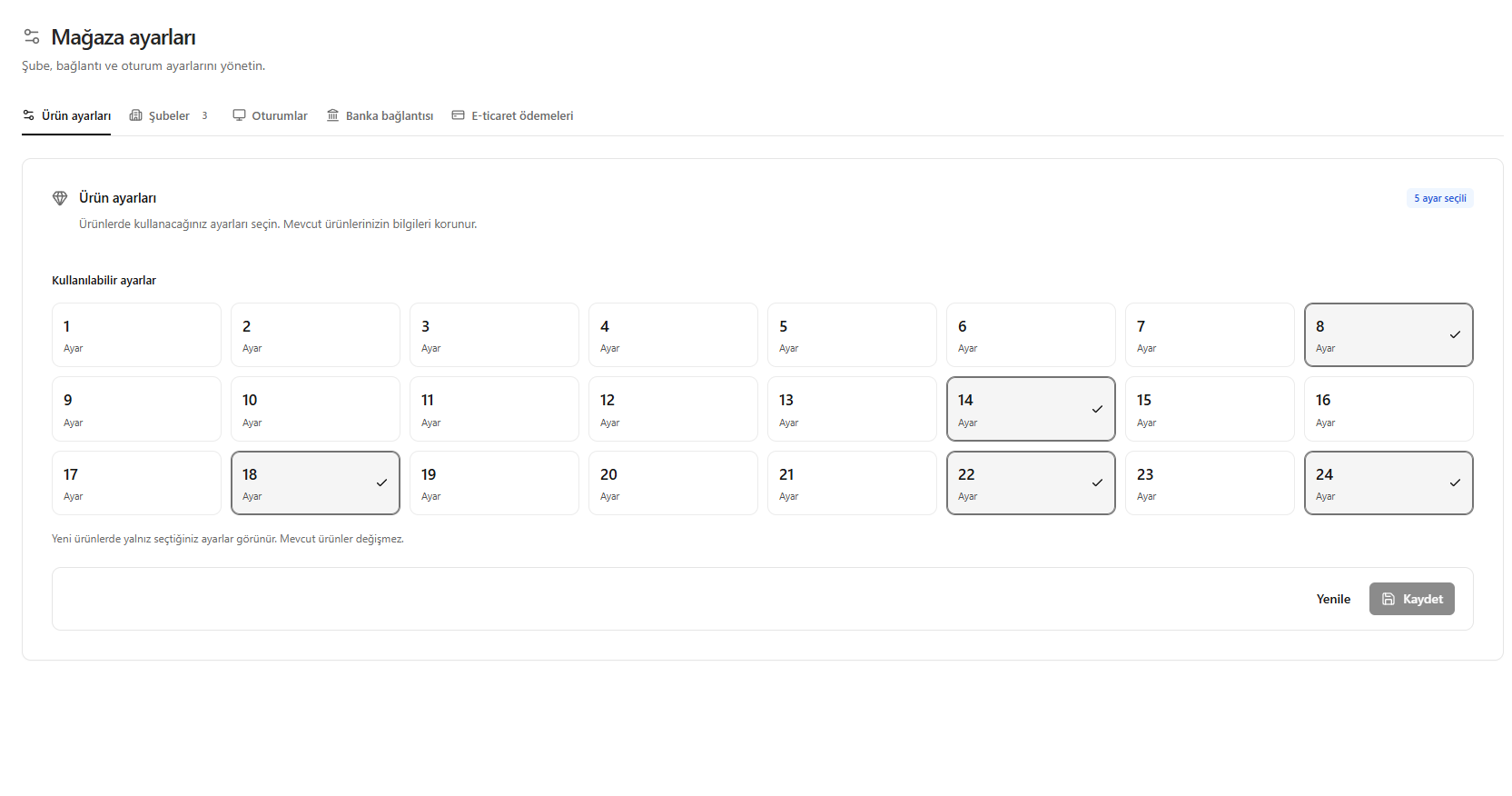
Gold fineness options for products