This translation is awaiting language review. Application screenshots and interface labels are in Turkish. The downloadable PDF is also in Turkish.
Steps
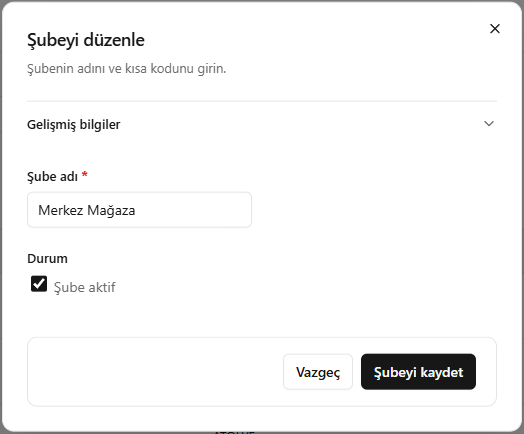
- Open Edit (Düzenle) for the relevant branch.
- Edit the branch name; check Advanced information (Gelişmiş bilgiler) if needed.
- Set the Branch active (Şube aktif) option.
- Click Save branch (Şubeyi kaydet).
Screenshot
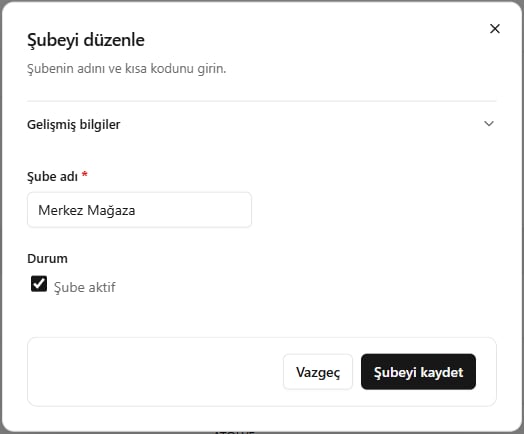
Editing branch information