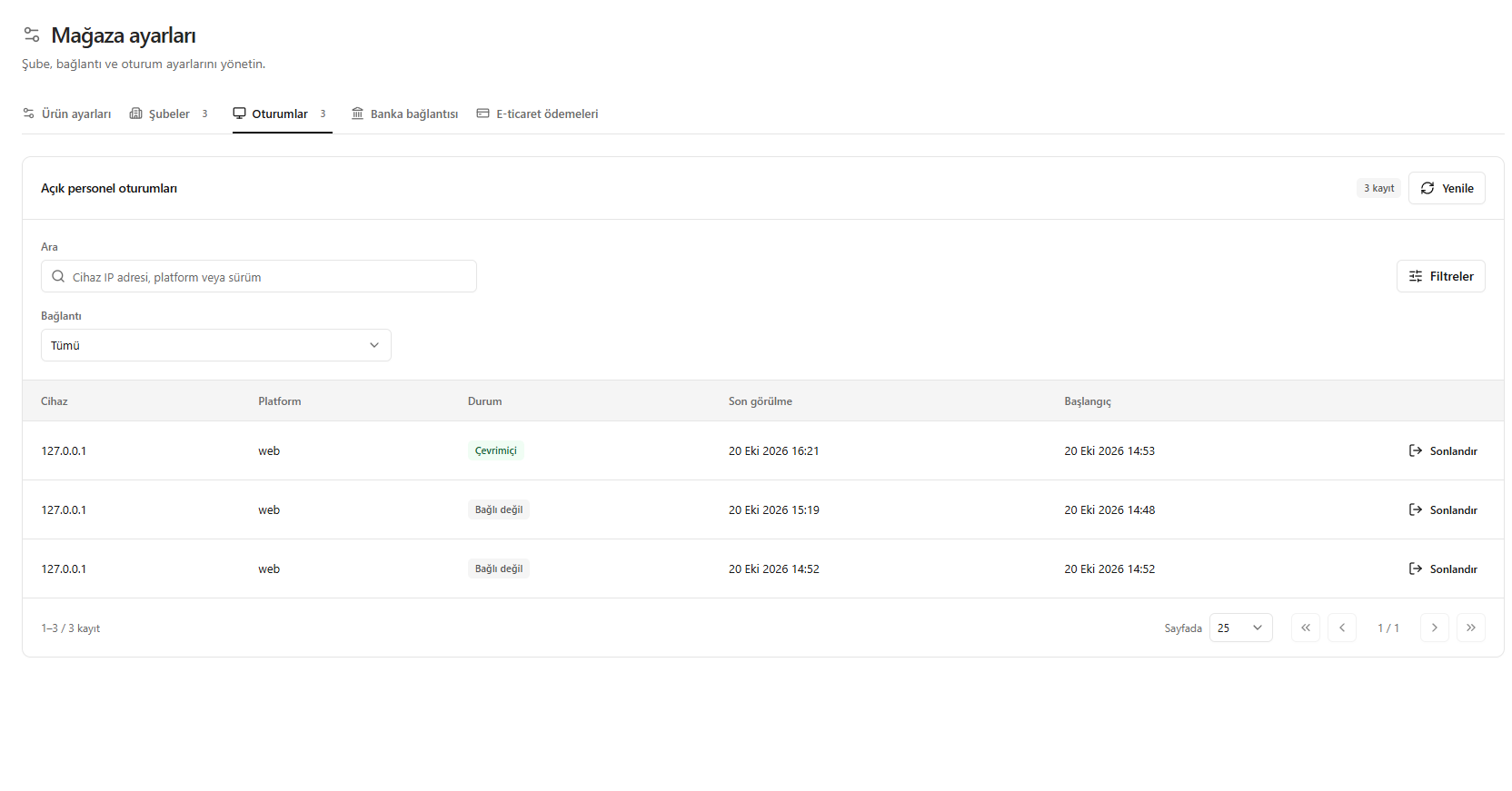
This translation is awaiting language review. Application screenshots and interface labels are in Turkish. The downloadable PDF is also in Turkish.
Steps
- Open the Sessions (Oturumlar) tab.
- Review the device IP address, platform, connection status and time information.
- Find the session using search and the Connection (Bağlantı) filter.
- Use End (Sonlandır) for the session you want to close.
The Disconnected (Bağlı değil) status does not mean the session has ended.
Screenshot
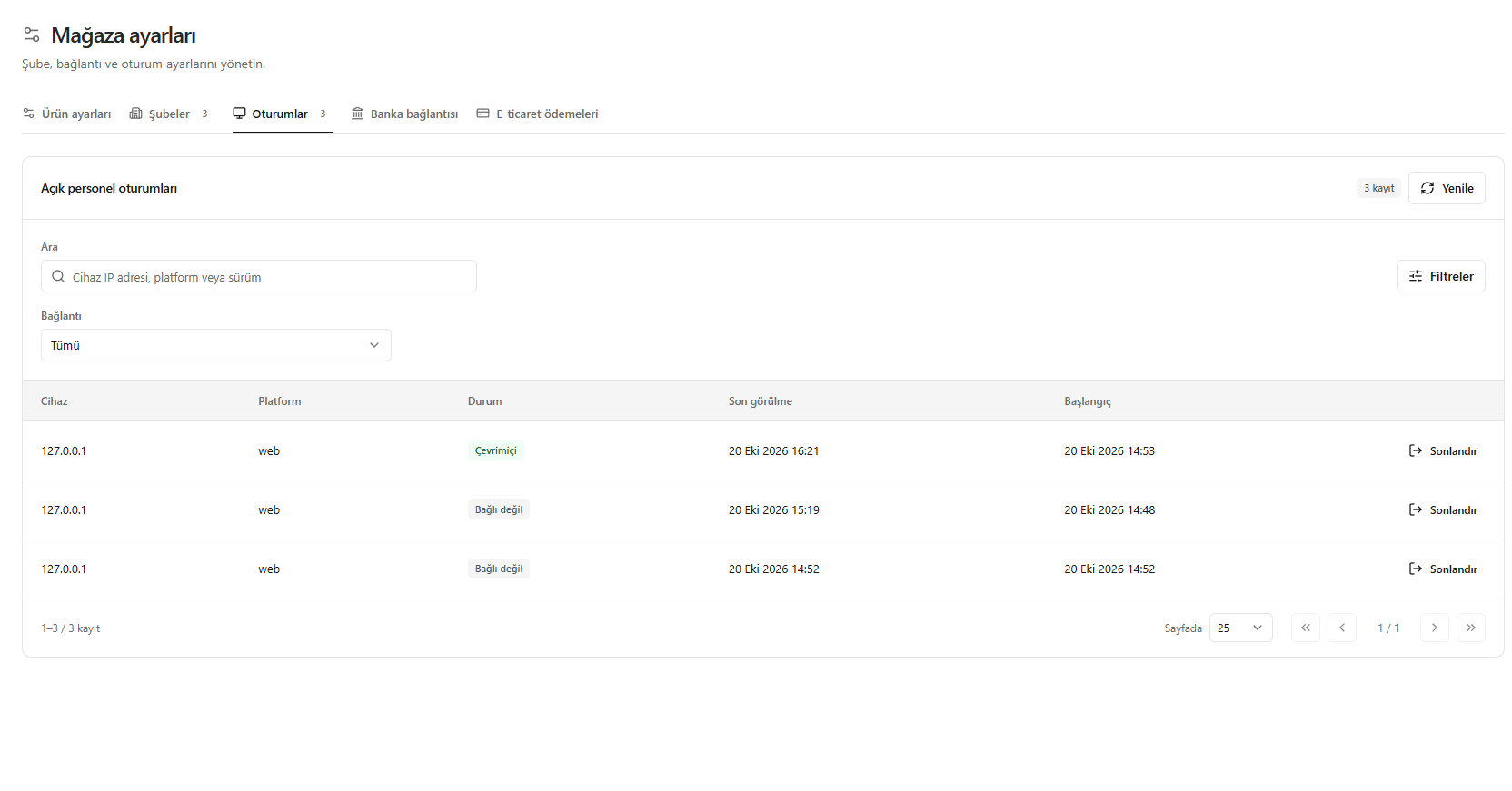
Open staff sessions