This translation is awaiting language review. Application screenshots and interface labels are in Turkish. The downloadable PDF is also in Turkish.
Steps
- Open the E-commerce payments (E-ticaret ödemeleri) tab.
- Turn Virtual POS (Sanal POS) and Bank transfer (Banka transferi) on or off as needed.
- Click Save changes (Değişiklikleri kaydet).
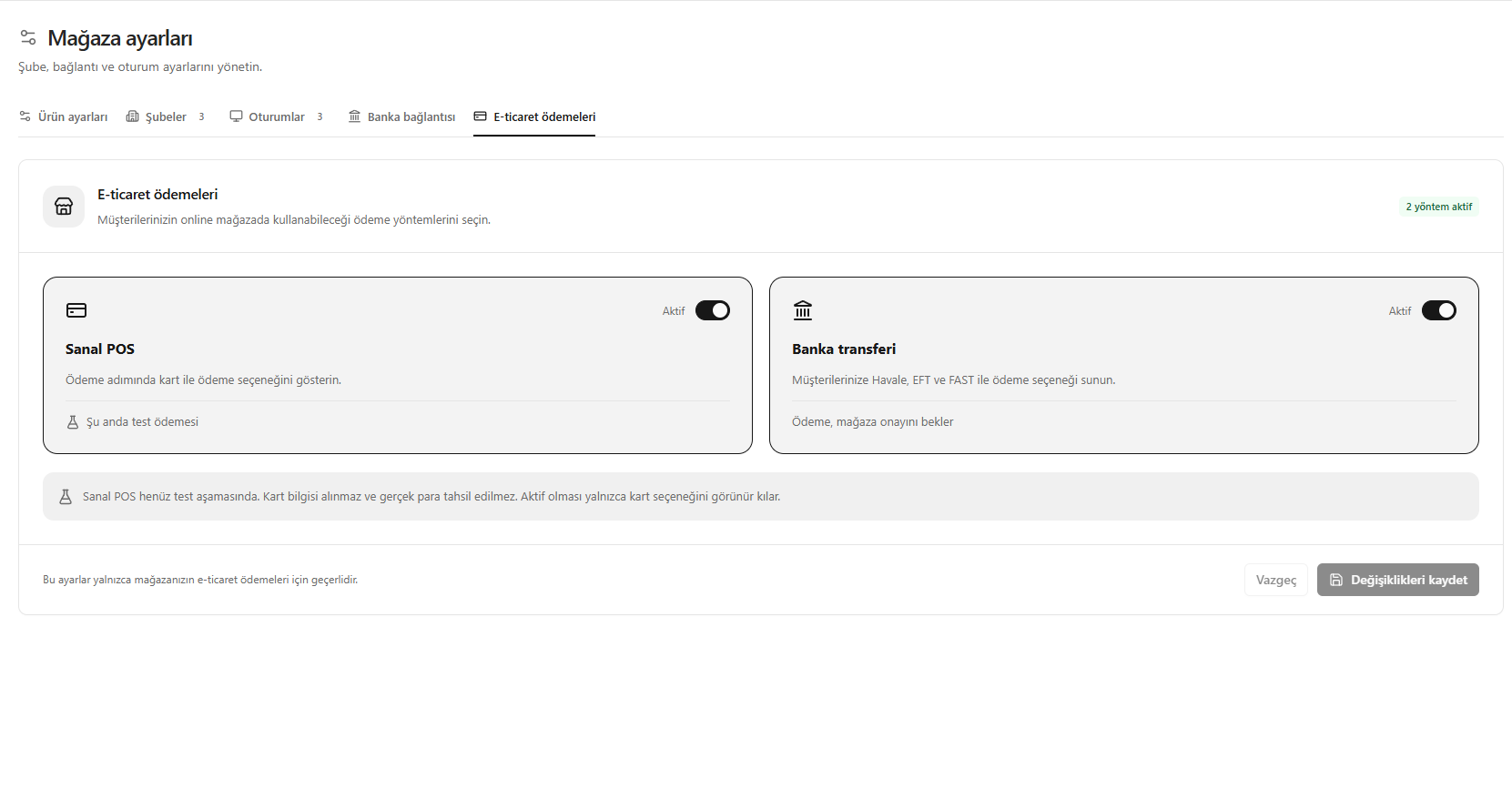
In the screenshot, Virtual POS (Sanal POS) is in testing; card details are not collected and no real payment is taken. Bank transfer (Banka transferi) awaits store approval. These settings apply only to e-commerce.
Screenshot
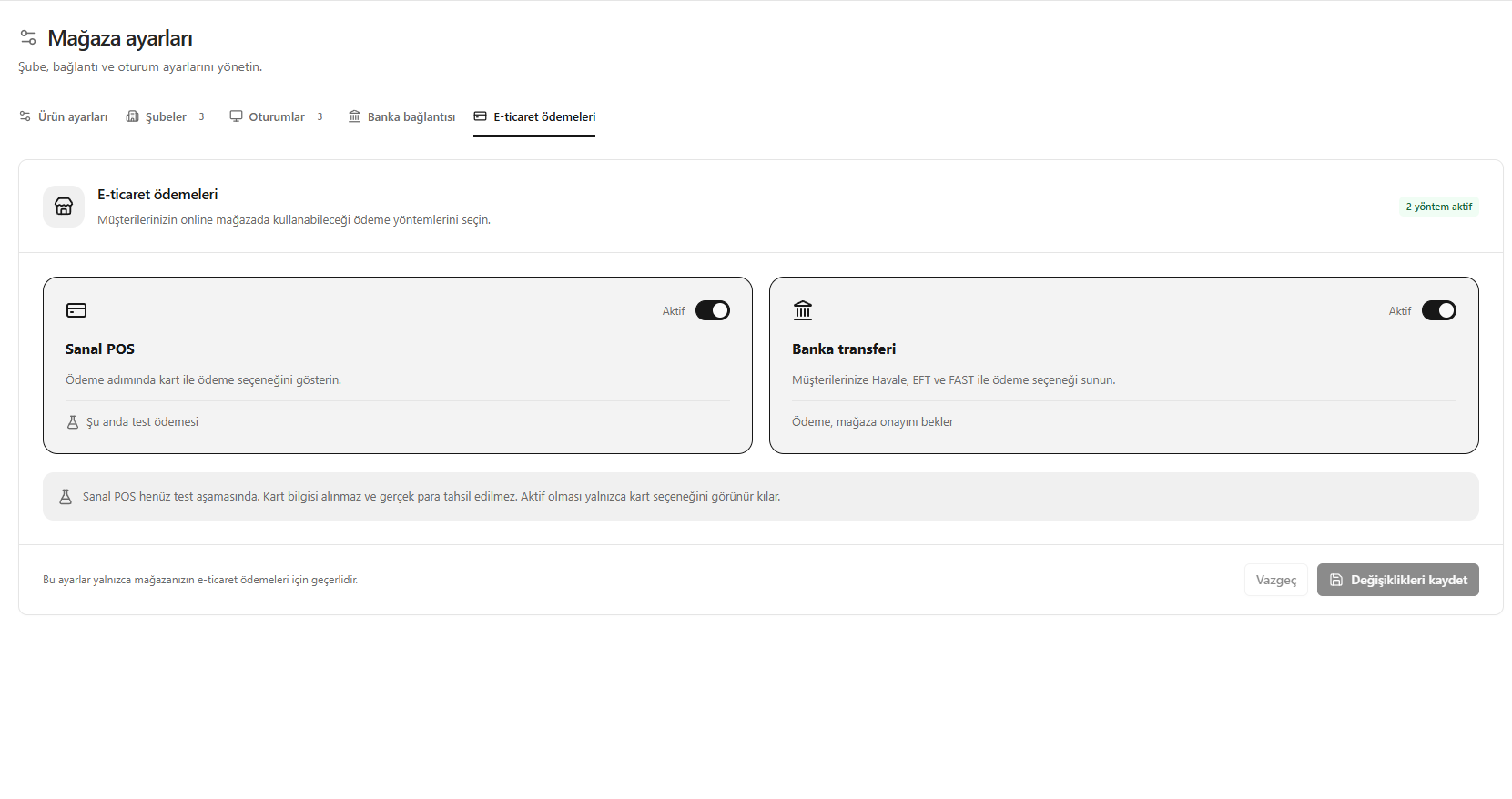
E-commerce payment methods