

This translation is awaiting language review. Application screenshots and interface labels are in Turkish. The downloadable PDF is also in Turkish.
Start a purchase
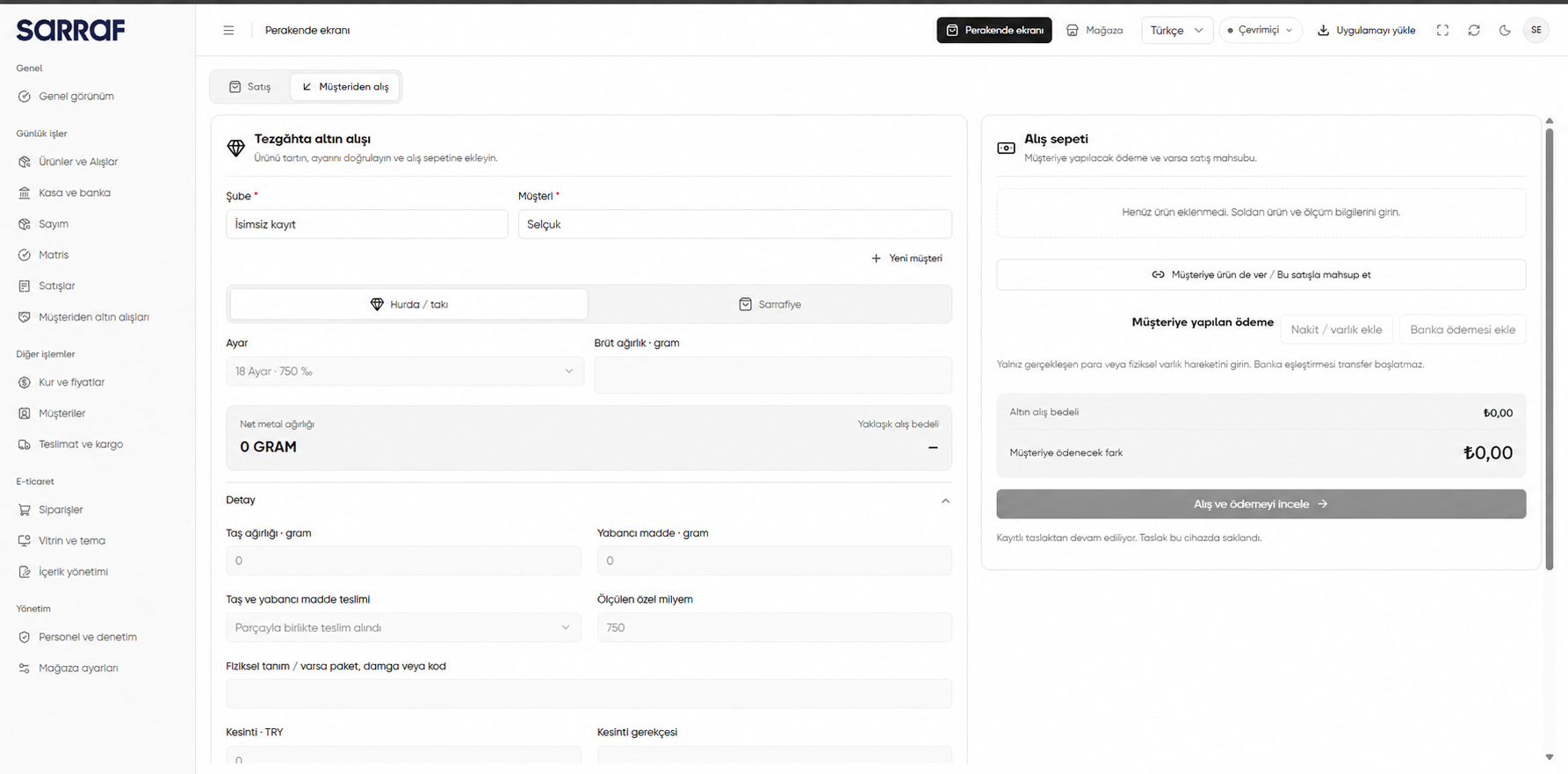
- Open Buying from a customer (Müşteriden alış) on the Retail screen (Perakende ekranı).
- Select the Branch (Şube) and Customer (Müşteri). Use New customer (Yeni müşteri) if there is no customer record.
- Choose Scrap / jewellery (Hurda / takı) or Sarrafiye, depending on the item.
Scrap / jewellery purchase
- Enter Gold fineness (Ayar) and Gross weight · grams (Brüt ağırlık · gram). The screen shows Net metal weight (Net metal ağırlığı) and Estimated purchase amount (Yaklaşık alış bedeli).
- In Details (Detay), check any Stone weight (Taş ağırlığı), Other material (Yabancı madde), how they are handed over, and Measured custom fineness (Ölçülen özel milyem).
- If needed, enter a physical description, Deduction (Kesinti) and its reason, application photos, or a manual price and its reason if you have permission.
- Check the calculation and click Add to purchase cart (Alış sepetine ekle).
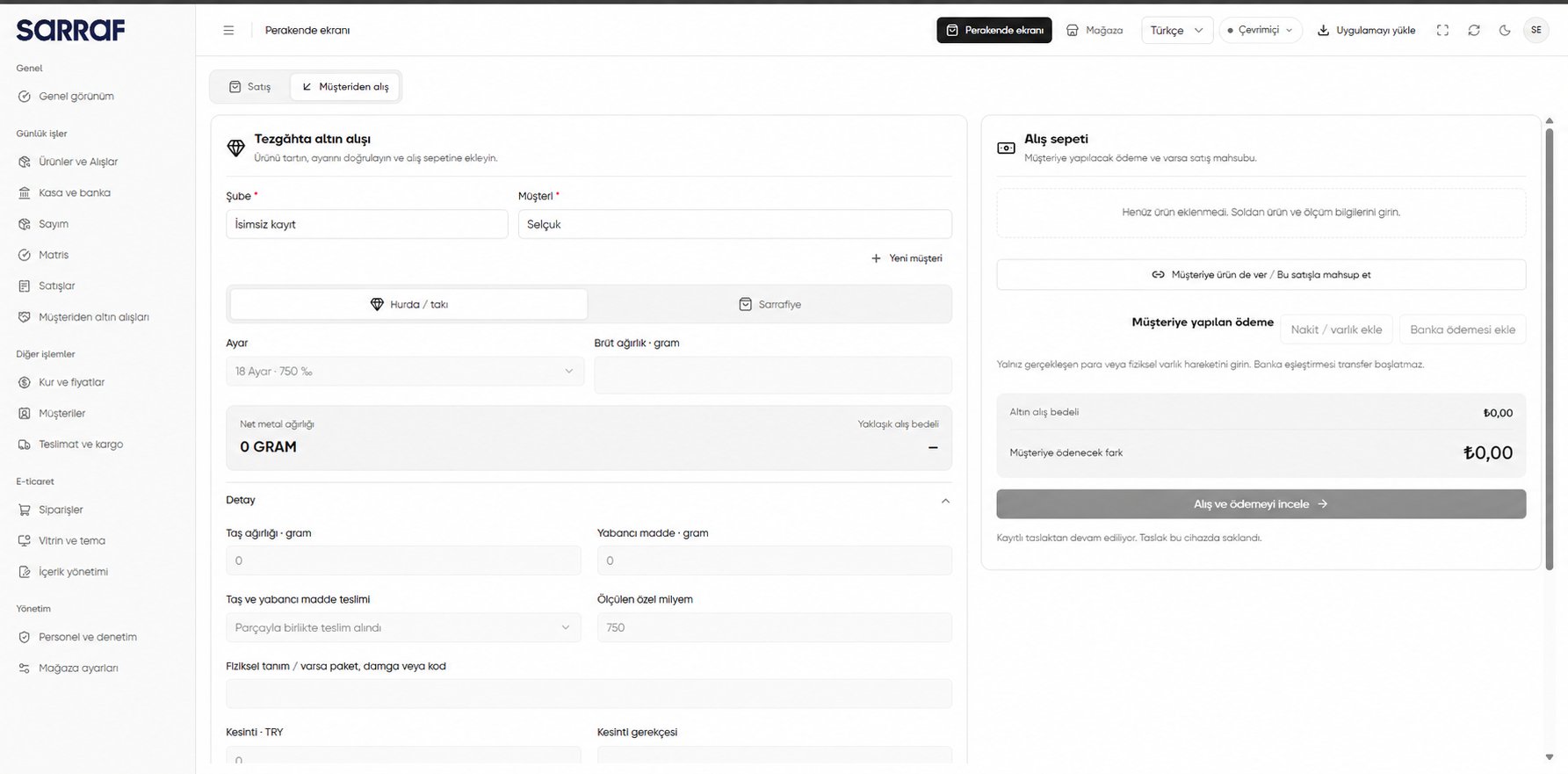
Customer purchase: scrap / jewellery, fineness and weight
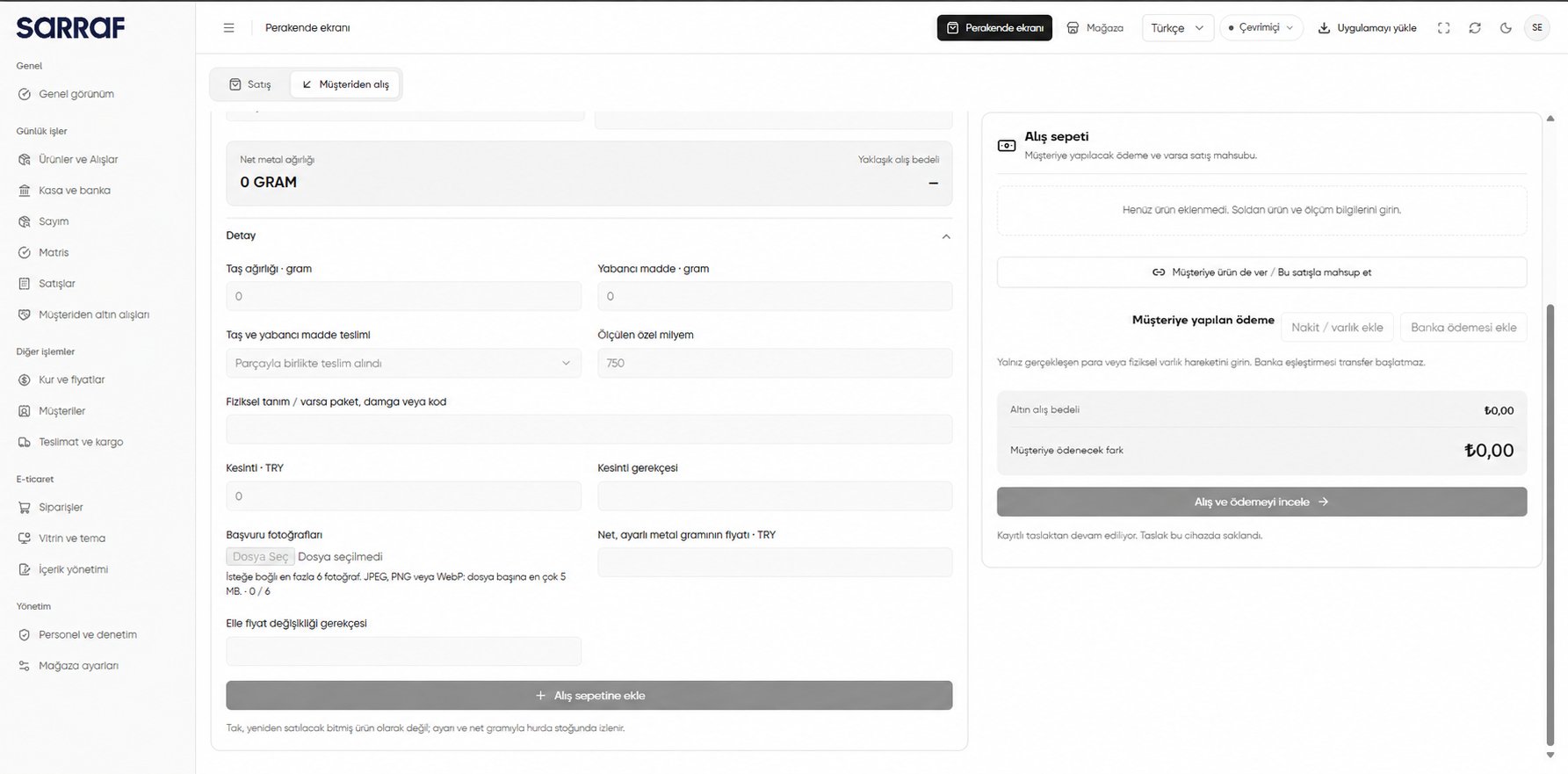
Details for a scrap / jewellery purchase
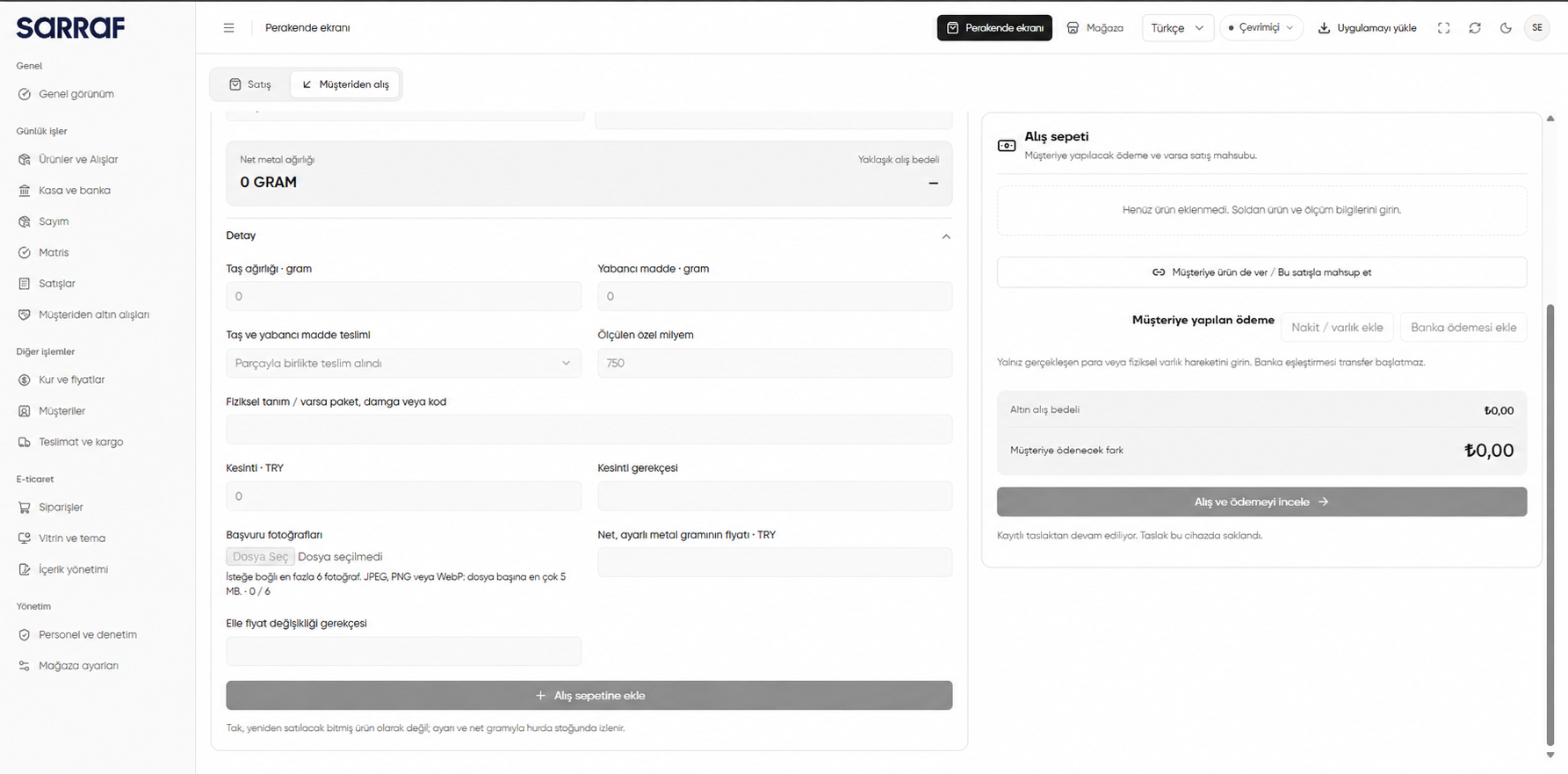
Scrap / jewellery is tracked in scrap stock by fineness and net weight, rather than as a finished product for resale.
Sarrafiye purchase
- Under Sarrafiye, search for and select the item in Existing product to stock (Stoğa girecek mevcut ürün).
- Enter the Quantity (Miktar) and check the Estimated purchase amount (Yaklaşık alış bedeli).
- In Details (Detay), complete the physical description, deduction and reason, photos, and, if permitted, the manual purchase unit price and reason.
- Click Add to purchase cart (Alış sepetine ekle).
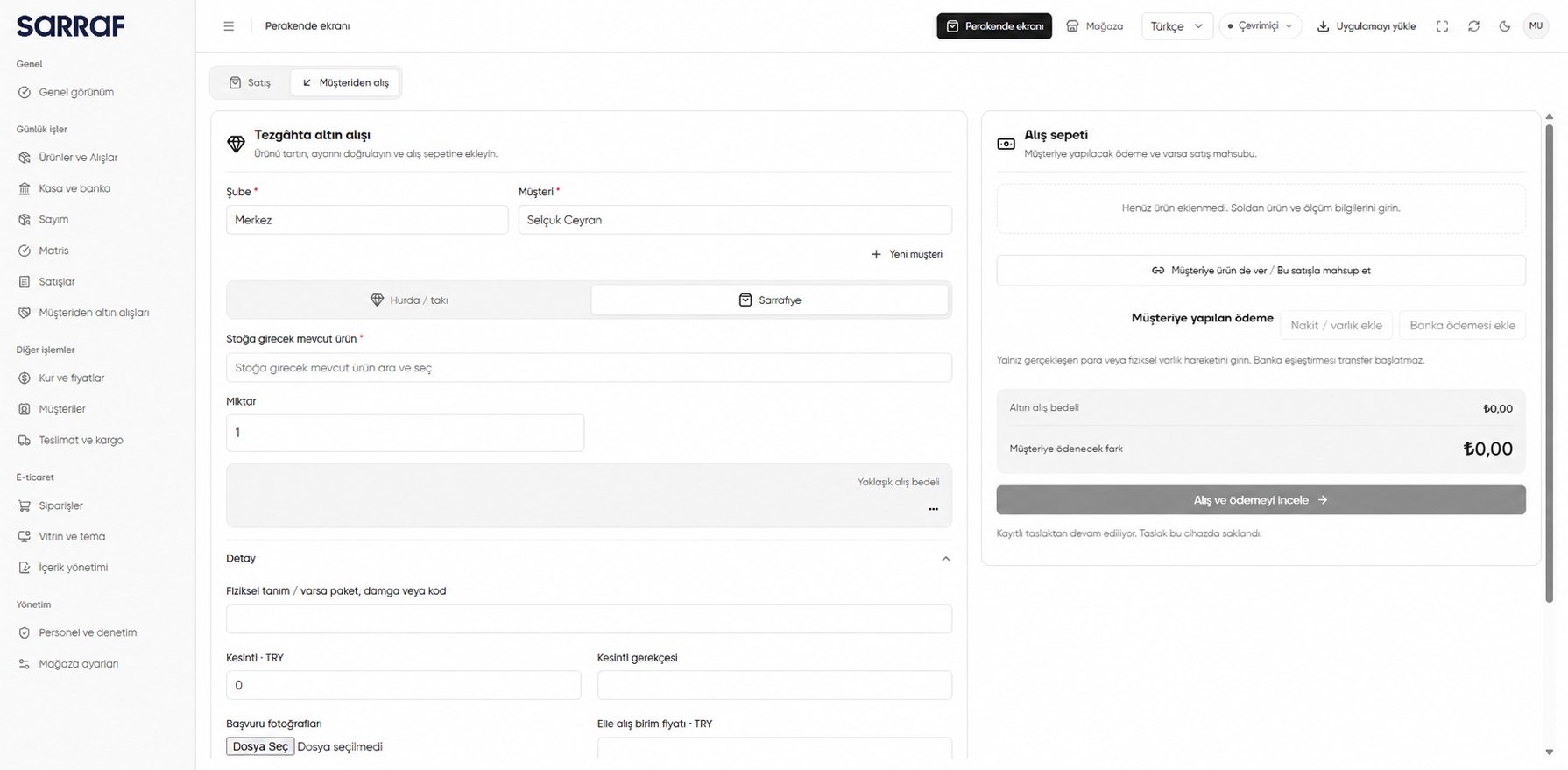
Sarrafiye: selecting an existing product and quantity
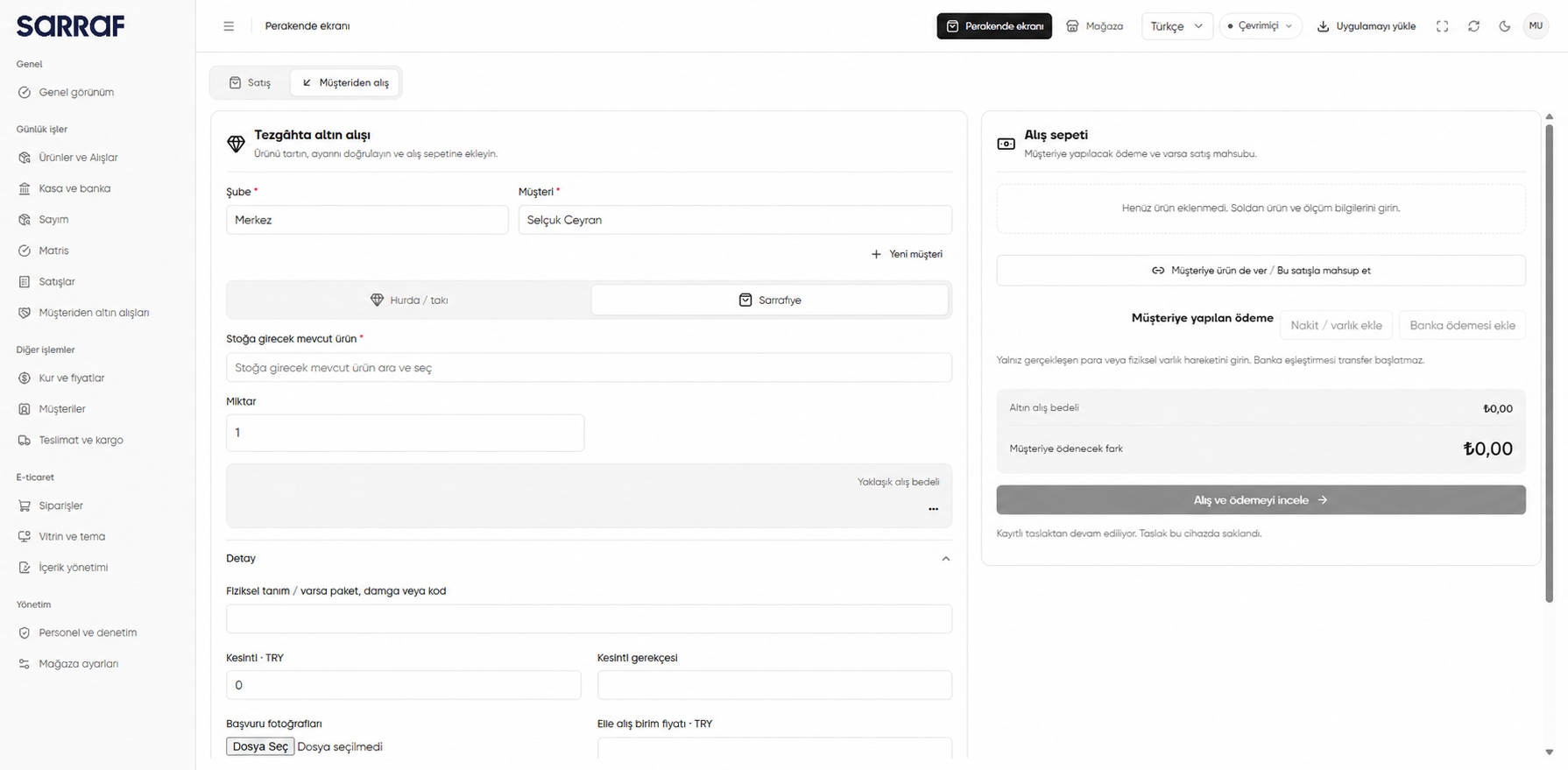
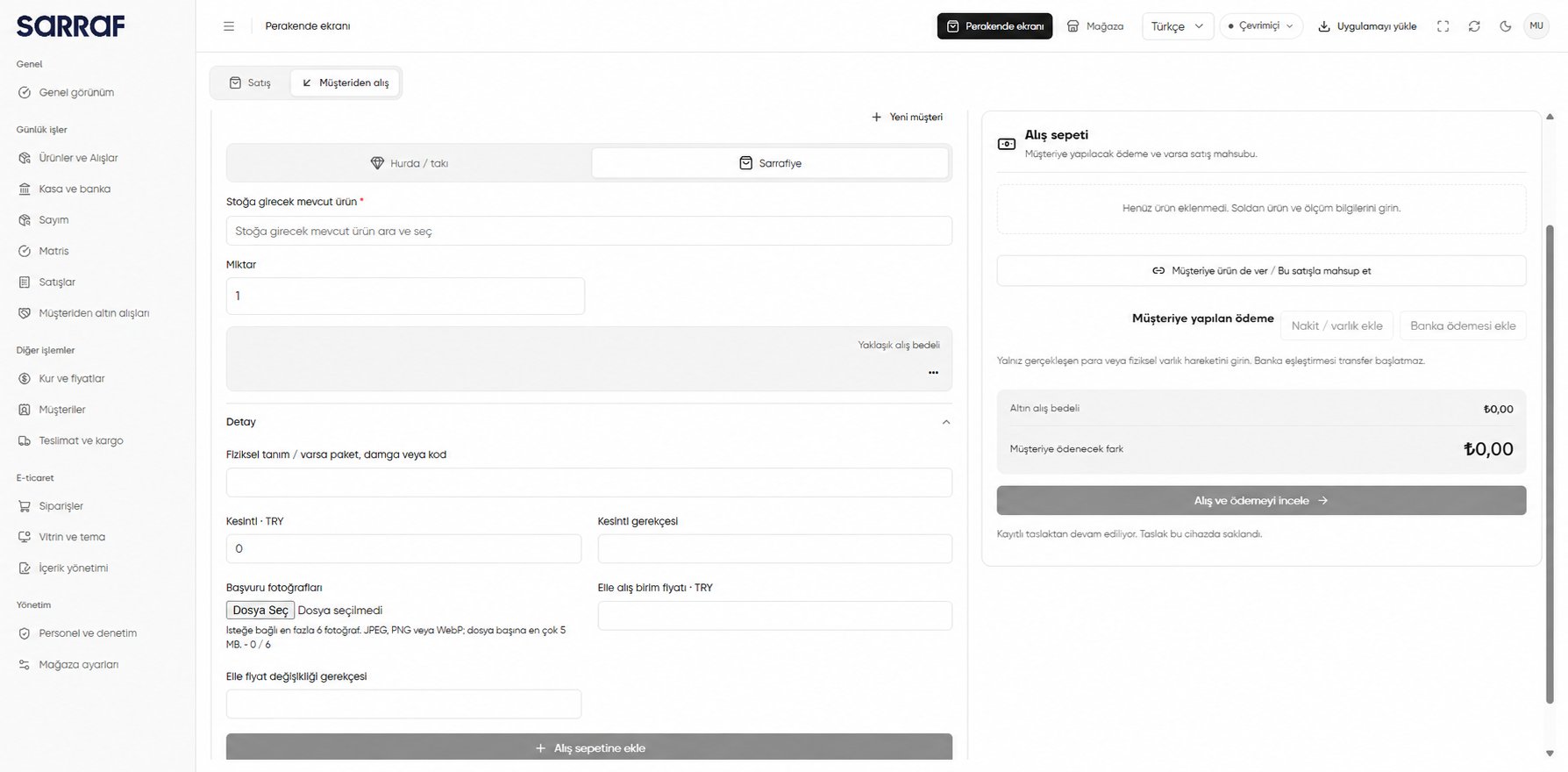
Details for a sarrafiye purchase
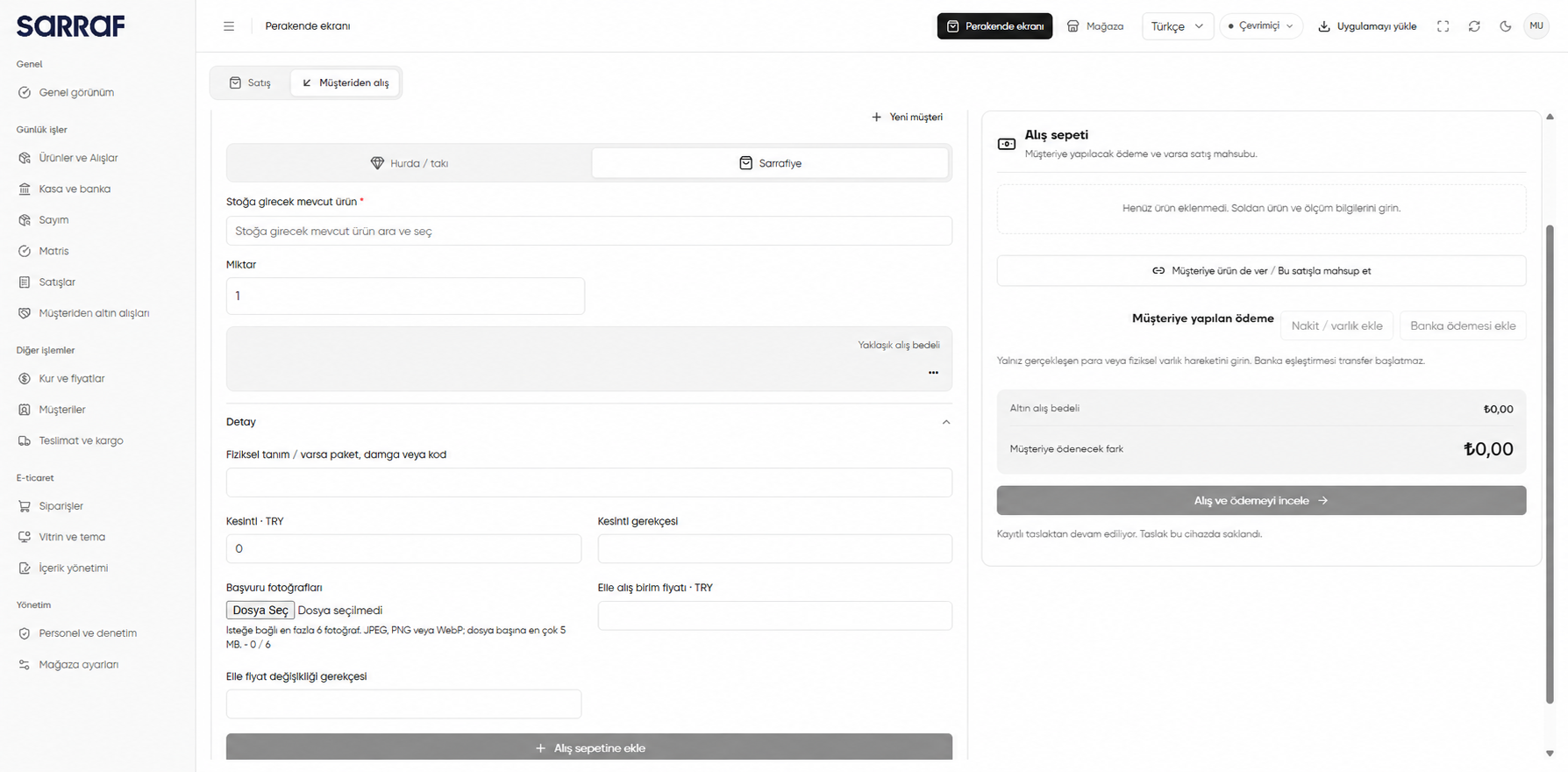
A sarrafiye purchase adds to the selected existing product’s stock. The newly bought quantity is unavailable for sale until the payment debt is settled.