

This translation is awaiting language review. Application screenshots and interface labels are in Turkish. The downloadable PDF is also in Turkish.
Opening the sale without a product record window
- On the Retail sales (Perakende satış) screen, click Sale without a product record (Ürünsüz satış) to the right of the product search field.
- Check the Sales branch (Satış şubesi) information at the top of the window that opens.
- Open Asset / unit (Kıymet / birim).
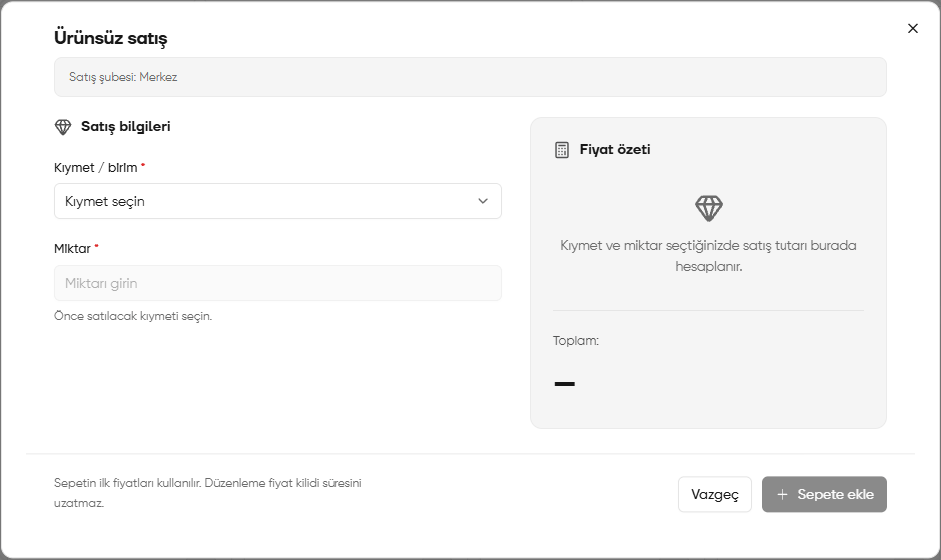
Sale without a product record window
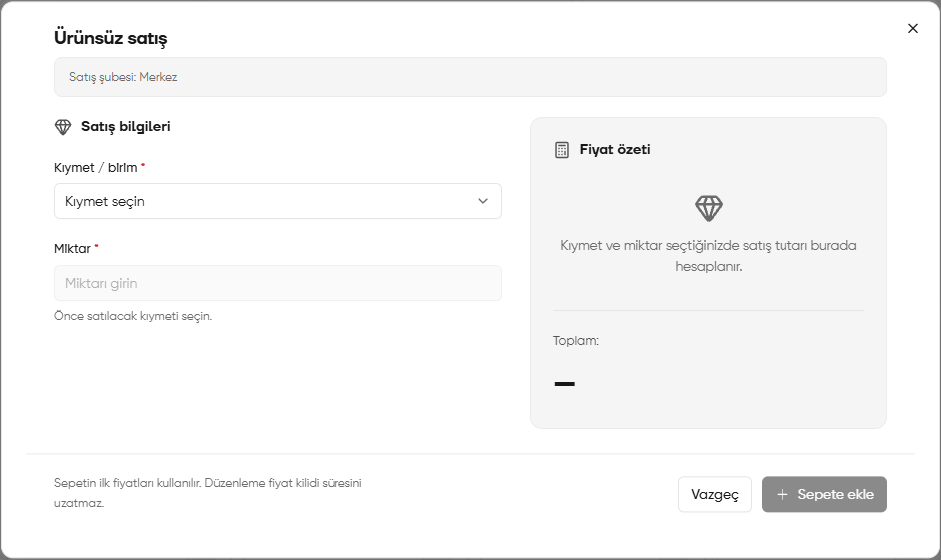
Selecting an asset or unit
- Select the asset or unit to sell from the list. The screenshot shows gold fineness options, types of gold coins and currency units.
- If the record you need is not visible, search by entering its name or code in the selection field.
- After choosing the correct record, fill in Quantity (Miktar).
The selection list displays the first 10 records. Search to find other records. You must select an asset or unit before entering a quantity.
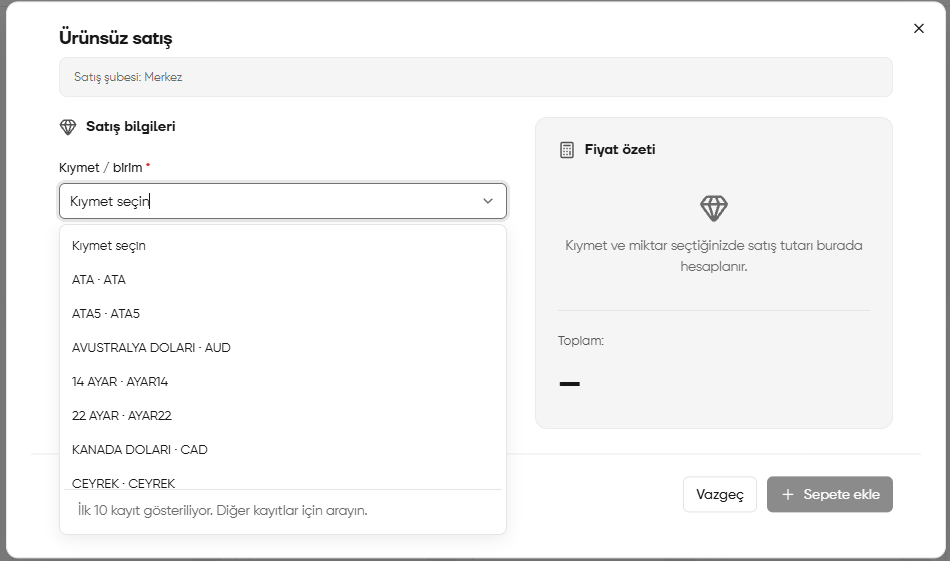
Asset or unit list
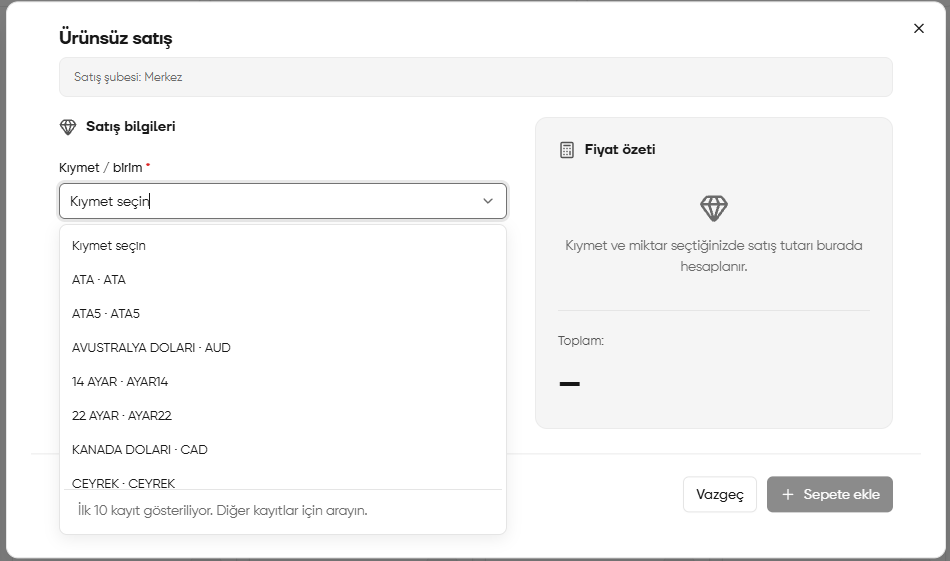
Checking the amount and adding the item to the cart
- After entering the asset or unit and the quantity, check the calculated total in Price summary (Fiyat özeti) on the right.
- If the information is correct, click Add to cart (Sepete ekle).
- Check the item and total amount in the sales cart. Use Proceed to payment (Ödemeye geç) to move on to payment collection.
According to the information in the window, the cart’s initial prices are used. Editing does not extend the price lock period. Adding an item to the cart does not complete payment collection; continue to the payment step separately.