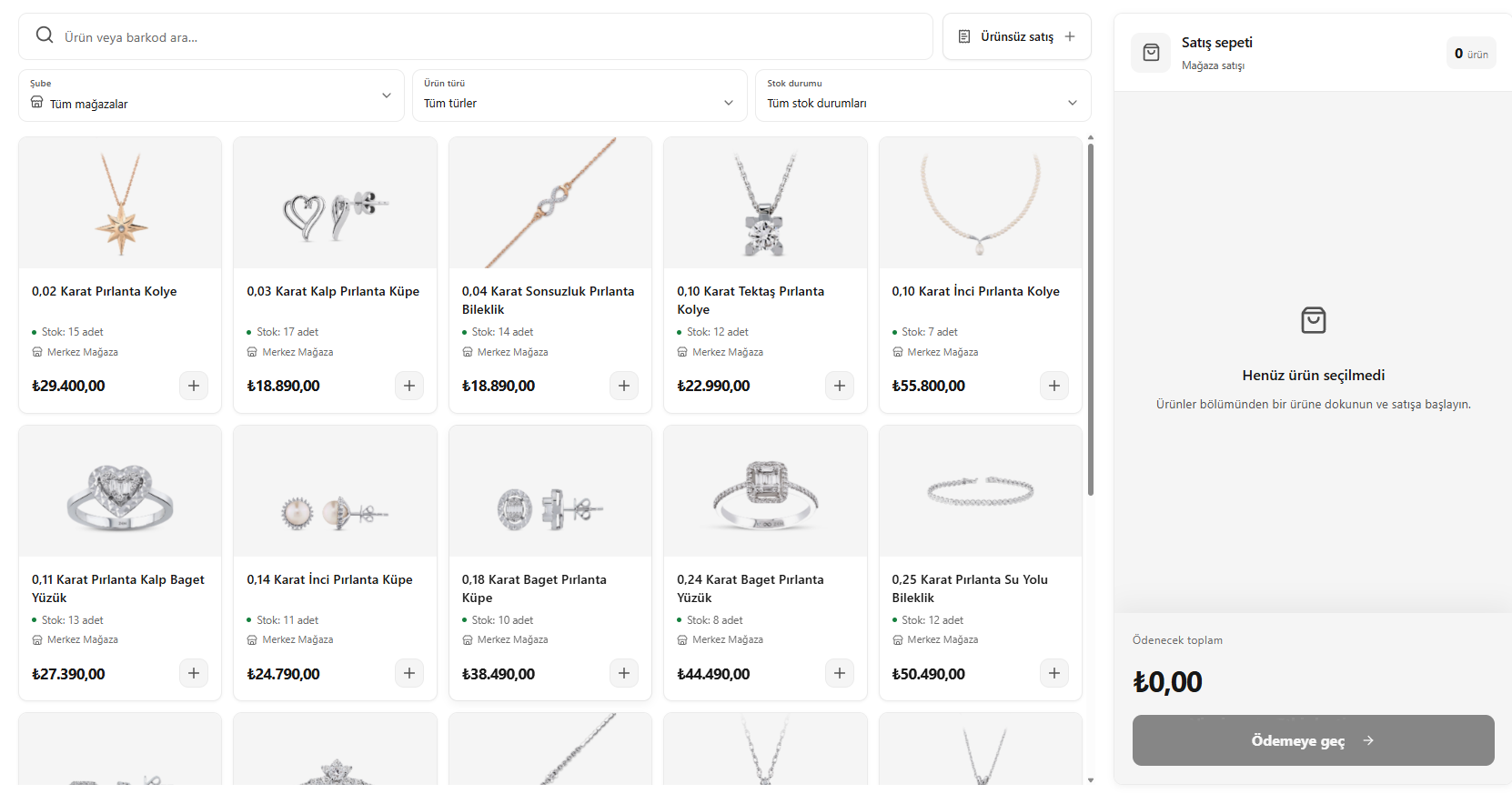
This translation is awaiting language review. Application screenshots and interface labels are in Turkish. The downloadable PDF is also in Turkish.
Steps
- Open the Retail sales (Perakende satış) screen and search by product name or barcode.
- Narrow the list using the branch, product type and stock filters.
- Check the product’s stock information and add it to the cart.
- If needed, include store products, consignment products and sale items without a product record in the same cart.
Check the products and quantities before completing the sale.
Screenshot
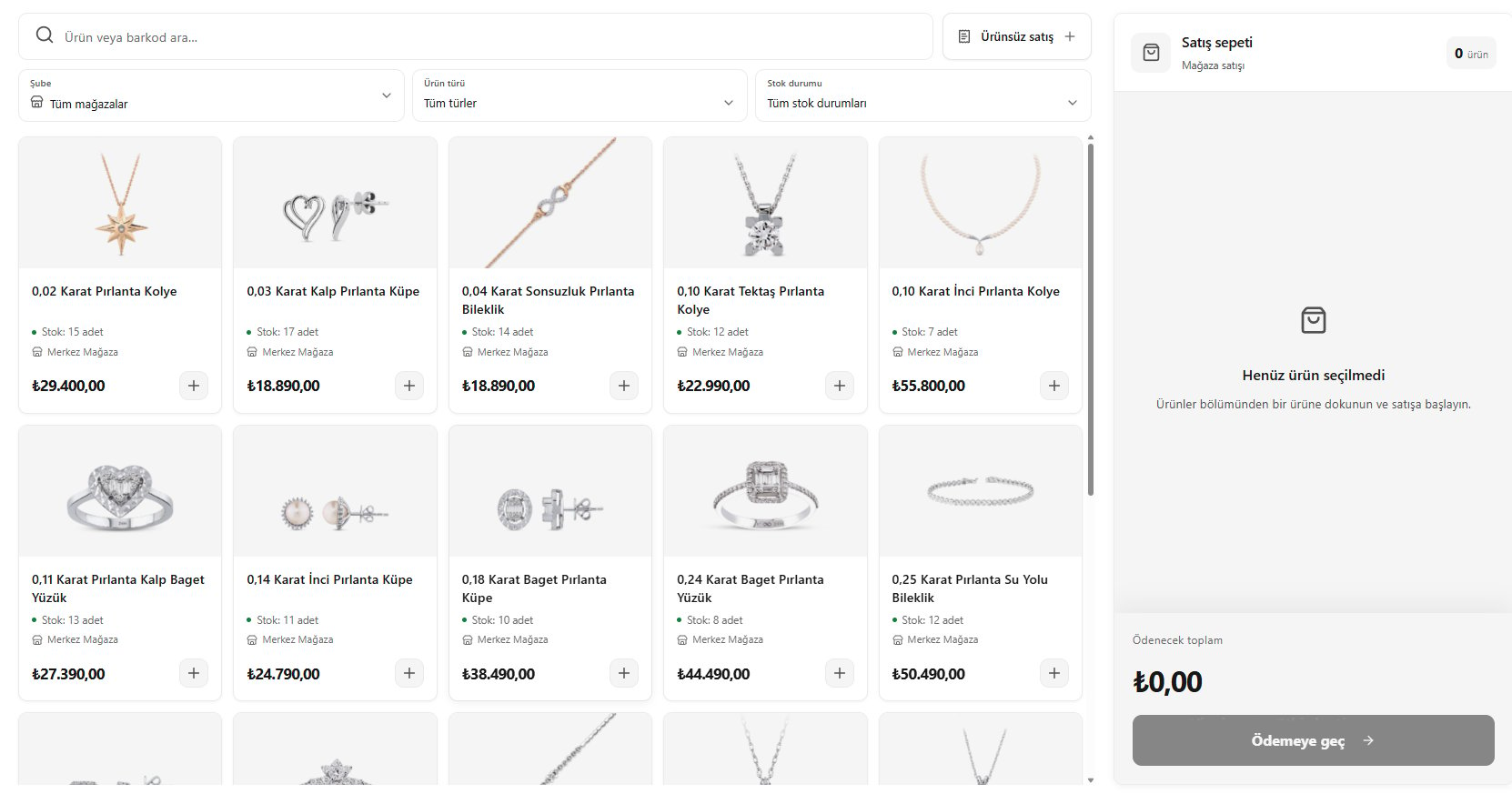
Selecting products