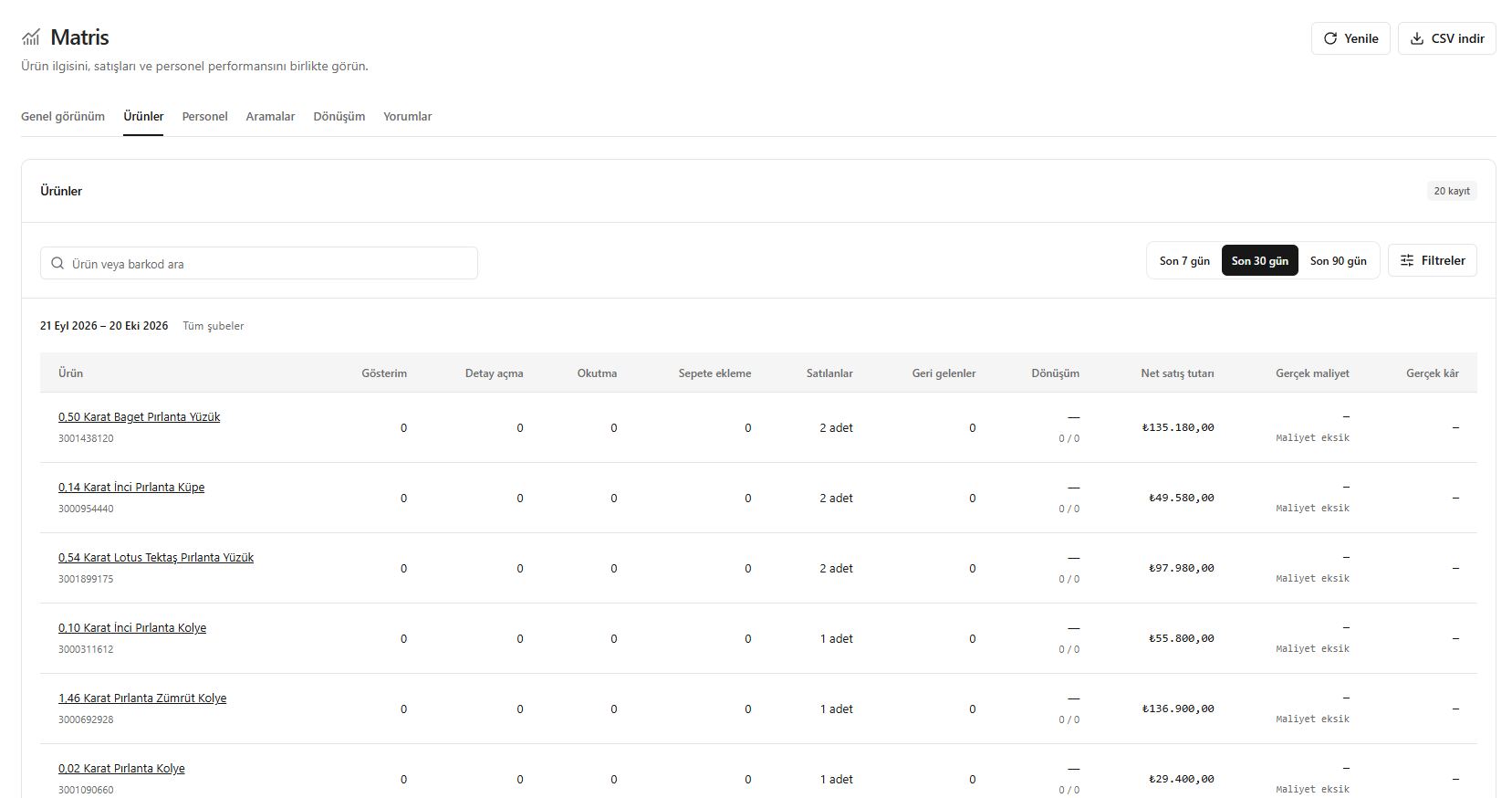
This translation is awaiting language review. Application screenshots and interface labels are in Turkish. The downloadable PDF is also in Turkish.
Steps
- Set the period and filters in Products (Ürünler).
- Review impressions, detail views, scans and add-to-cart counts.
- Compare quantities sold or returned, net sales and conversion.
- Check cost and profit information; download a CSV if needed.
Cost missing (Maliyet eksik) means profit could not be calculated; it does not mean profit is zero.
Screenshot
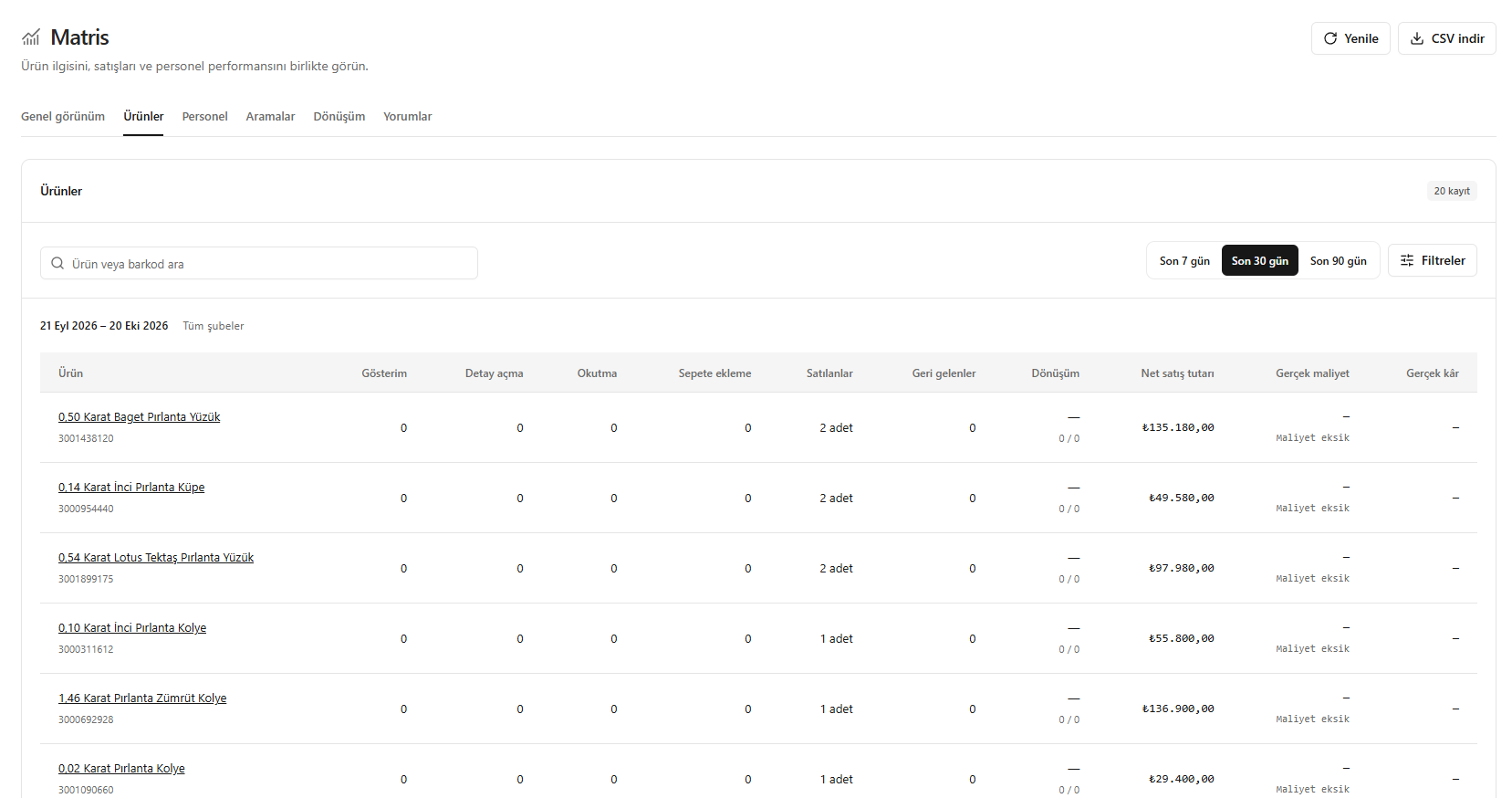
Product performance