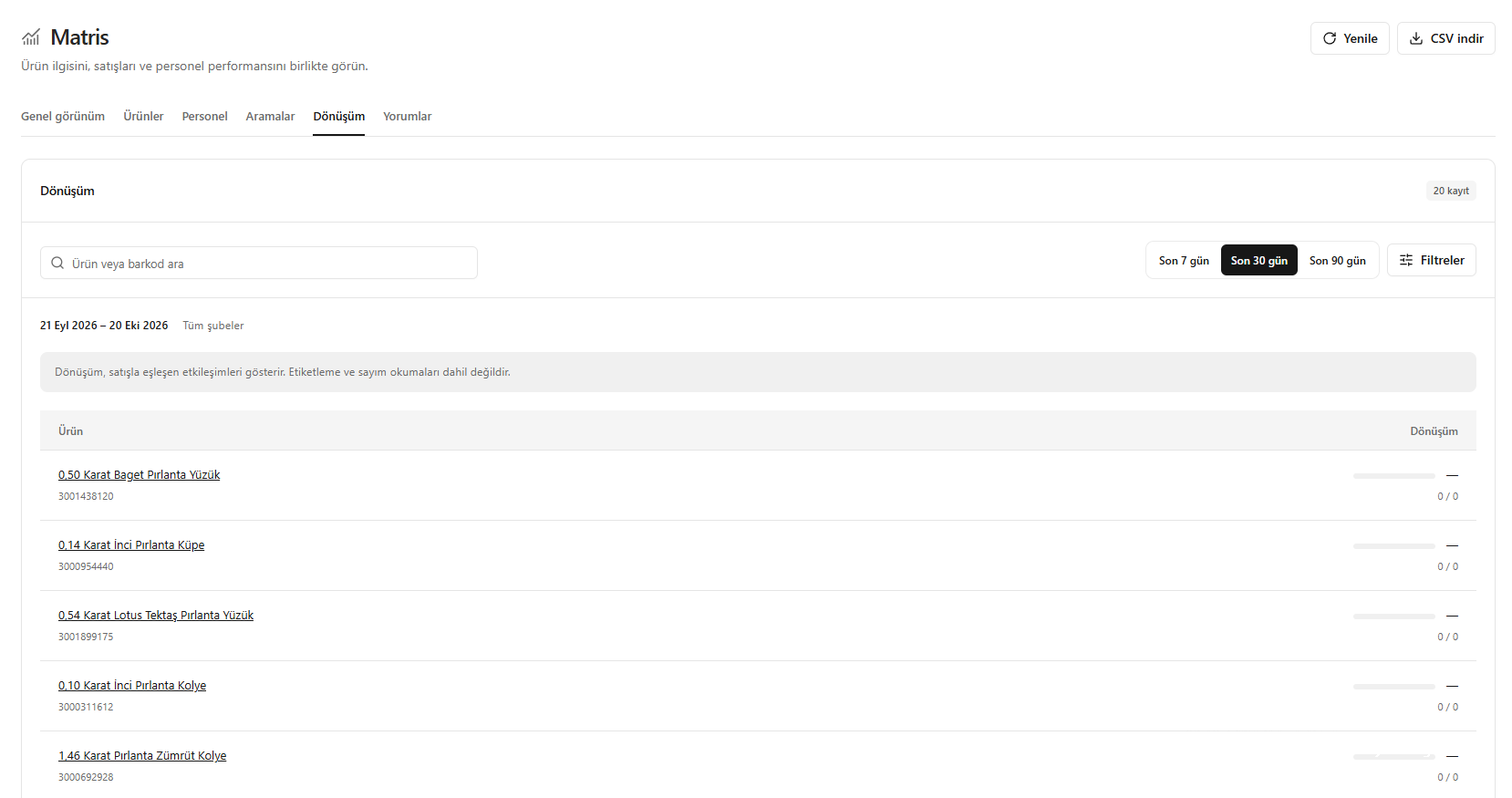
This translation is awaiting language review. Application screenshots and interface labels are in Turkish. The downloadable PDF is also in Turkish.
What does the conversion rate show?
The conversion rate shows what share of recorded interactions with a product matched a sale. It does not directly represent the number of customers or pieces sold.Which actions count as interactions?
This calculation uses two types of record:- Product view (Ürün görüntüleme): An action recorded by the system as a product view.
- Sales scan (Satış amaçlı okutma): Scanning the product for a sale.
When does an interaction count as converted?
An interaction with a product counts as converted when it matches the cart of a completed sale. If all of the relevant product has been returned, that match is excluded from conversion. The fact that a product was sold is not enough on its own; the system must be able to match the interaction with that sale.Reading the rate with an example
Conversion rate = Interactions matched to a sale ÷ Total interactions × 100 For example, if 100 separate interactions were recorded for a product during the selected period and 20 matched a sale, the conversion rate is %20. This does not mean that 20 out of 100 customers purchased, or that 20 pieces were sold; the measured value is the share of interactions matched to sales.Reviewing it on screen
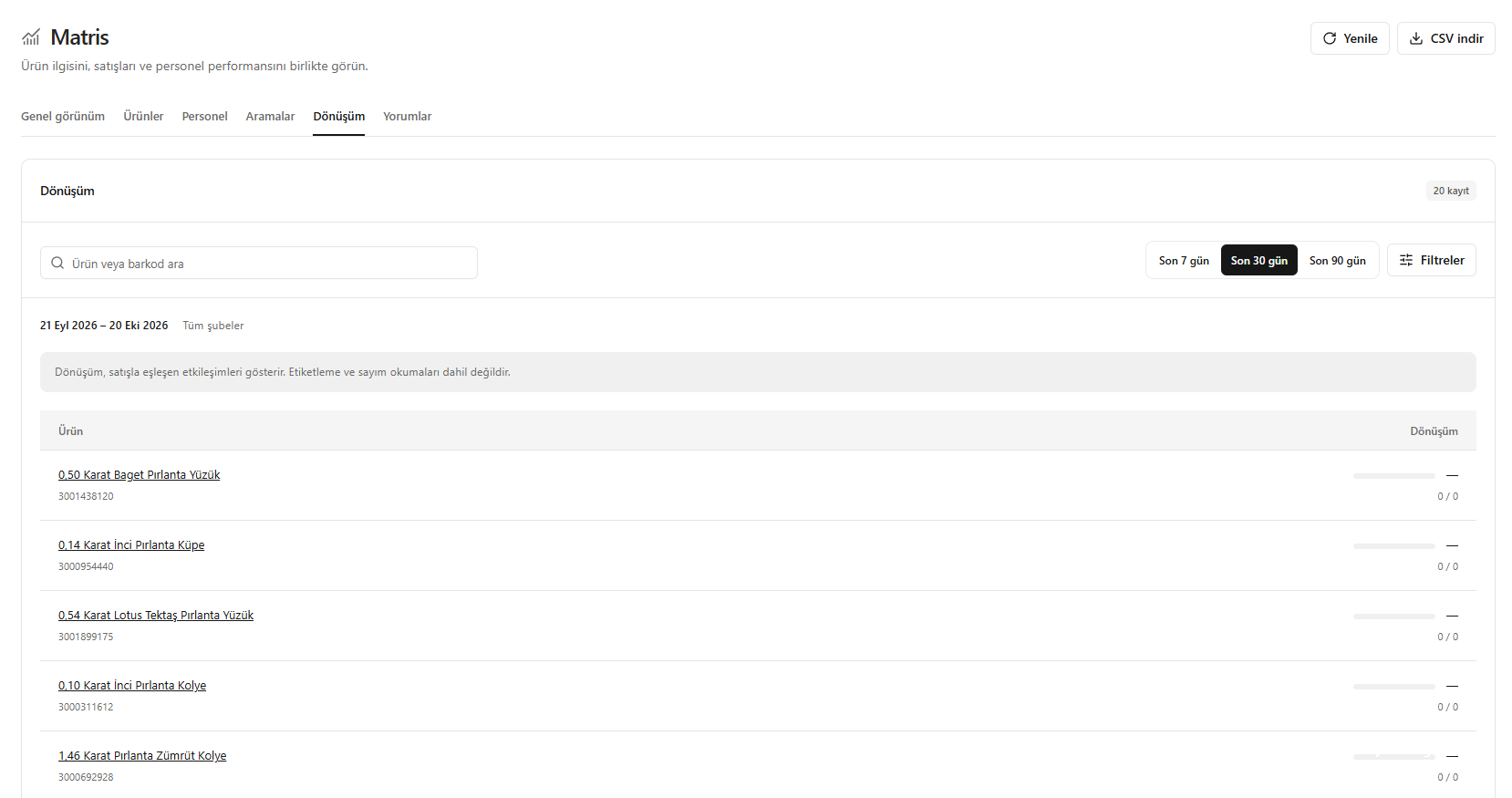
- Open Matrix → Conversion (Matris → Dönüşüm).
- Choose the period and scope using Last seven days (Son 7 gün), Last thirty days (Son 30 gün), Last ninety days (Son 90 gün) or Filters (Filtreler).
- Find the product using Search product or barcode (Ürün veya barkod ara) if needed.
- Assess the product’s conversion percentage together with the counts of matched and total interactions shown below it. A rate based on few interactions should not alone be interpreted as high or low performance.
- If 0 / 0 and a dash appear, the selected scope has no interaction data from which to calculate a rate. Do not confuse this with %0 conversion.
Conversion shows the interactions the system recorded and could match with sales. An absence of records alone does not prove there was no interest in the product or that no sales occurred.
Screenshot
Interpreting the conversion rate