This translation is awaiting language review. Application screenshots and interface labels are in Turkish. The downloadable PDF is also in Turkish.
Steps
- Open Staff (Personel) and set the date and branch filters.
- Review each staff member’s scans, pieces or grams sold and net sales amount.
- If records exist, open a staff row to see product details.
- Export the report using Download CSV (CSV indir).
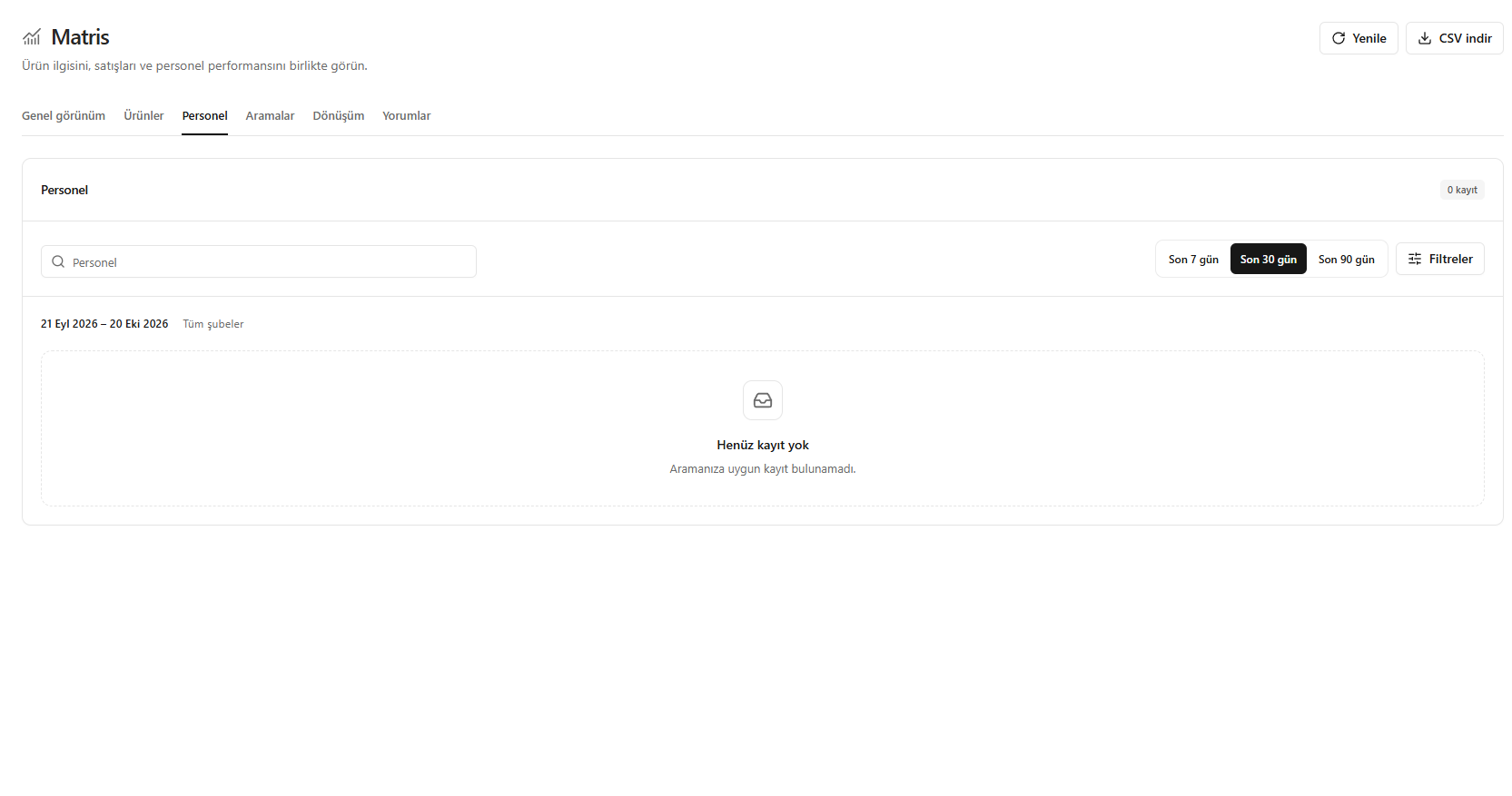
The image does not yet contain staff data.
Screenshot
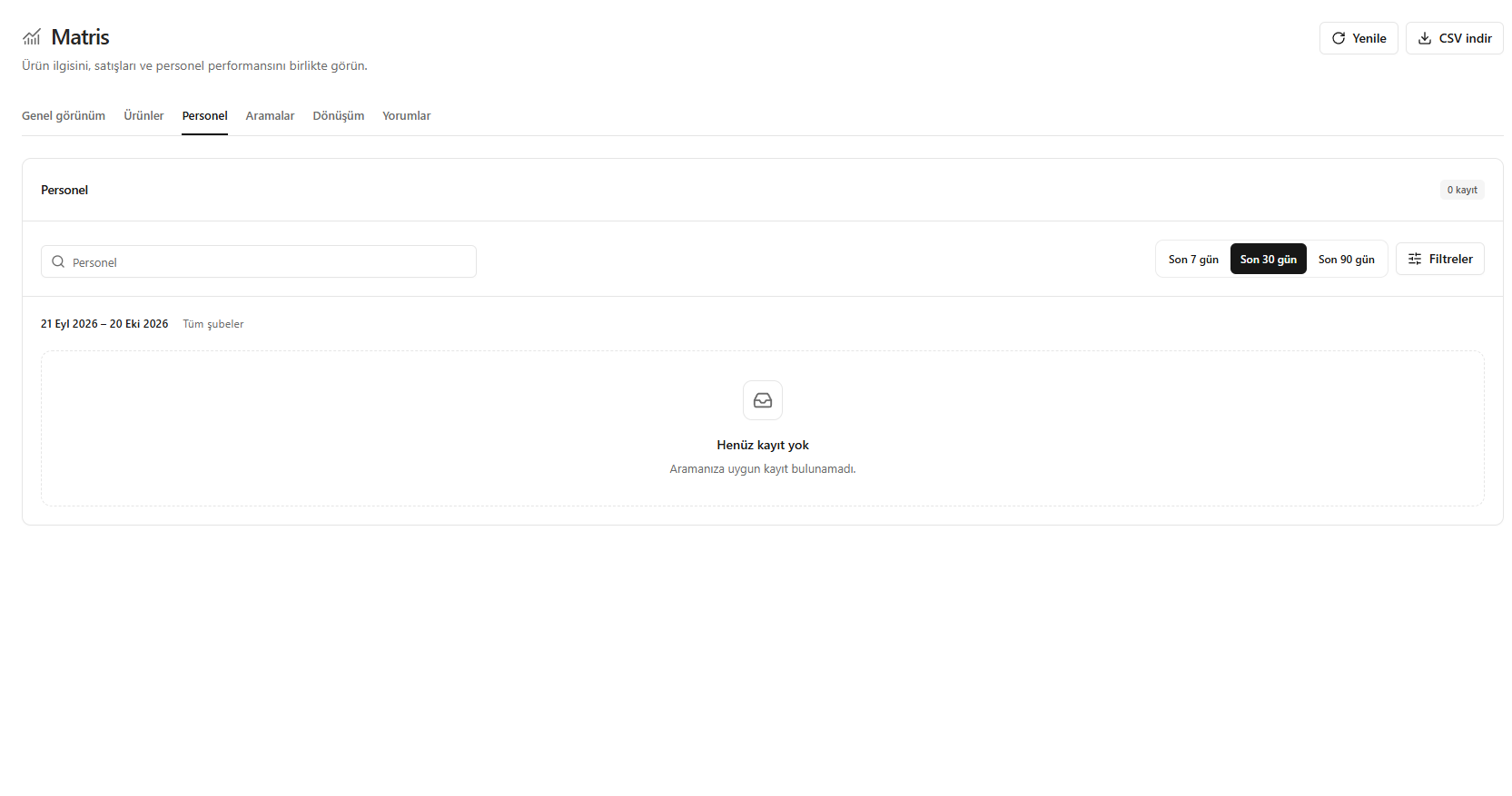
Staff performance