This translation is awaiting language review. Application screenshots and interface labels are in Turkish. The downloadable PDF is also in Turkish.
Steps
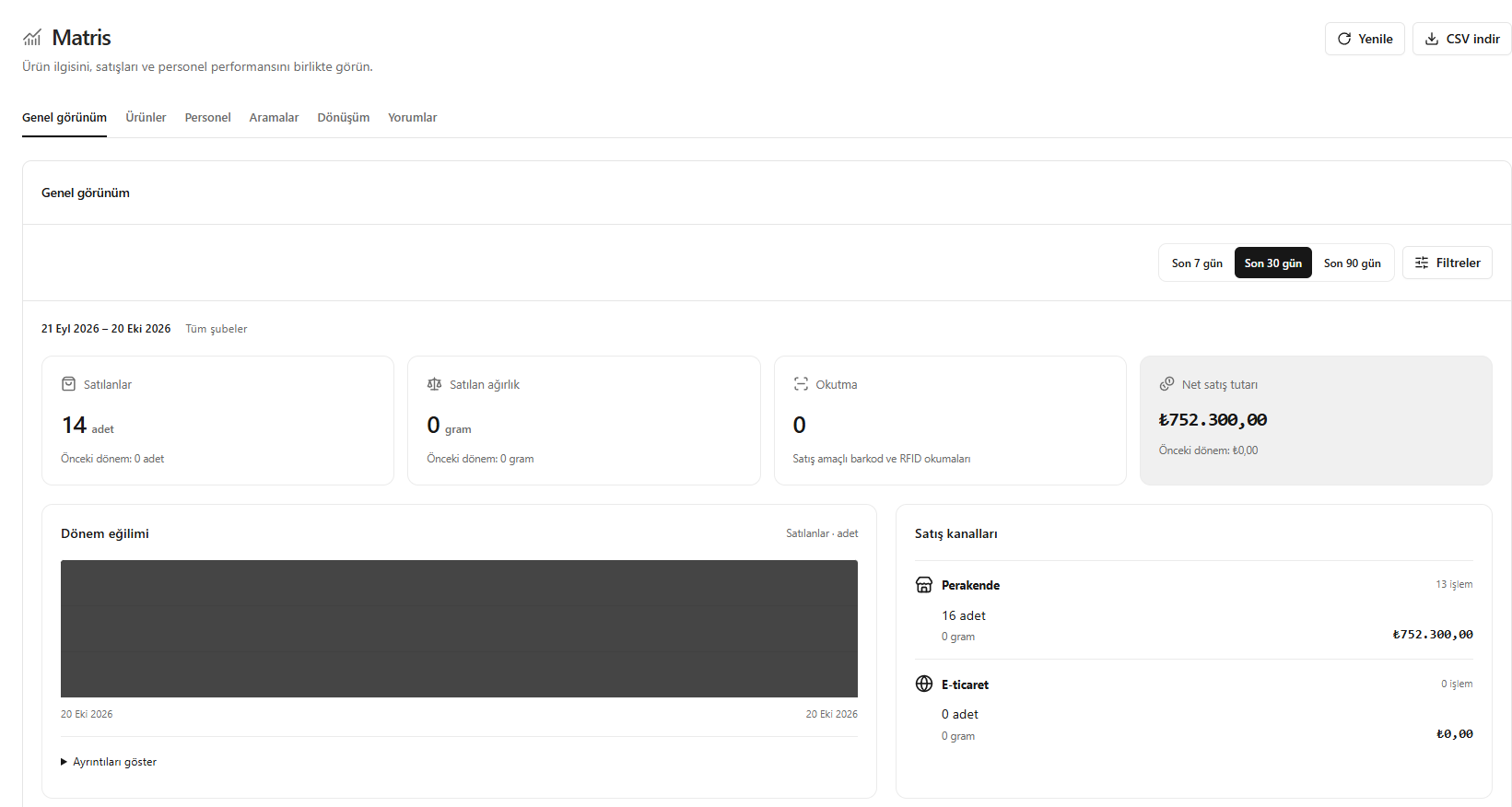
- Open Matrix (Matris) and select a date range.
- Review pieces or grams sold, scans and net sales.
- Compare the trend for the period and the sales channels.
- For details, open Products (Ürünler), Staff (Personel), Searches (Aramalar), Conversion (Dönüşüm) or Insights (Yorumlar).
Product scan counts are not inventory count results.
Screenshot
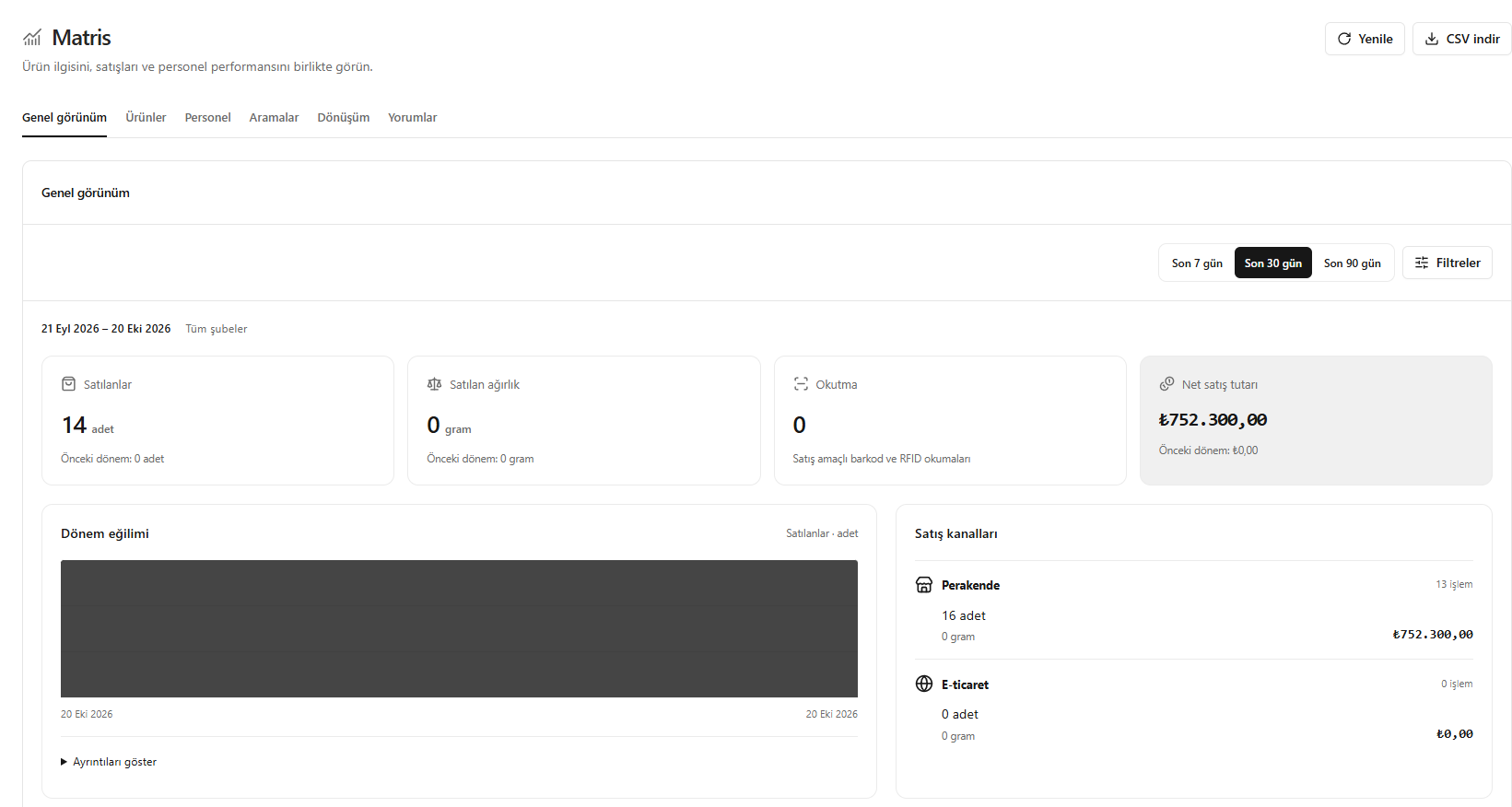
Overall performance overview