This translation is awaiting language review. Application screenshots and interface labels are in Turkish. The downloadable PDF is also in Turkish.
Steps
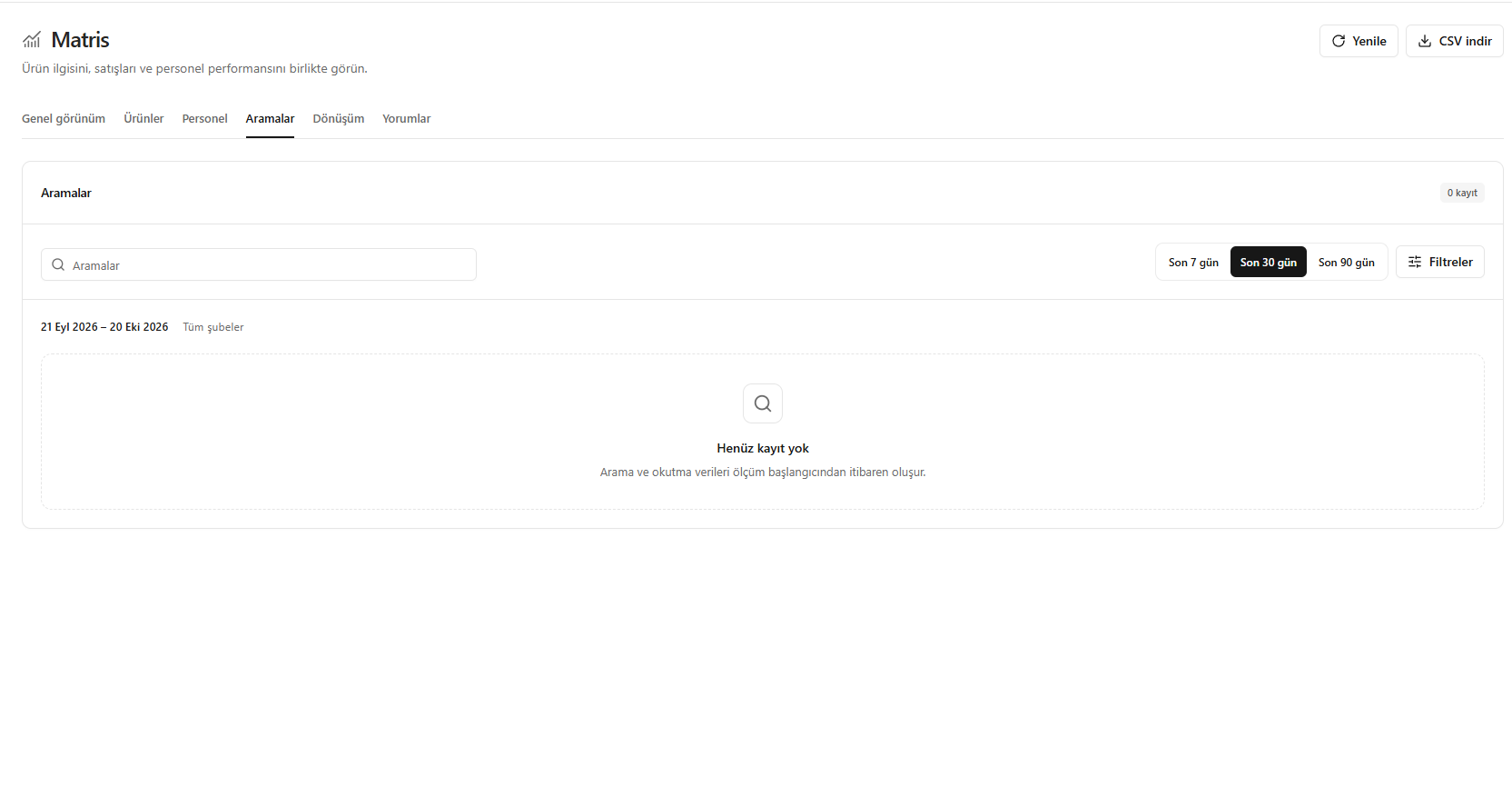
- Open Searches (Aramalar).
- Review search terms, search counts and searches with no results.
- Review product names and assortment for frequent searches that return no results.
For example, if a search for a baguette-cut ring returns no results, check the relevant products’ names.
Screenshot
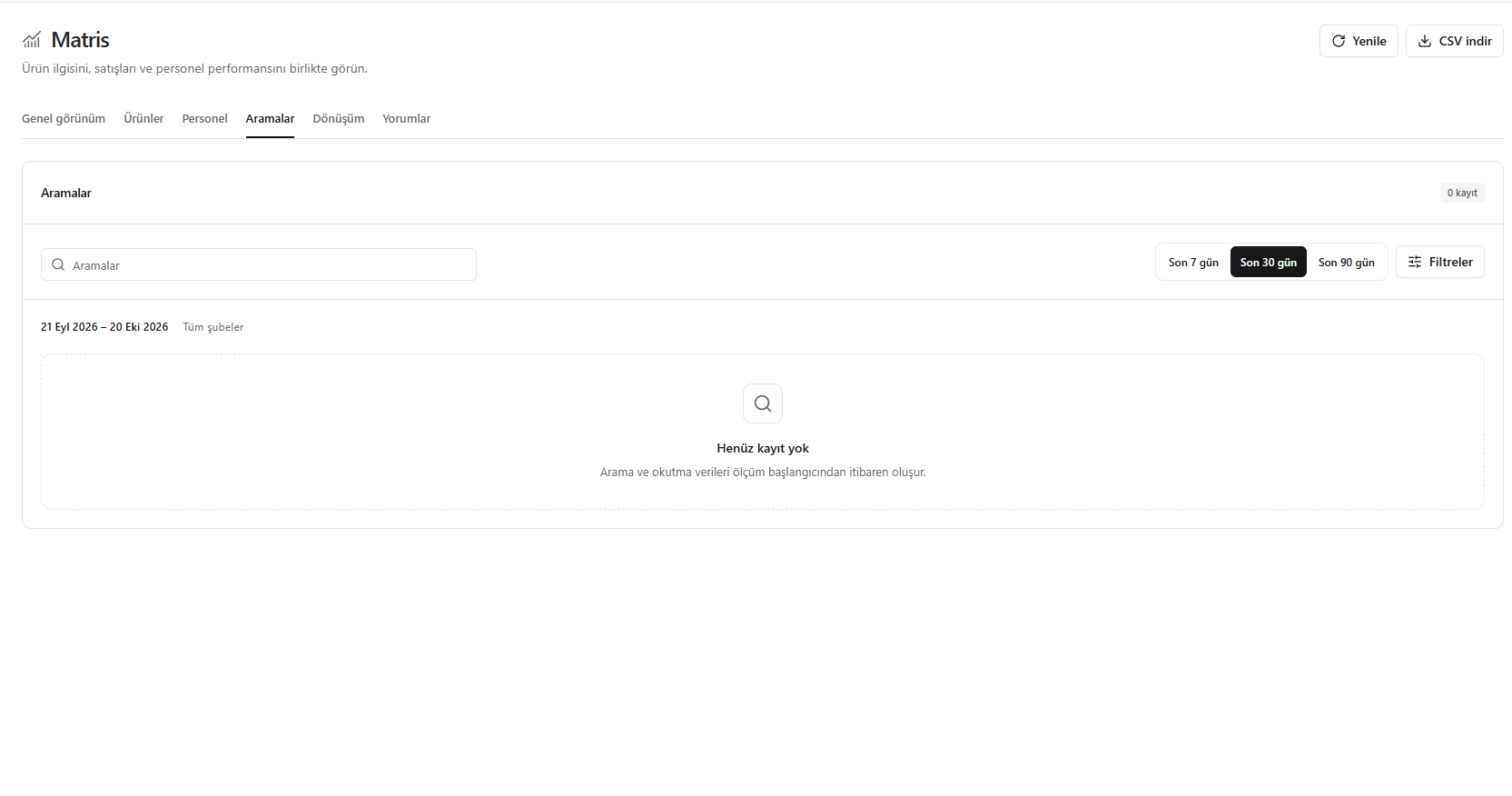
Search report