This translation is awaiting language review. Application screenshots and interface labels are in Turkish. The downloadable PDF is also in Turkish.
Steps
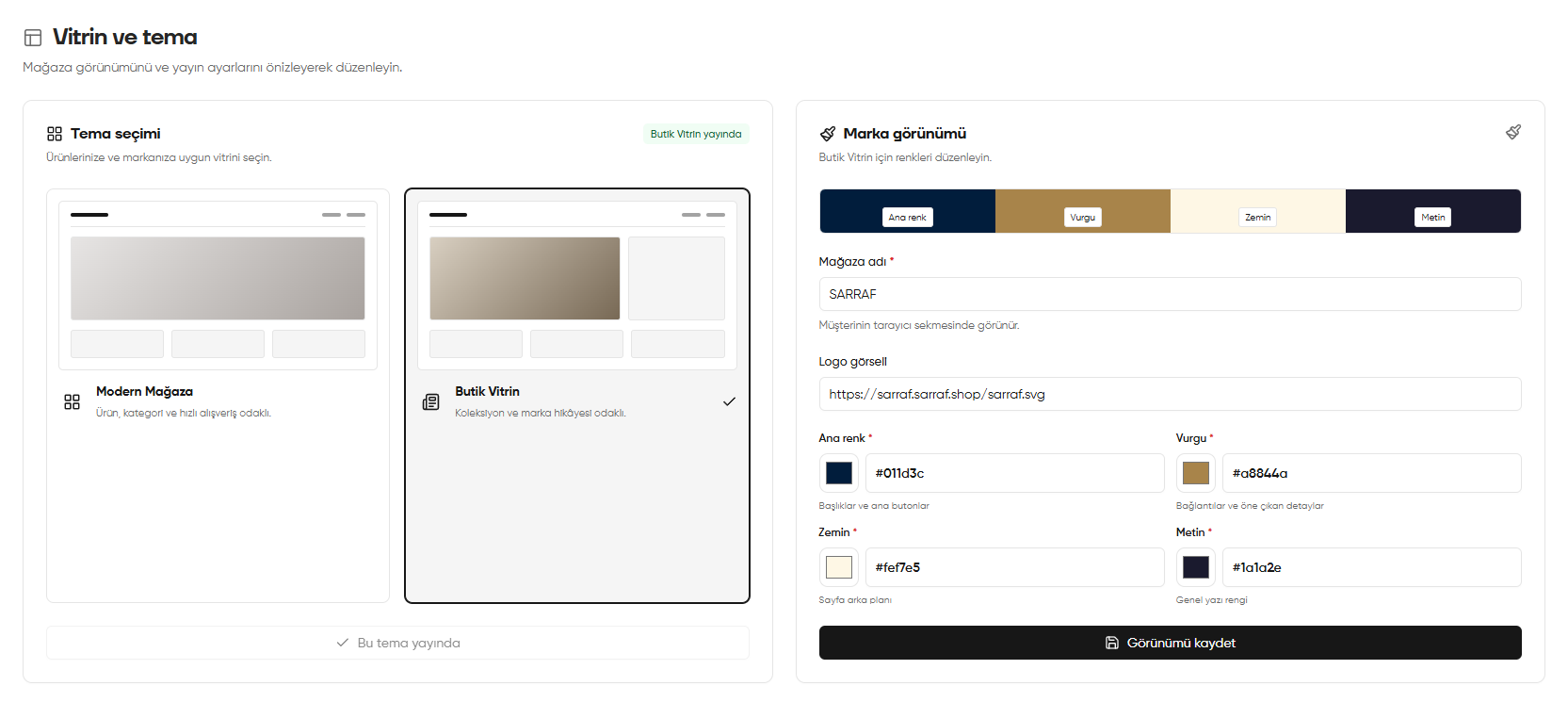
- In Storefront and theme (Vitrin ve tema), select Modern Store (Modern Mağaza) or Boutique Storefront (Butik Vitrin).
- Edit the store name and logo link.
- Set the primary, accent, background and text colours.
- Check the preview, then click Save appearance (Görünümü kaydet).
Screenshot
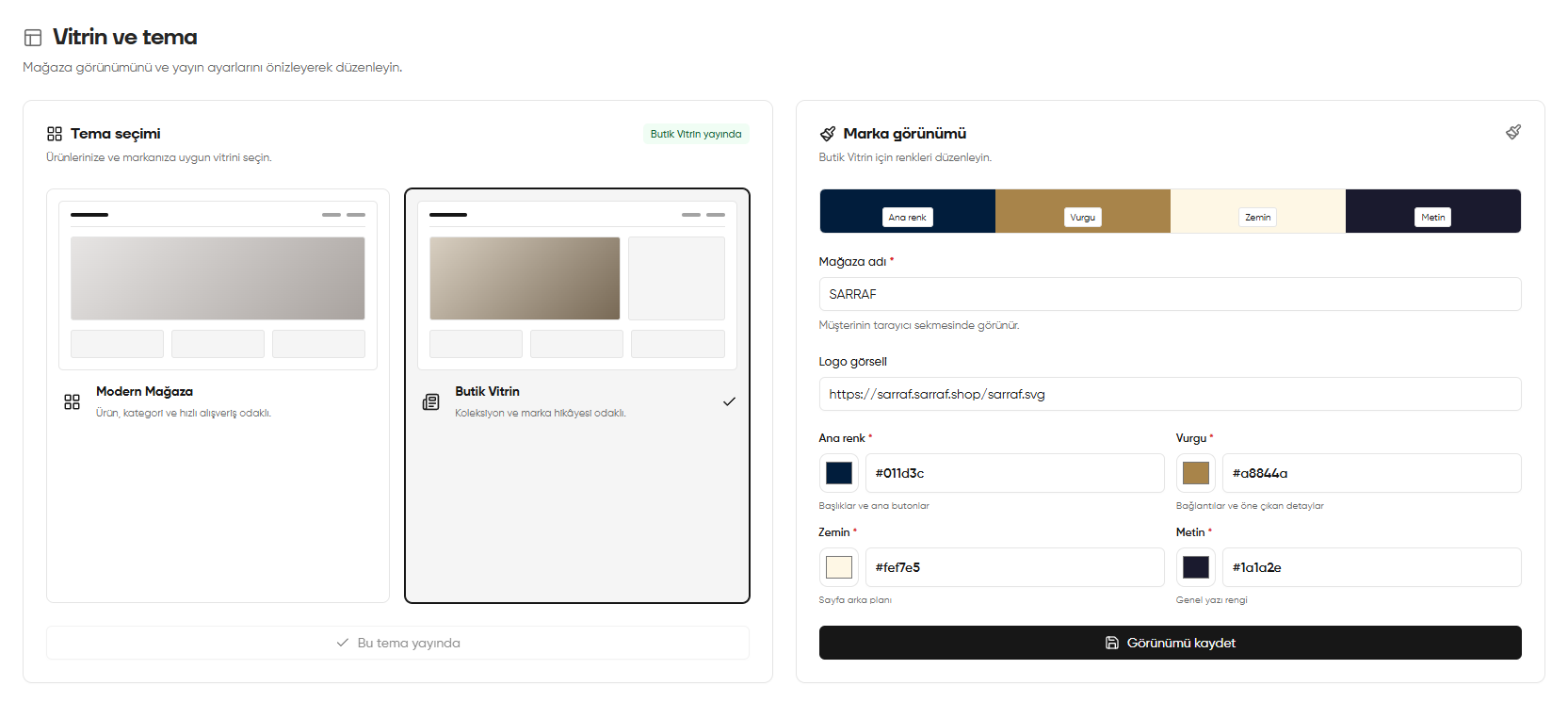
Theme and brand appearance