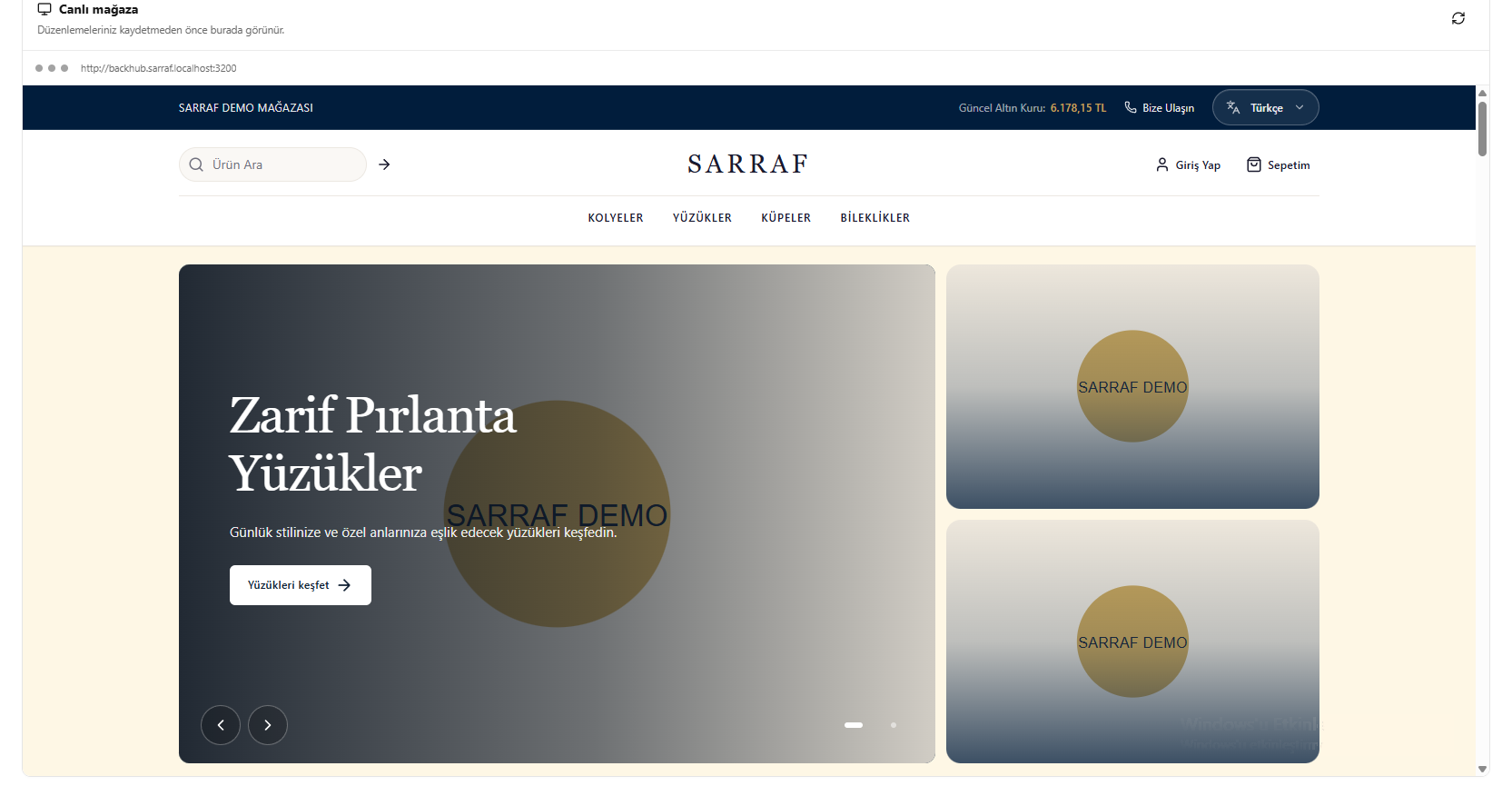
This translation is awaiting language review. Application screenshots and interface labels are in Turkish. The downloadable PDF is also in Turkish.
Steps
- Go to the Live store (Canlı mağaza) section.
- Check the menu, logo, categories, colours and promotional areas.
- Click the refresh icon at the top right if needed.
- After editing, save the appearance settings.
The preview shows changes before saving; refreshing the preview does not save the settings.
Screenshot
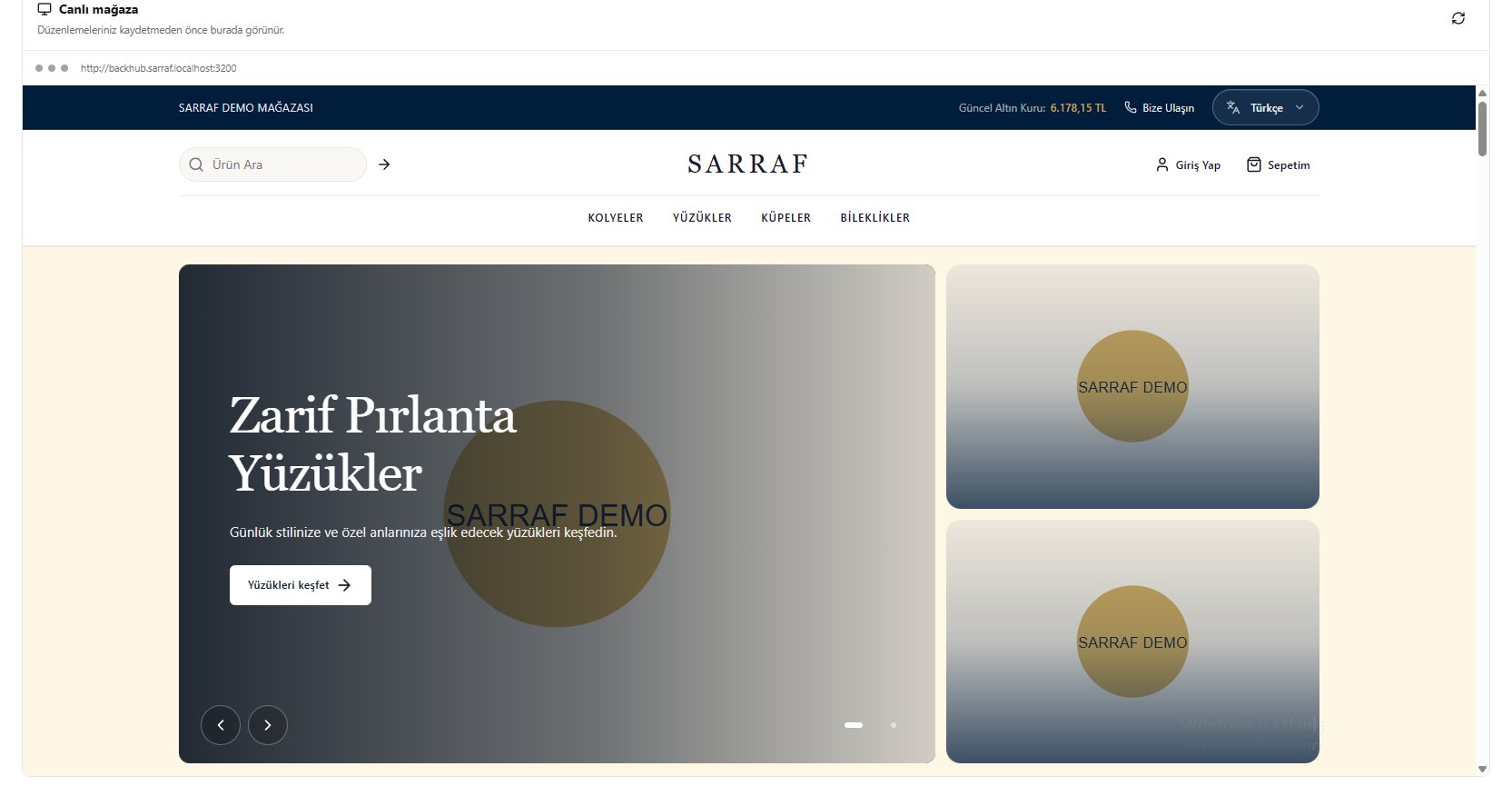
Live store preview