

This translation is awaiting language review. Application screenshots and interface labels are in Turkish. The downloadable PDF is also in Turkish.
1. Filtering movements by date and product
- Switch to Movements (Hareketler) on the count screen and check the Stock location (Stok yeri) selection.
- If the tag form is still open, the movement list appears below it. You can close the form or scroll down.
- Click Filters (Filtreler) in the Movements (Hareketler) area.
- Select the Start (Başlangıç) and End (Bitiş) dates. For a one-day review, both fields can be the same day; change the dates for a wider range.
- Select the relevant product from Product (Ürün) or leave All (Tümü) selected.
- Click Apply filters (Filtreleri uygula) and review the listed records.
- Use Refresh (Yenile) to reload the list or Download CSV (CSV indir) to export the records.
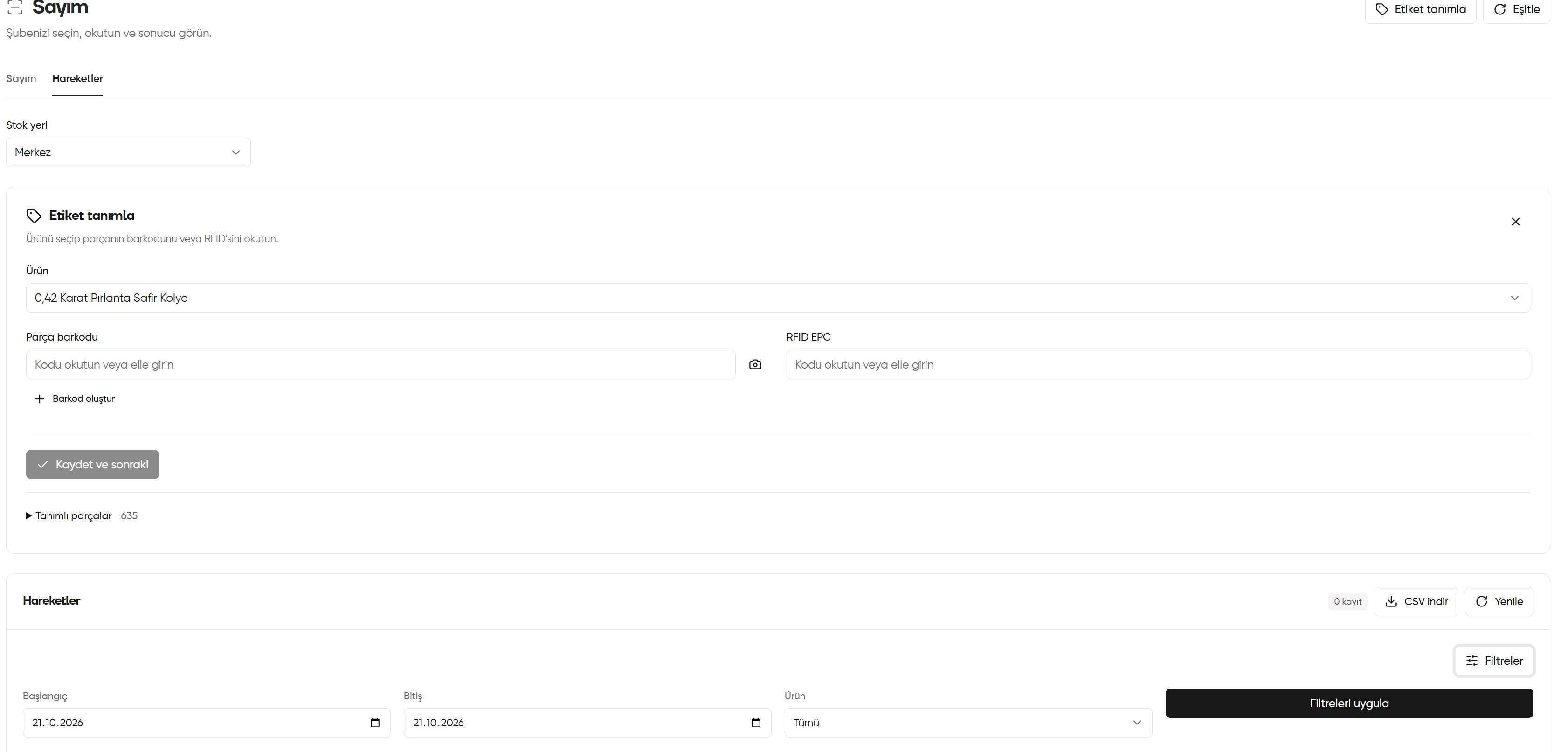
Filtering movements by date and product
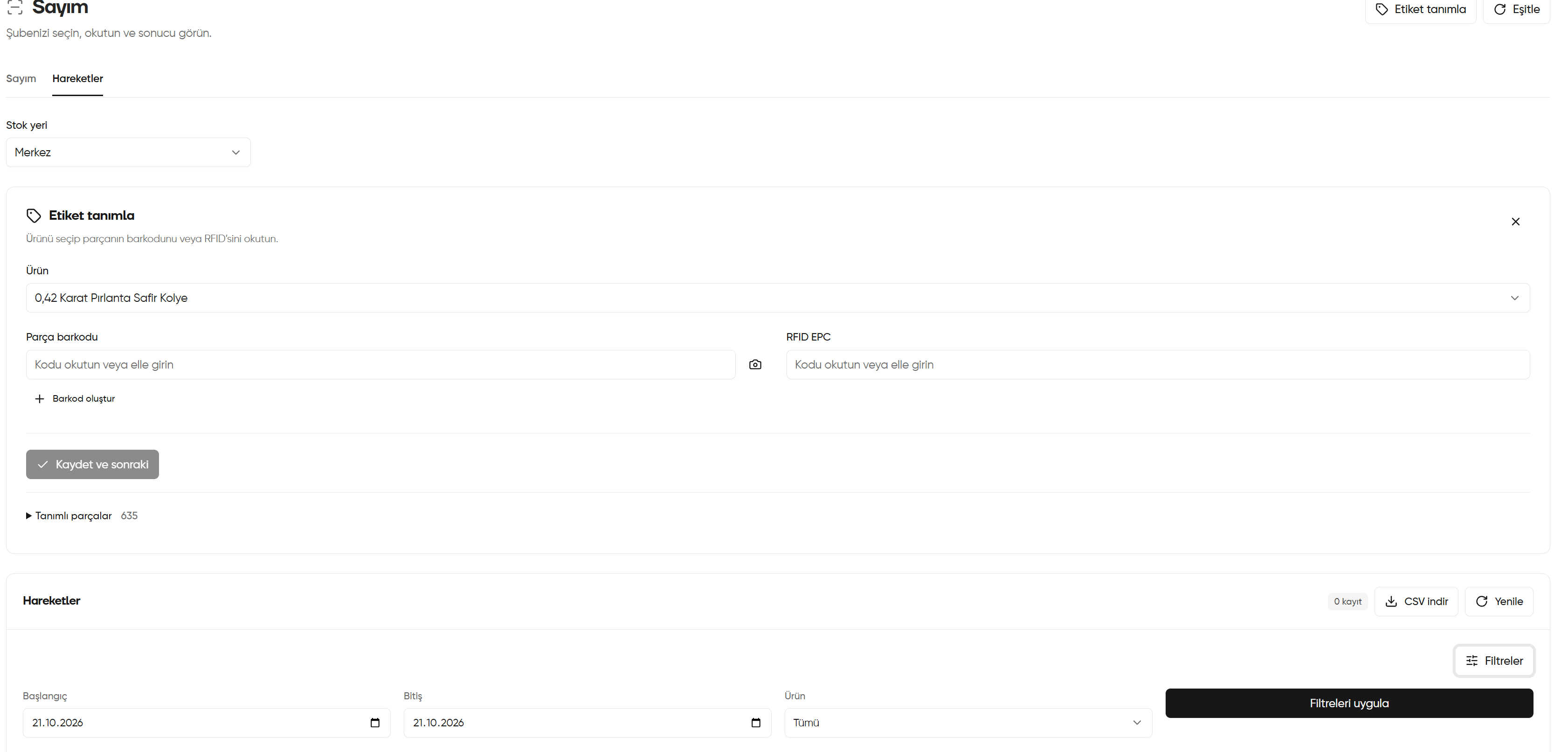
2. Assessing the movement summary and empty list
Click Summary and information (Özet ve bilgiler) to expand or collapse the area. It is expanded in the screenshot, showing No records yet — No movements occurred in the selected period and filters (Henüz kayıt yok — Seçili dönem ve filtrelerde gerçekleşmiş hareket yok). This message does not mean the entire history is empty. If you expect records:- Check that the correct Stock location (Stok yeri) is selected.
- Widen the date range in Filters (Filtreler) and, if needed, set Product (Ürün) to All (Tümü).
- Click Apply filters (Filtreleri uygula); then reload the list with Refresh (Yenile) if needed.
- If records are pending on the device, follow Synchronising device records and check the result again.
Refresh (Yenile) reloads the list; Sync (Eşitle) transfers pending records from the device. They are different transactions.

Assessing the movement summary and empty list
