This translation is awaiting language review. Application screenshots and interface labels are in Turkish. The downloadable PDF is also in Turkish.
Steps
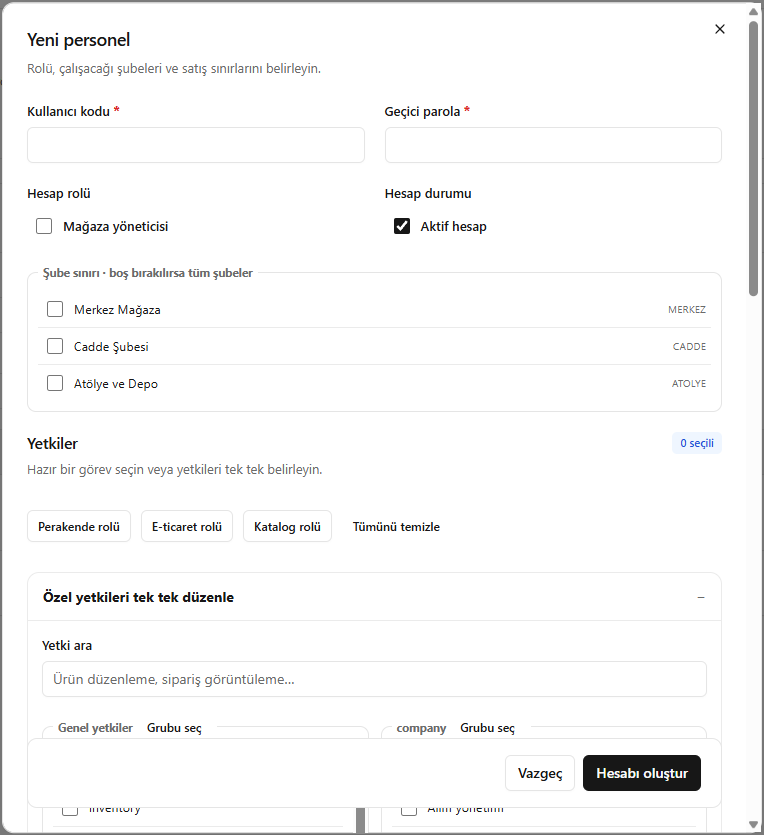
- Click New staff member (Yeni personel); enter the user code and temporary password.
- Set Account role (Hesap rolü) and Active account (Aktif hesap).
- Select the accessible branches.
- Choose preset permissions with Retail role (Perakende rolü), E-commerce role (E-ticaret rolü) or Catalogue role (Katalog rolü), then check the details.
Leaving the branch selection empty grants access to all branches.
Screenshot
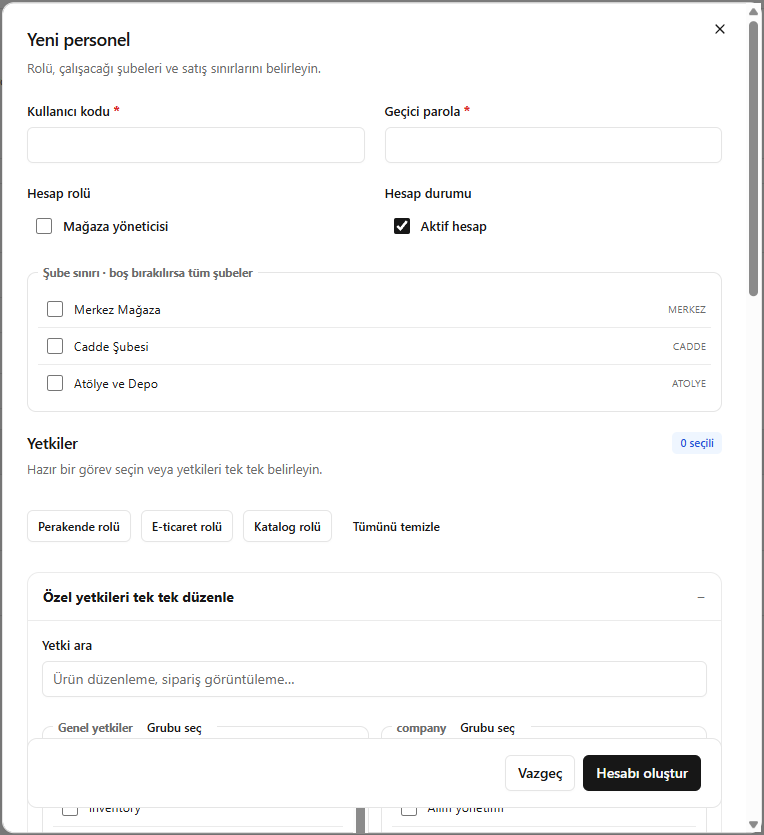
Creating a staff account