This translation is awaiting language review. Application screenshots and interface labels are in Turkish. The downloadable PDF is also in Turkish.
Steps
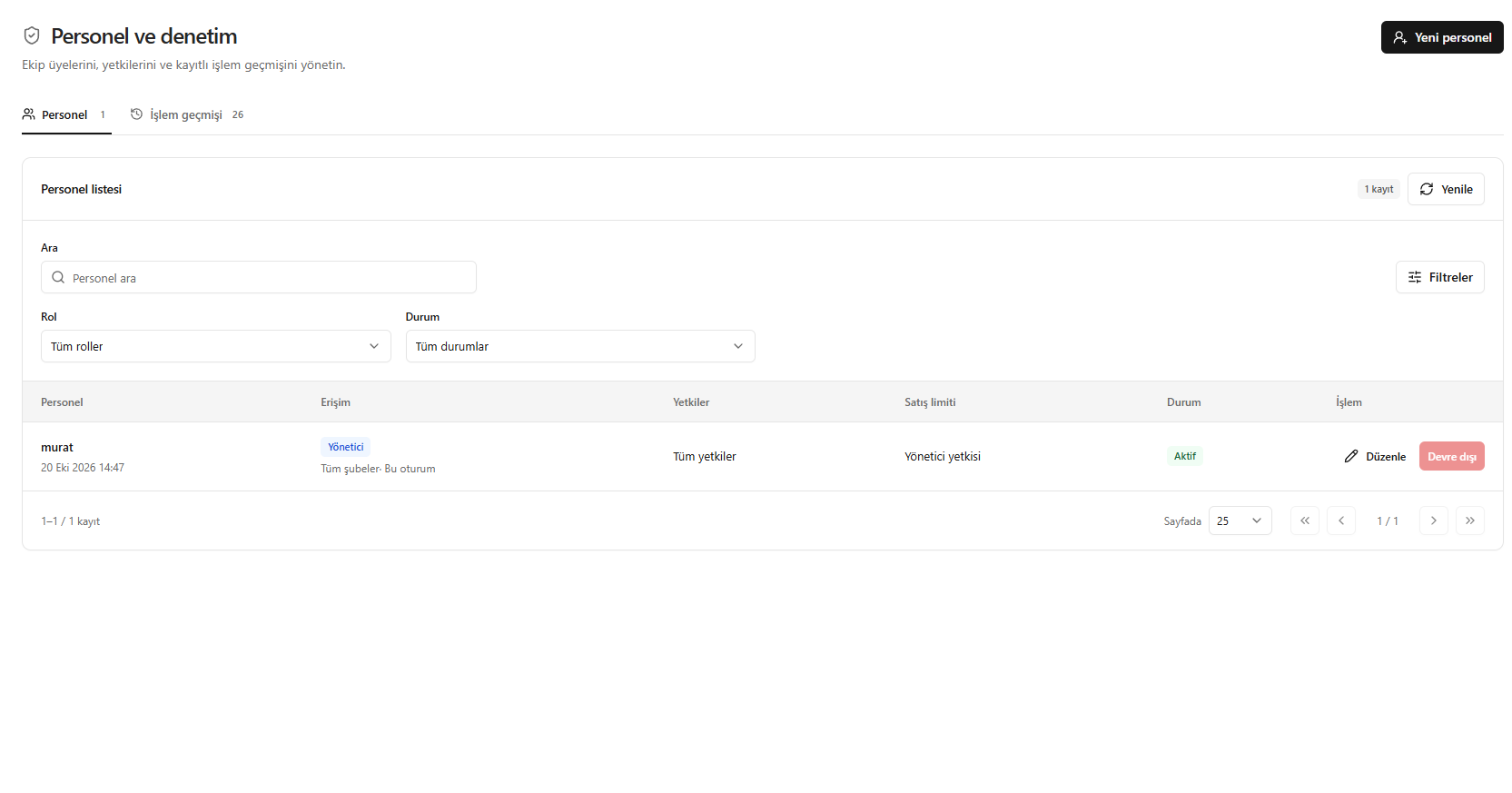
- Open Staff and audit > Staff (Personel ve denetim > Personel).
- Review the access scope, permissions, sales limit and account status.
- Use search and the Role (Rol) and Status (Durum) filters.
- Create a record with New staff member (Yeni personel); use Edit (Düzenle) for existing staff.
Screenshot
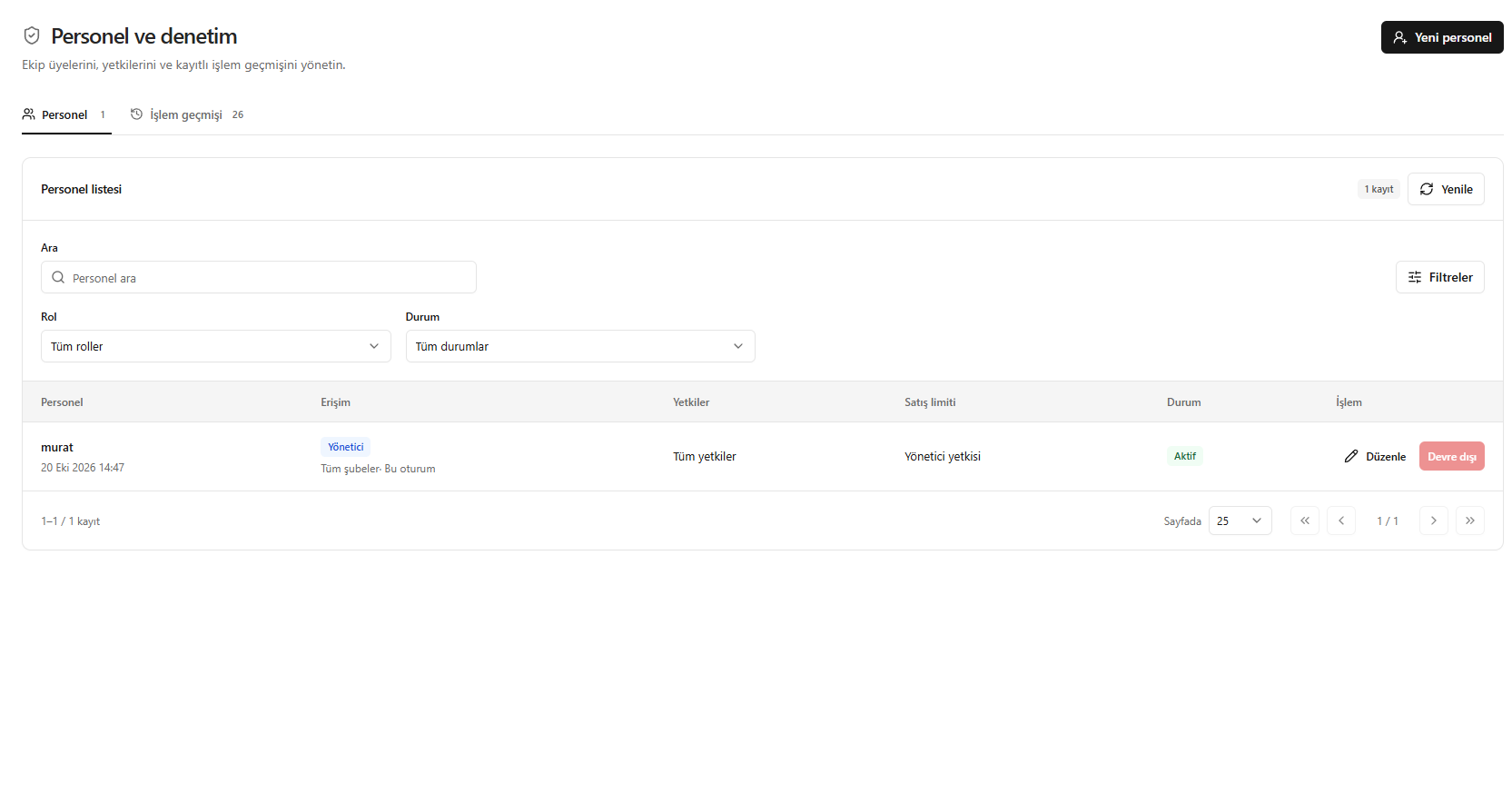
Reviewing the staff list