This translation is awaiting language review. Application screenshots and interface labels are in Turkish. The downloadable PDF is also in Turkish.
Steps
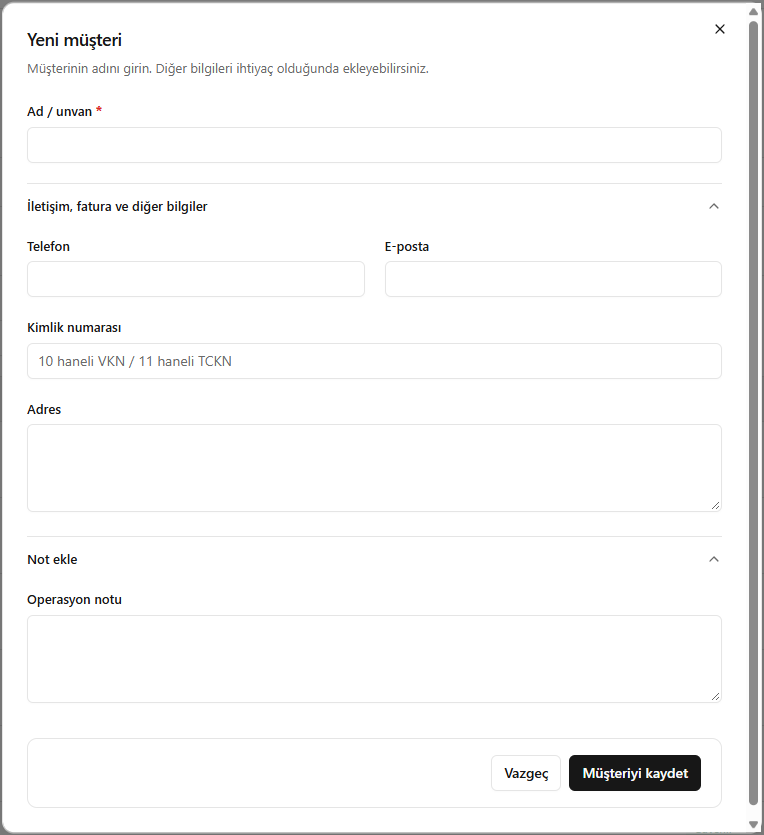
- Click New customer (Yeni müşteri).
- Complete the required Name / company name (Ad / unvan) field.
- Add a phone number, email, identification number and address if needed.
- Enter the operational note and click Save customer (Müşteriyi kaydet).
In the identification number field, VKN has 10 digits and TCKN has 11 digits.
Screenshot
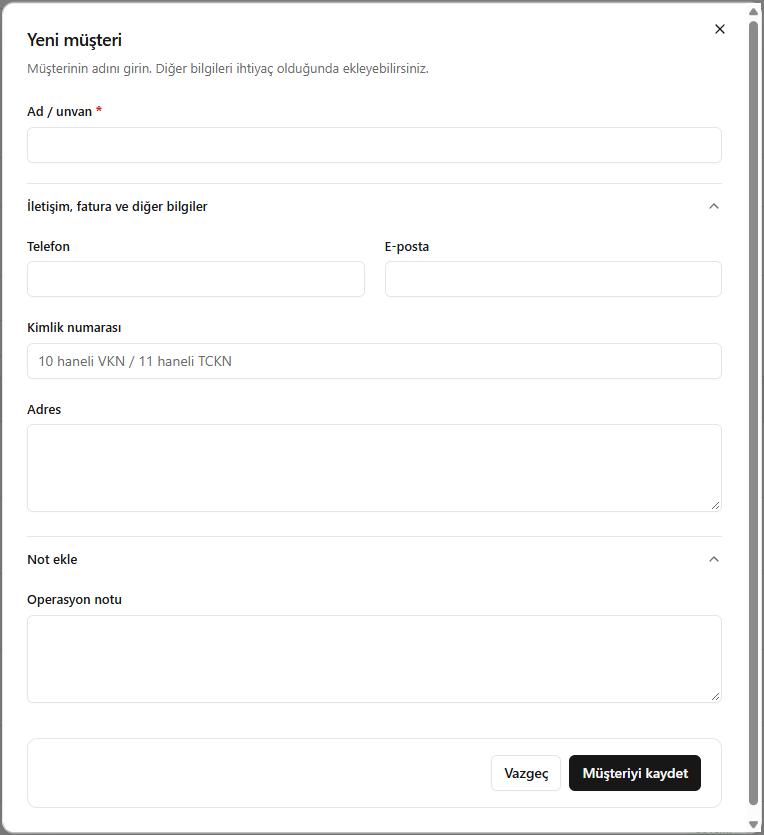
Creating a customer