This translation is awaiting language review. Application screenshots and interface labels are in Turkish. The downloadable PDF is also in Turkish.
Steps
- Open the relevant customer’s Inspect (İncele) link.
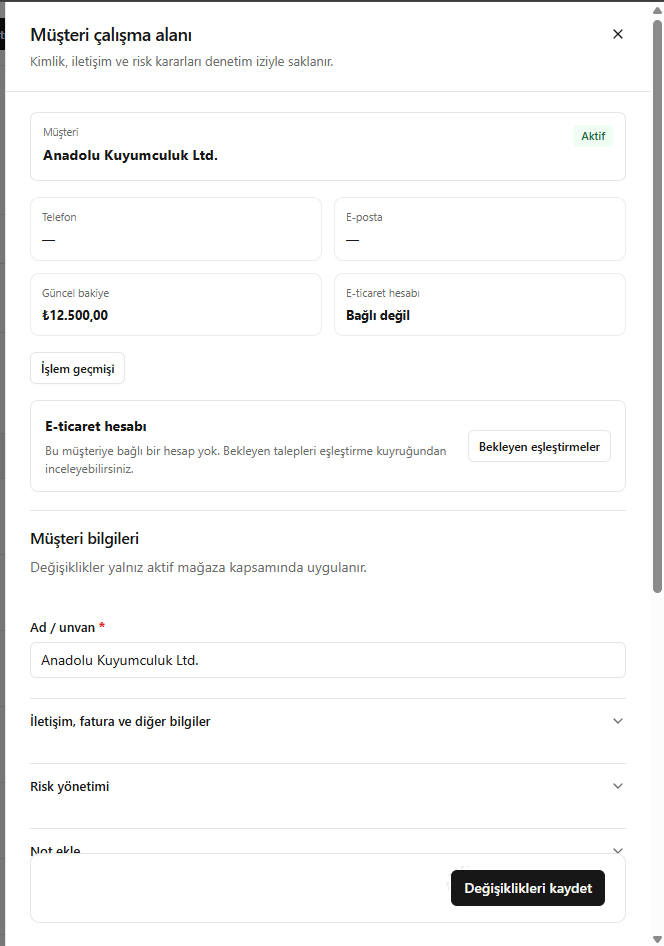
- Check the basic information, current balance and e-commerce account.
- Use Transaction history (İşlem geçmişi) to view movements, or Pending matches (Bekleyen eşleştirmeler) to view account requests.
- Edit and save the necessary customer details.
Changes on this screen apply within the active store.
Screenshot
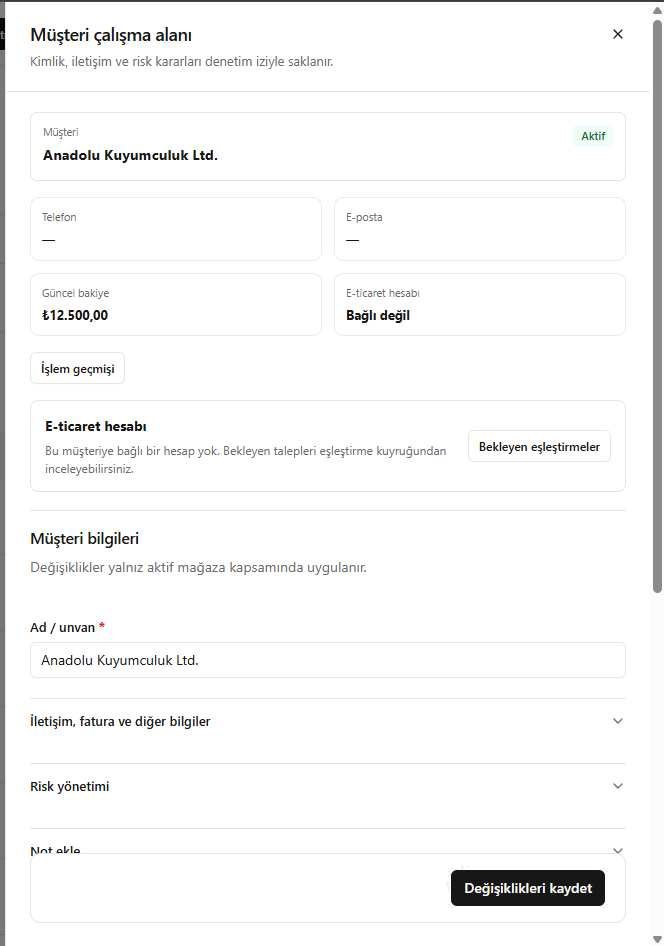
Customer workspace