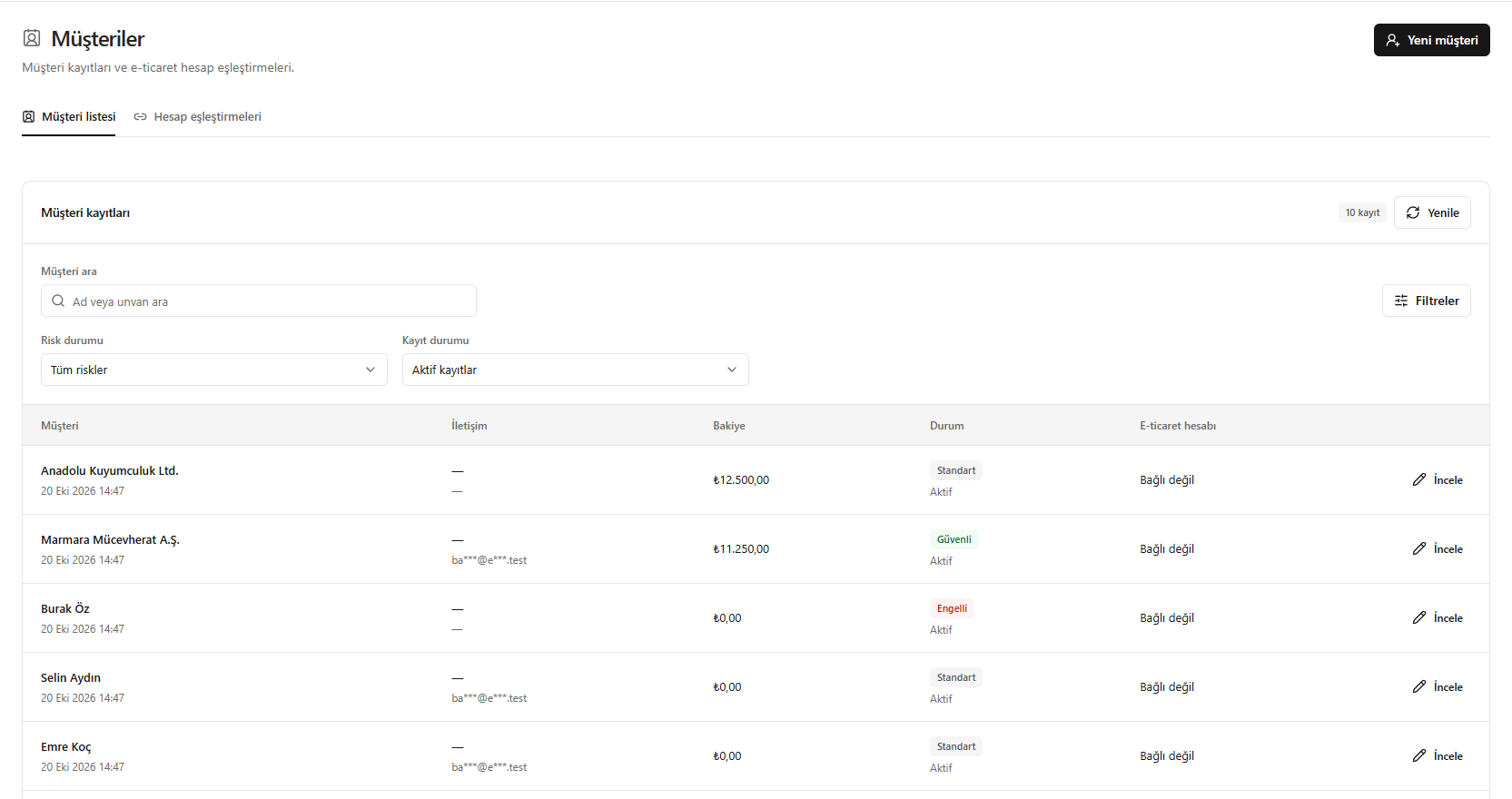
This translation is awaiting language review. Application screenshots and interface labels are in Turkish. The downloadable PDF is also in Turkish.
Steps
- In Customers (Müşteriler), search by name or company name.
- Use the Risk status (Risk durumu) and Record status (Kayıt durumu) filters.
- Check the contact, balance and e-commerce connection information.
- Open the customer details with Inspect (İncele); use New customer (Yeni müşteri) for a new record.
Screenshot
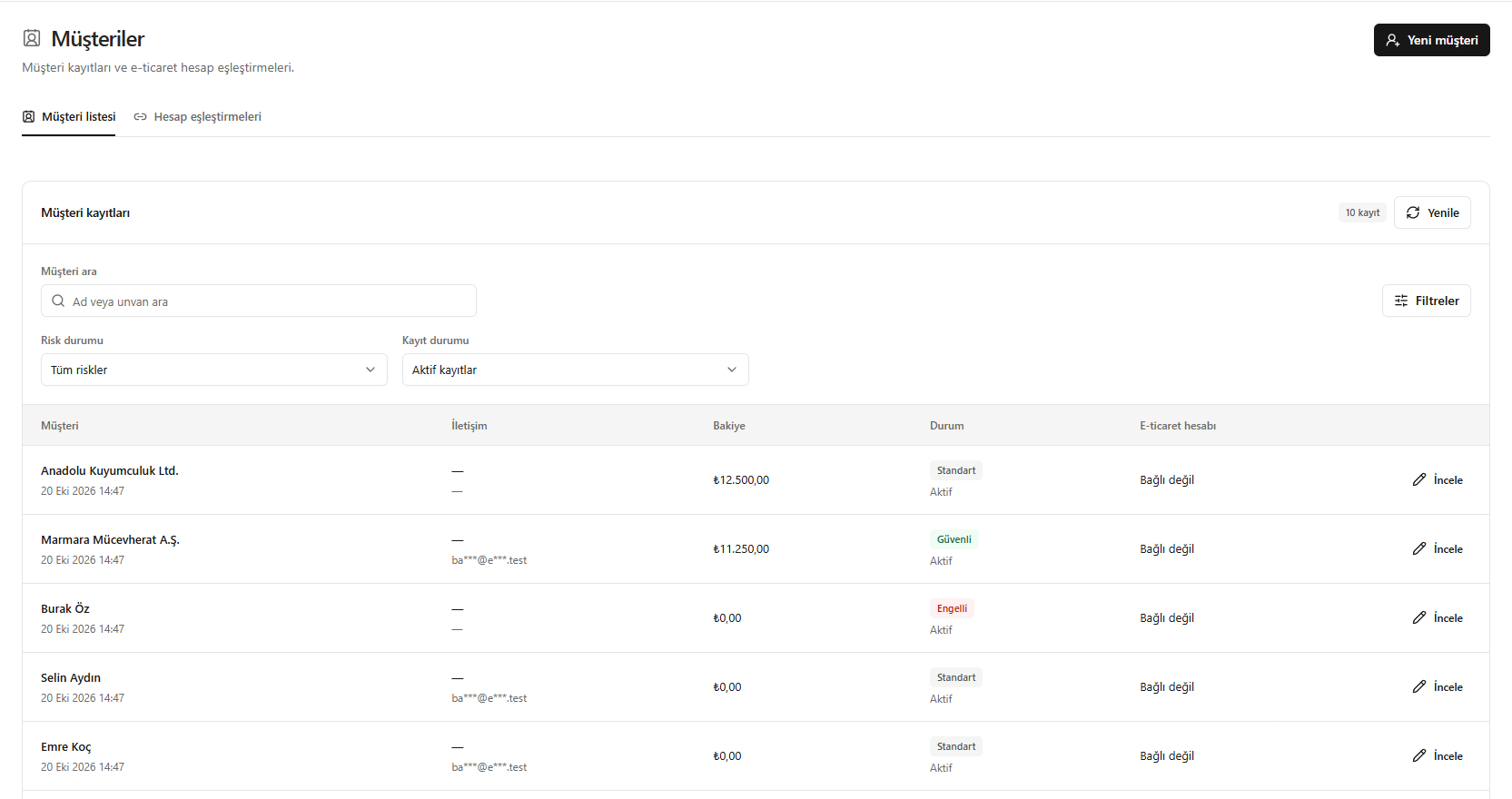
Using the customer list