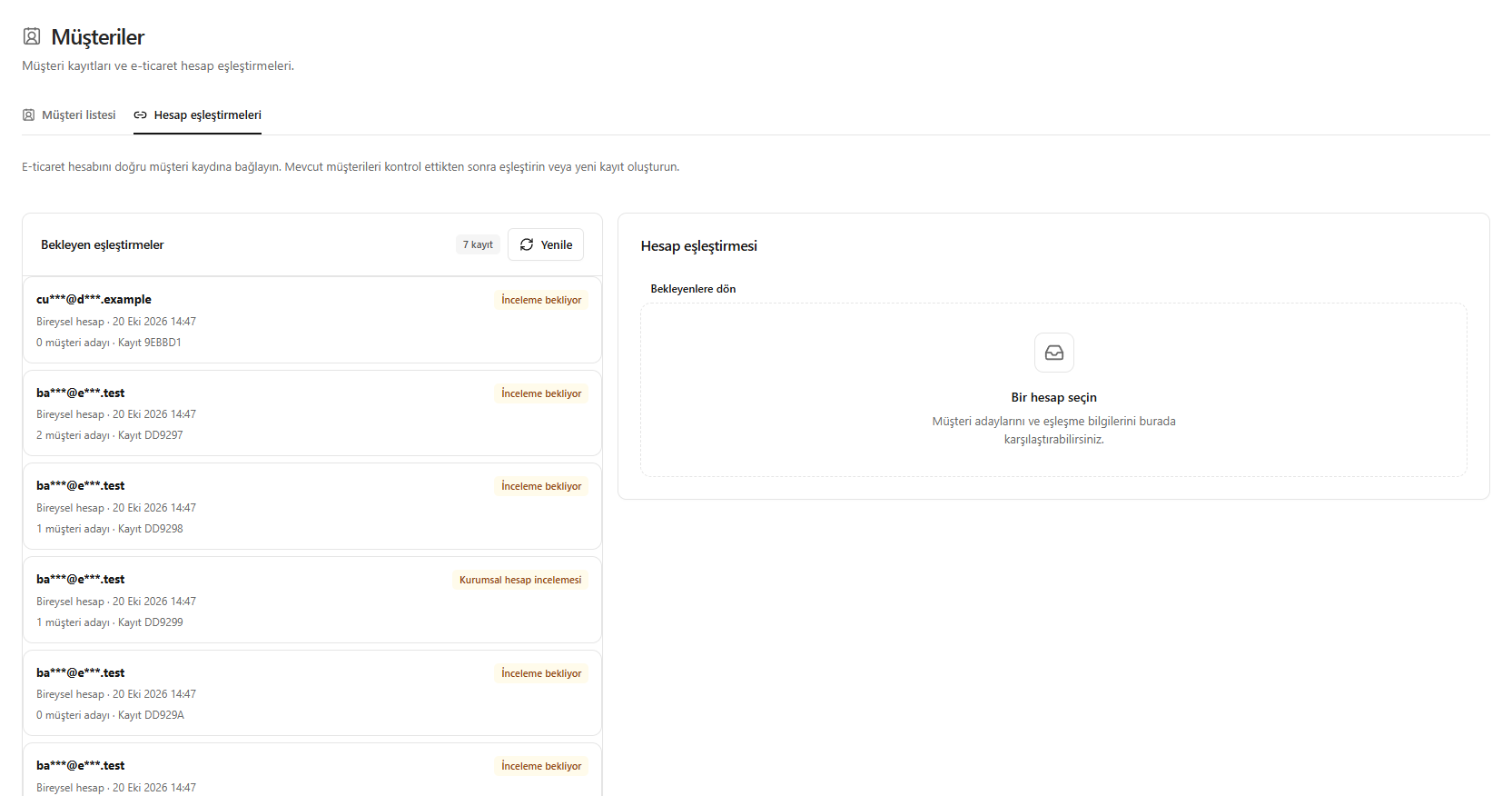
This translation is awaiting language review. Application screenshots and interface labels are in Turkish. The downloadable PDF is also in Turkish.
Steps
- Open the Account matches (Hesap eşleştirmeleri) tab.
- Select the account from the Pending matches (Bekleyen eşleştirmeler) list on the left.
- Compare the candidate customers and match information on the right.
- Match the account to the correct existing customer, or create a customer if there is no suitable record.
Before creating a customer, check existing records to prevent duplicates.
Screenshot
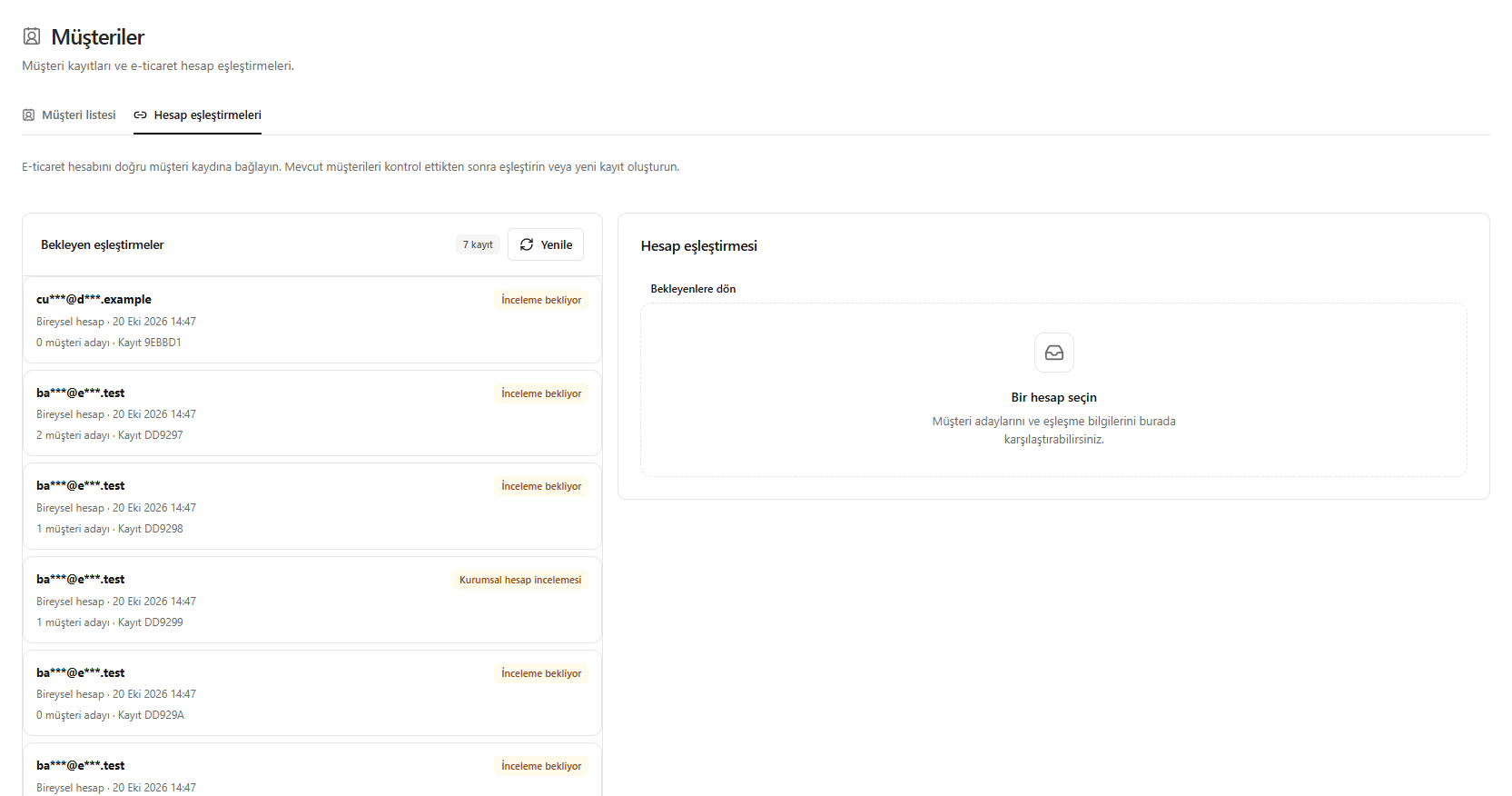
Matching an e-commerce account