This translation is awaiting language review. Application screenshots and interface labels are in Turkish. The downloadable PDF is also in Turkish.
Steps
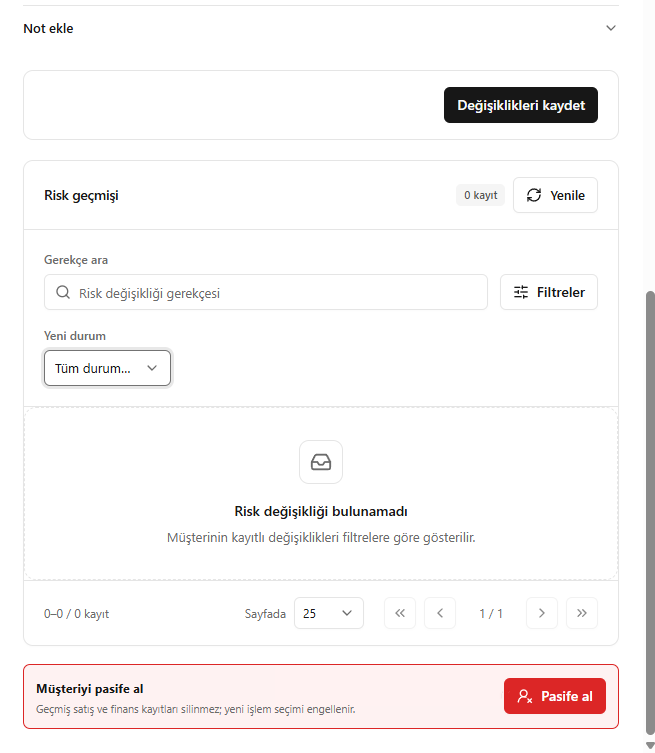
- Search the risk history by reason, or filter by the new status.
- Review the recorded risk changes.
- Use Deactivate (Pasife al) to stop the customer from being used in new transactions.
Deactivation does not delete past sales or financial records; it prevents the customer from being selected in new transactions.
Screenshot
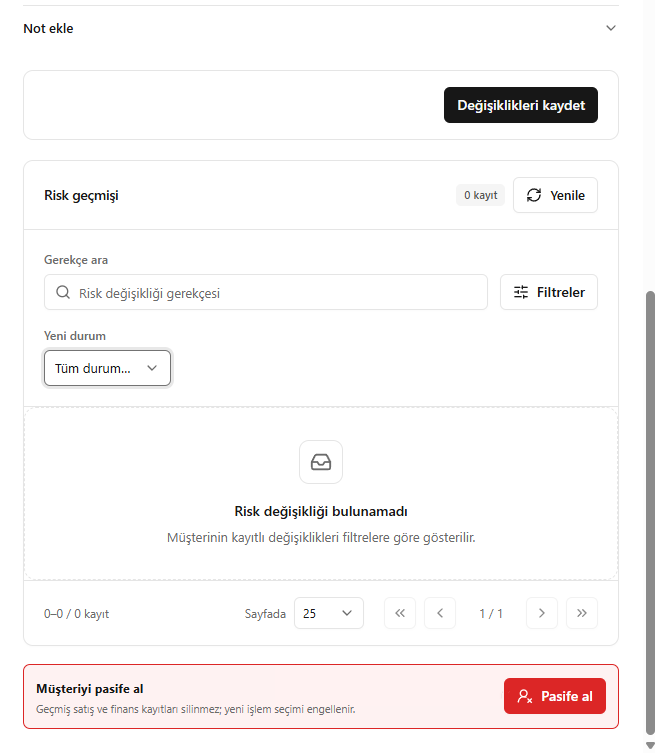
Risk history and deactivation