This translation is awaiting language review. Application screenshots and interface labels are in Turkish. The downloadable PDF is also in Turkish.
Steps
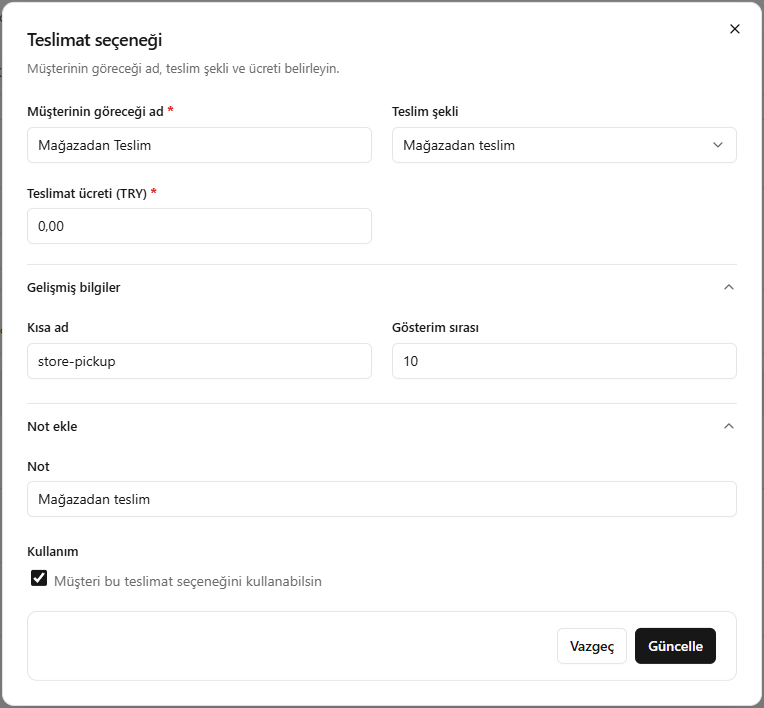
- Set the name customers will see, the delivery type and the delivery fee.
- Edit the short name and display order under Advanced details (Gelişmiş bilgiler).
- Add a note and set whether customers can use the option.
- Save with Update (Güncelle).
Screenshot
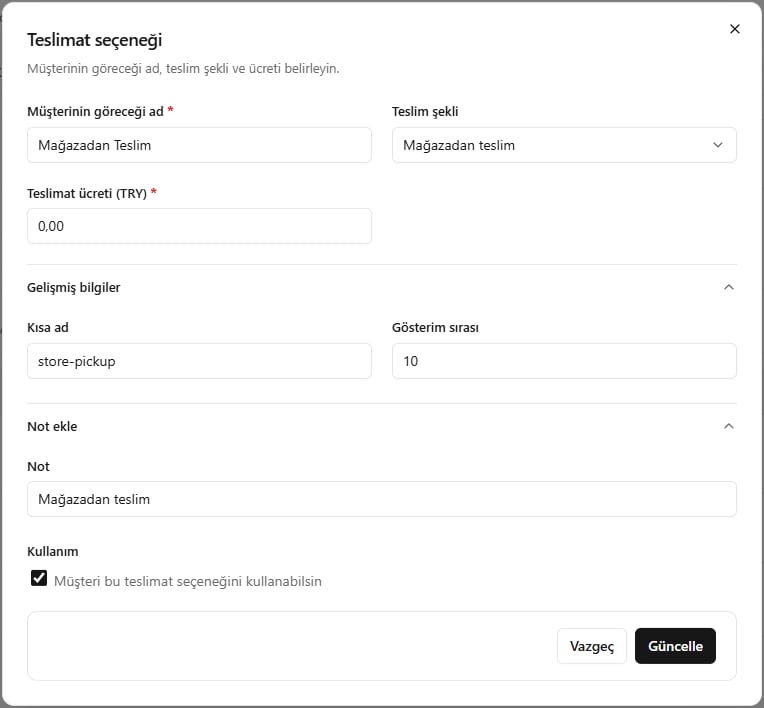
Editing a delivery option