This translation is awaiting language review. Application screenshots and interface labels are in Turkish. The downloadable PDF is also in Turkish.
Steps
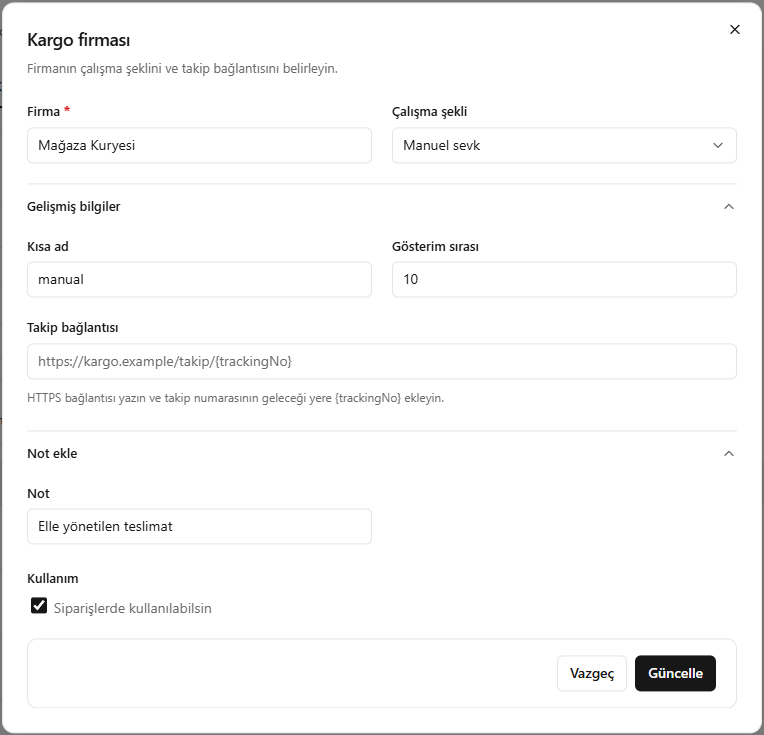
- Set the company name and operating mode.
- Edit the short name and display order.
- Add
{trackingNo}where the tracking number should appear in the HTTPS tracking link. - Check the note and active status, then click Update (Güncelle).
For manual dispatch, you enter the tracking number yourself; with a linked account, the integration handles the operations.
Screenshot
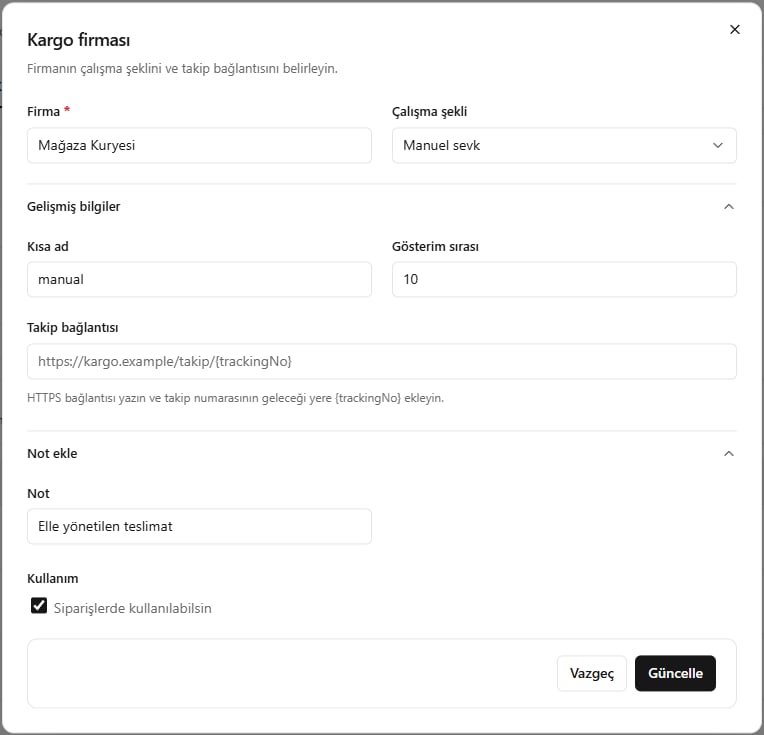
Editing a shipping company