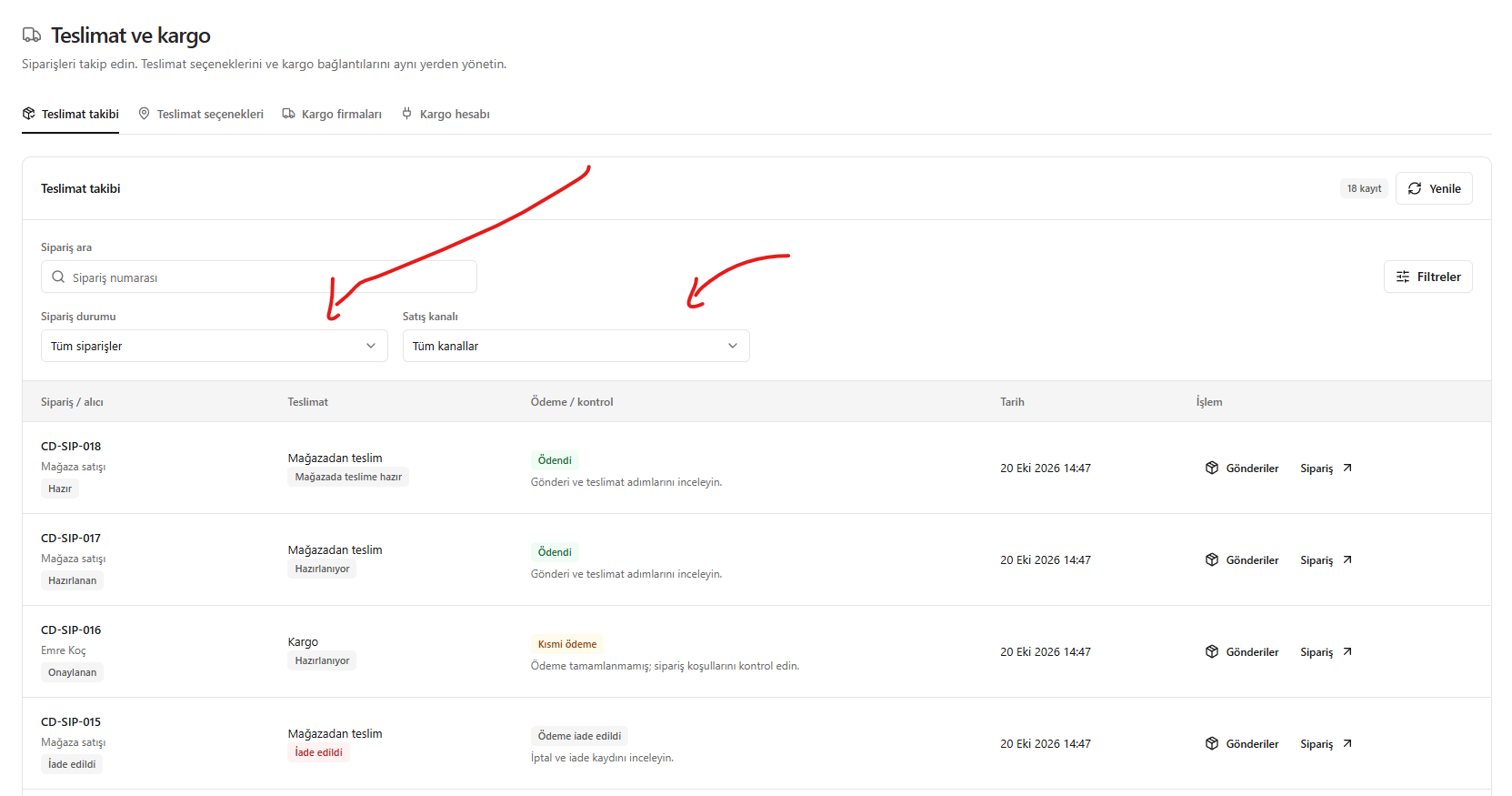
This translation is awaiting language review. Application screenshots and interface labels are in Turkish. The downloadable PDF is also in Turkish.
Steps
- Click Filters (Filtreler) in delivery tracking.
- Select the order status and sales channel.
- Enter the order number to find a specific record.
- Check payment and delivery details in the results.
Screenshot
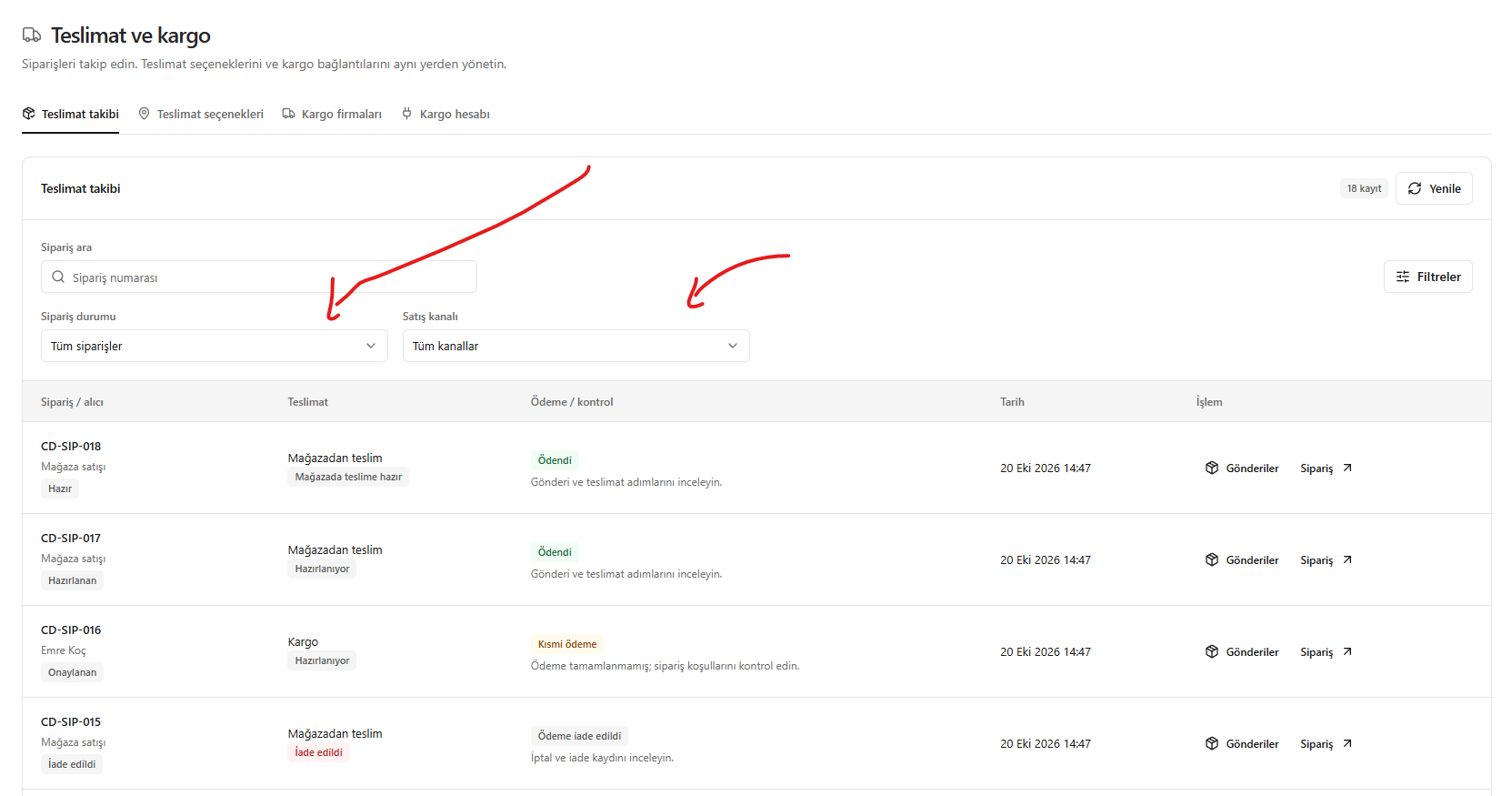
Filtering the order list