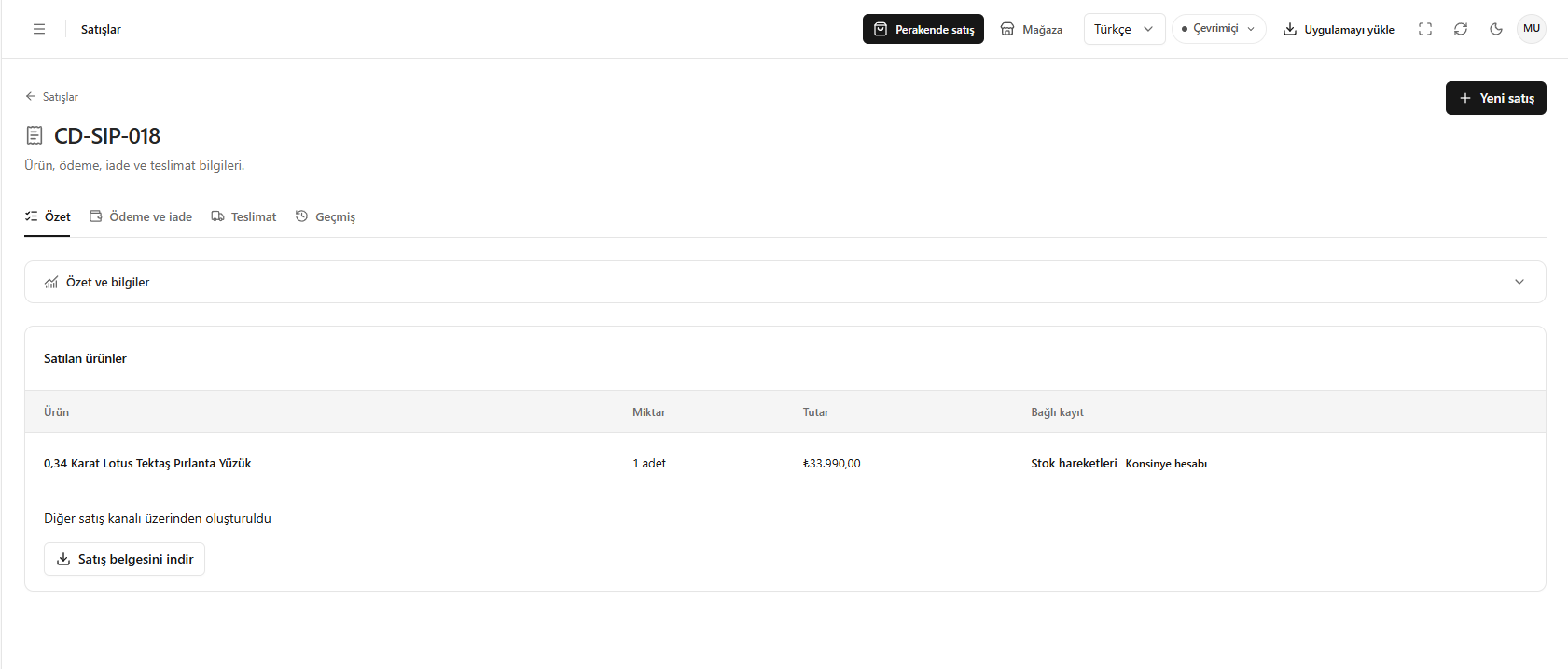
This translation is awaiting language review. Application screenshots and interface labels are in Turkish. The downloadable PDF is also in Turkish.
Steps
- Open Summary (Özet) in sales details.
- Check the products, quantities and amounts; expand Summary and information (Özet ve bilgiler).
- Use Stock movements (Stok hareketleri) or Consignment account (Konsinye hesabı) on the product row when needed.
- Obtain the document with Download sales document (Satış belgesini indir).
Created through the Other sales channel (Diğer satış kanalı üzerinden oluşturuldu) means Other (Diğer) was selected as the sales channel.
Screenshot
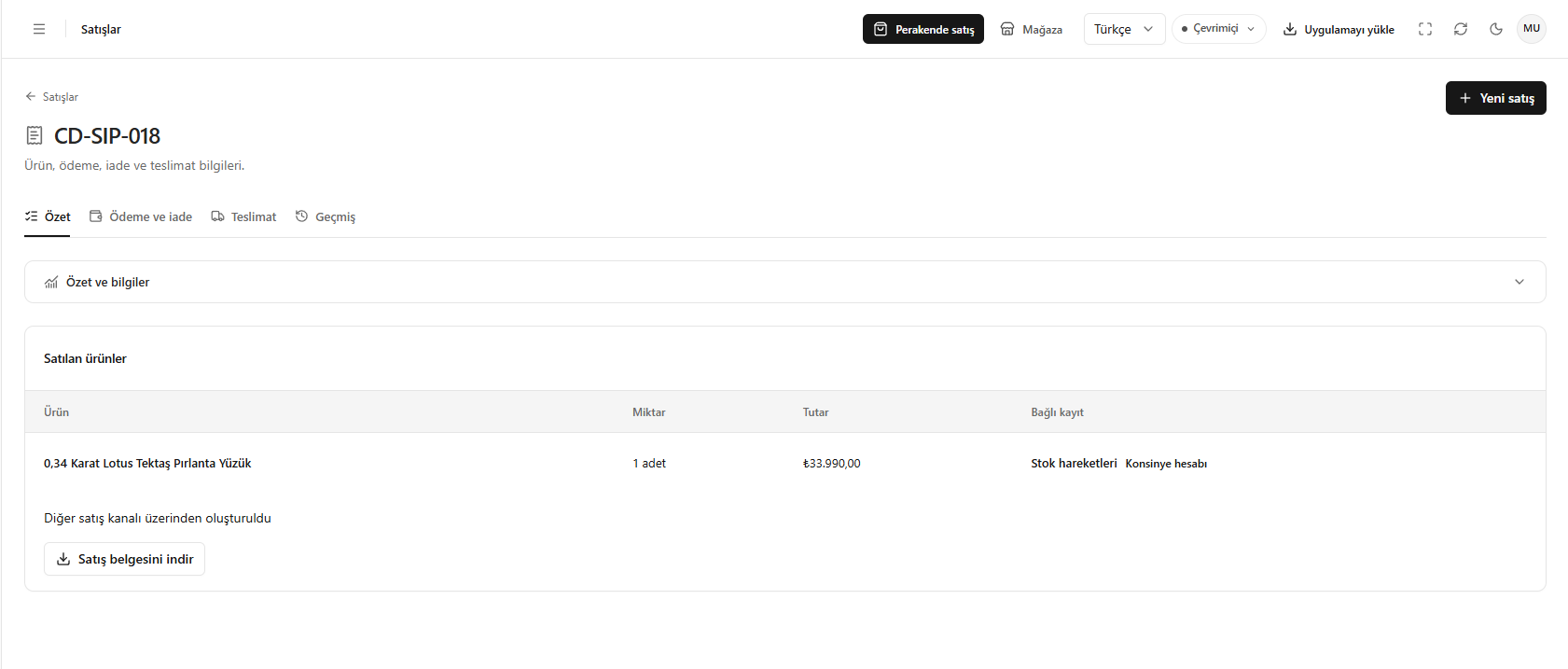
Sales summary