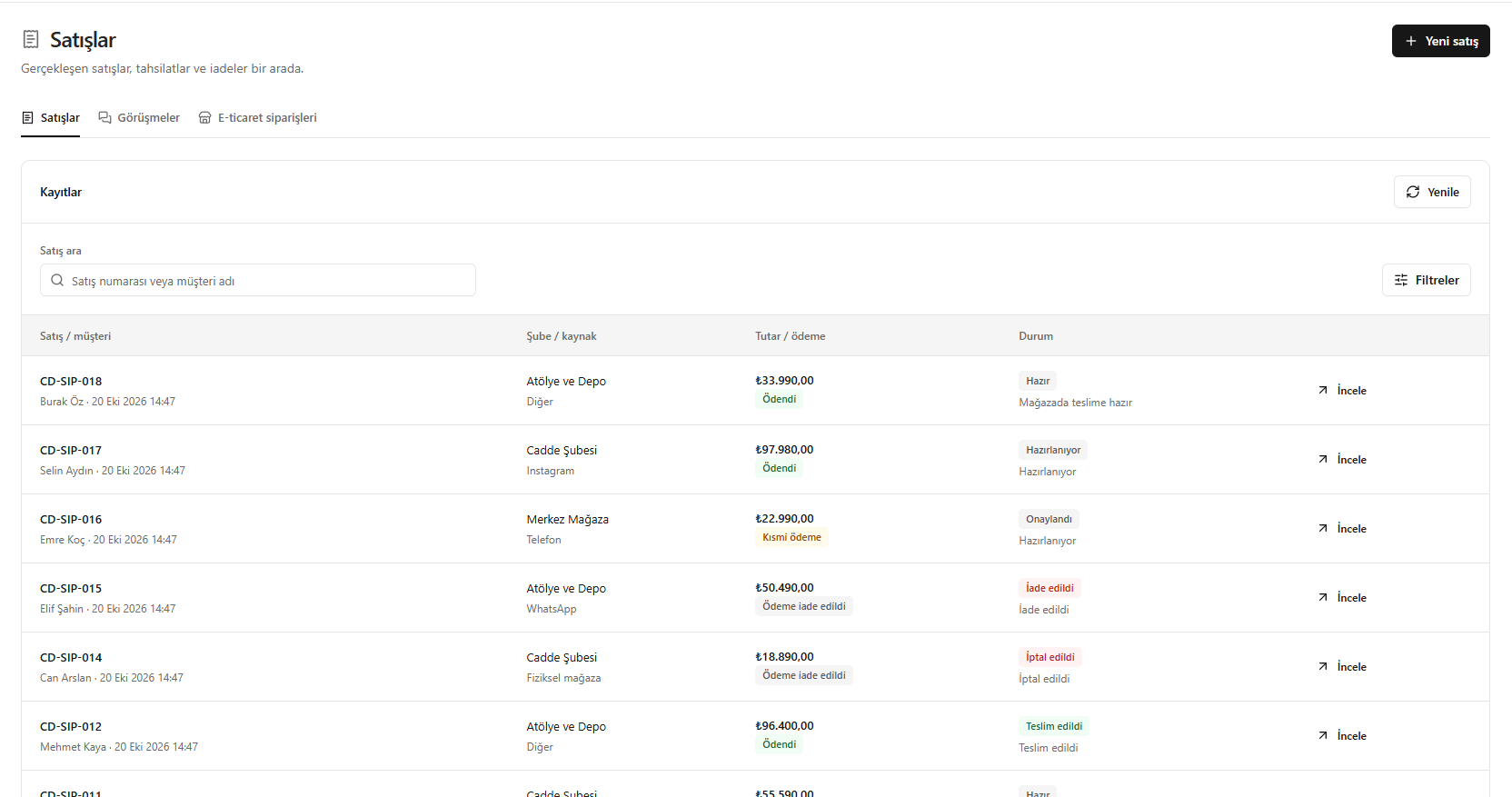
This translation is awaiting language review. Application screenshots and interface labels are in Turkish. The downloadable PDF is also in Turkish.
Steps
- In Sales (Satışlar), search or filter for the relevant record.
- Check the customer, branch / source, amount and payment information.
- Review preparation and delivery statuses separately.
- Use Review (İncele) for details or New sale (Yeni satış) to start a new transaction.
A paid sale may not have been delivered yet.
Screenshot
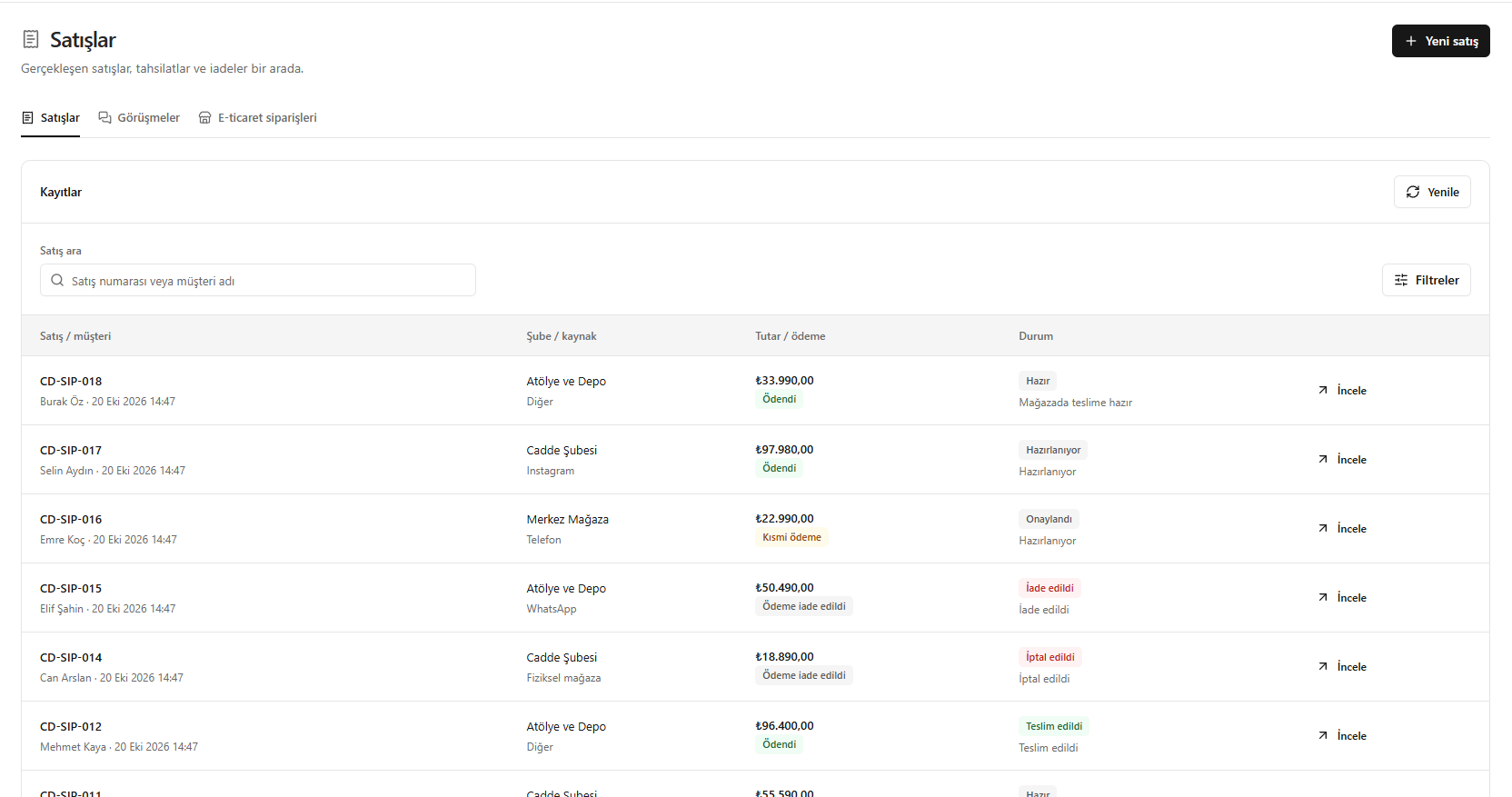
Using the sales list