This translation is awaiting language review. Application screenshots and interface labels are in Turkish. The downloadable PDF is also in Turkish.
Steps
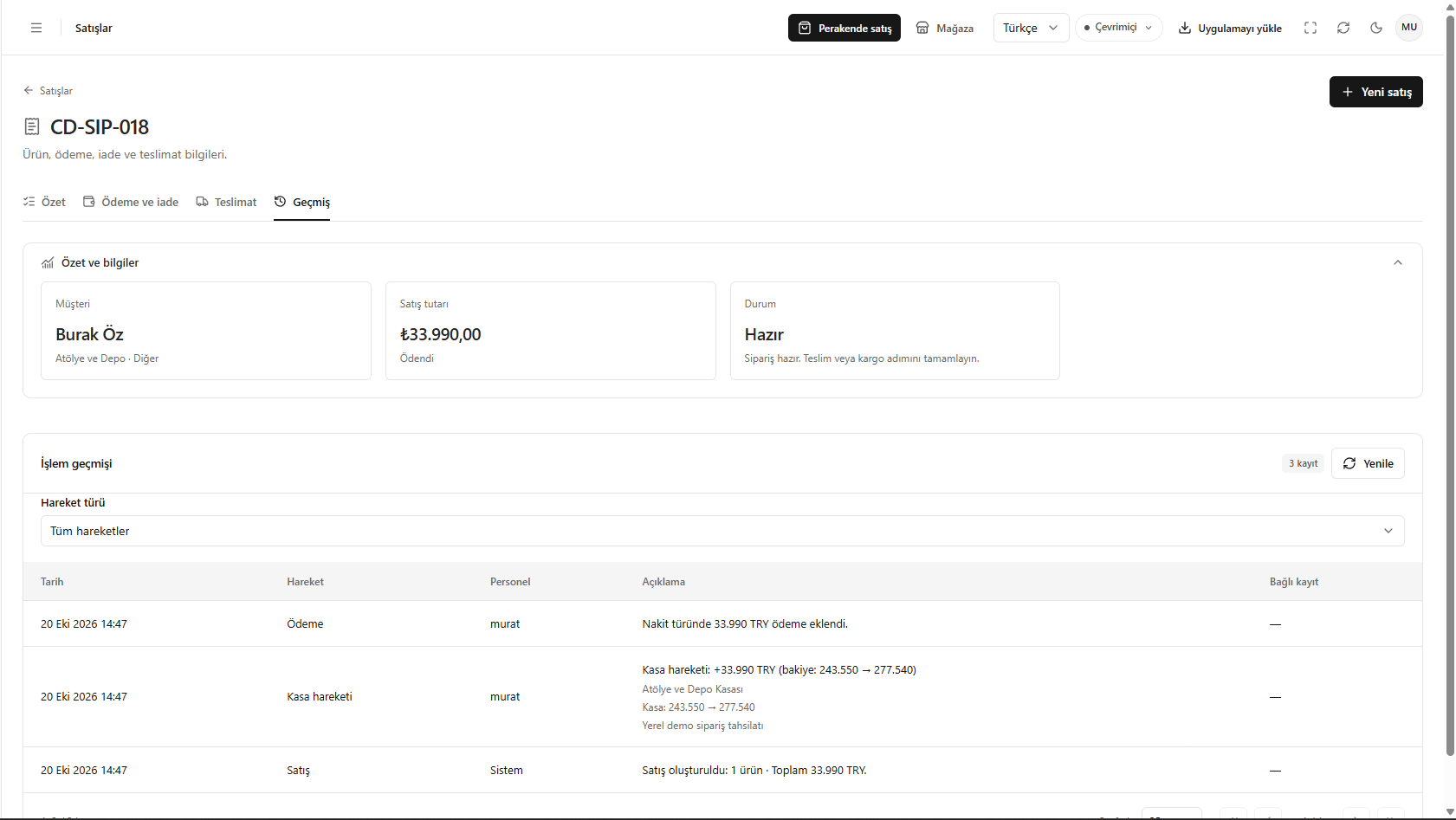
- Open the History (Geçmiş) tab.
- Find the relevant actions with the Transaction type (Hareket türü) filter.
- Review the date, staff, description and linked record information.
- Use Refresh (Yenile) to update the list if needed.
Screenshot
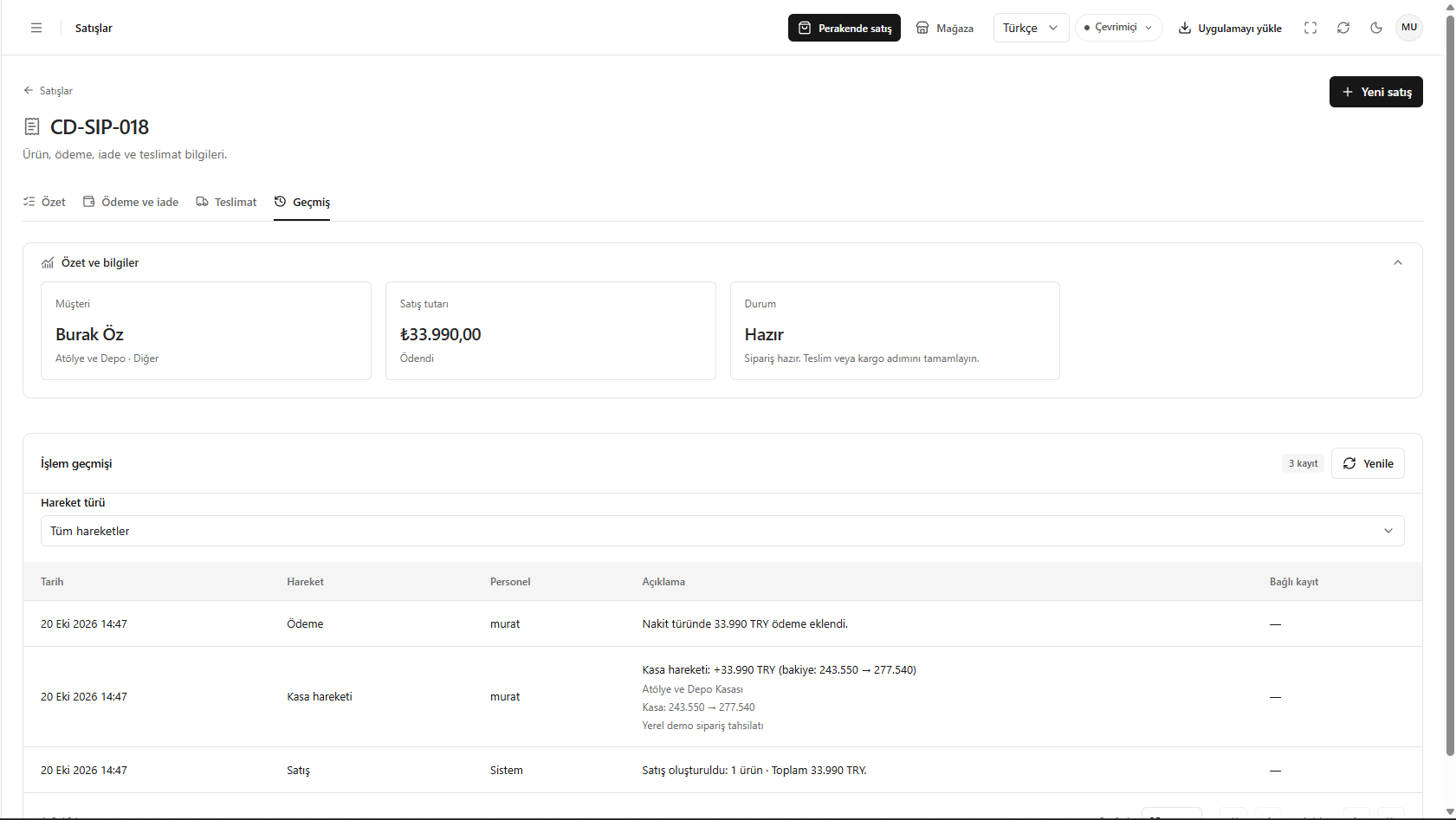
Sales activity history