

This translation is awaiting language review. Application screenshots and interface labels are in Turkish. The downloadable PDF is also in Turkish.
Steps
- Open the Payment and return (Ödeme ve iade) tab.
- Review the payment method, amount and payment collection records.
- If cancellation or a return is needed, check the sale’s current status and relevant fields.
Check payment collection and the order’s delivery status separately.
Screenshot
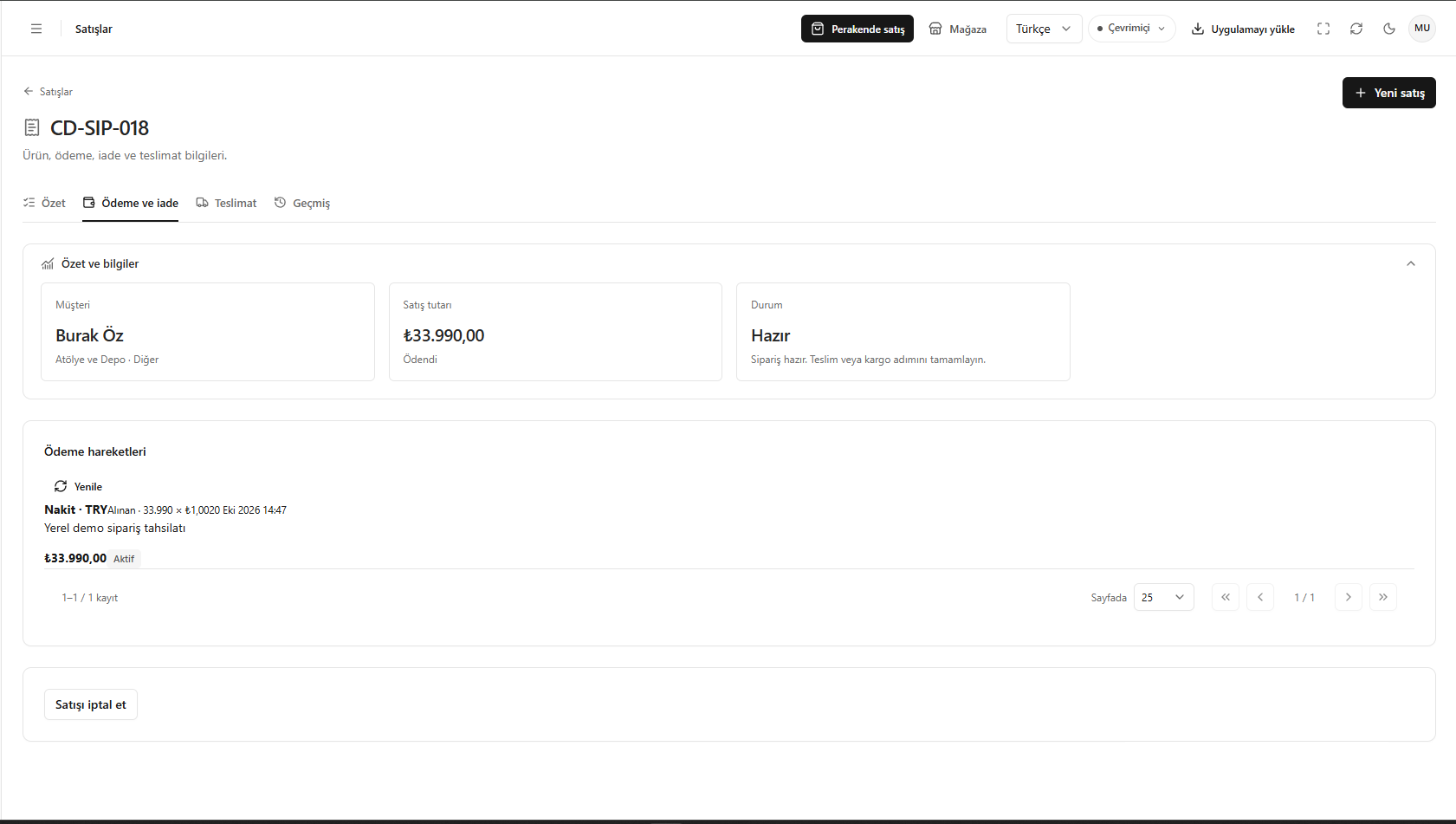
Payment and return information
Processing a sales return
Opening the return action in the relevant sale’s details displays the Process sales return (Satışı iade al) form. First check the sales number at the top to confirm you have the right sale.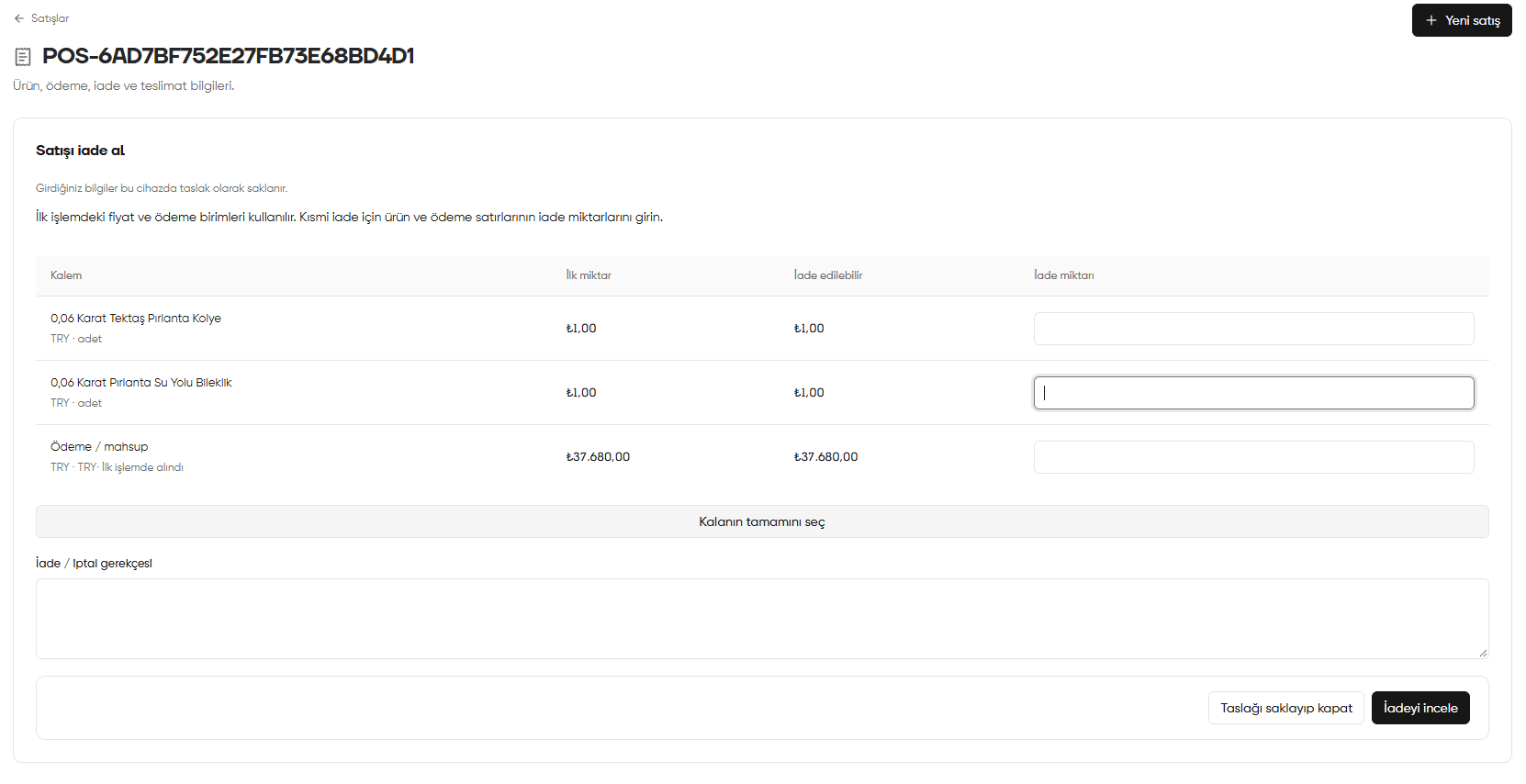
Process sales return: product quantities, payment refund and reason
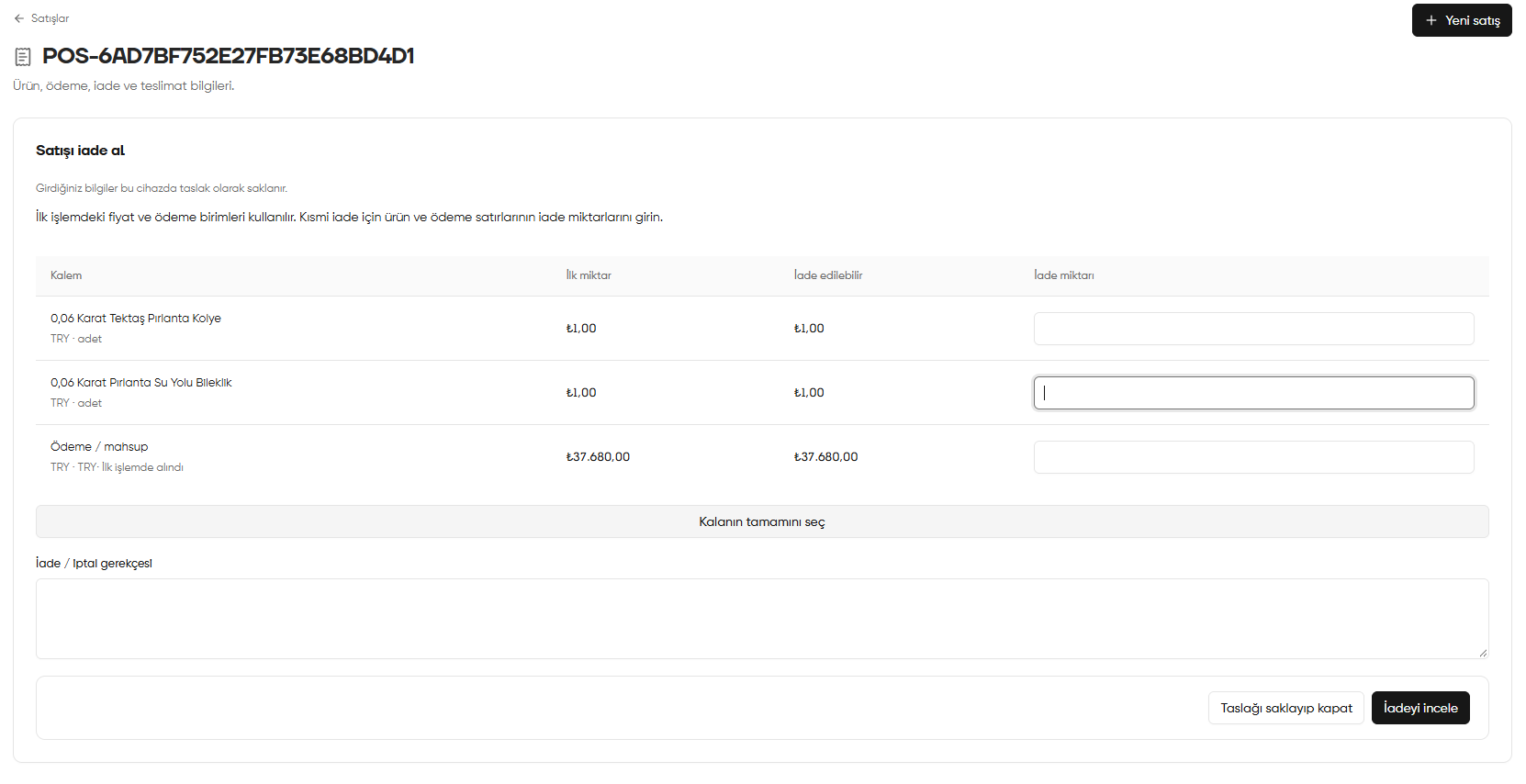
Reading product and payment rows
- Item (Kalem): the product or payment/offset row to return. Check the unit below the row.
- Original quantity (İlk miktar): quantity recorded in the original transaction.
- Returnable (İade edilebilir): remaining quantity available for return. Compare your entry with this value.
- Return quantity (İade miktarı): field for the quantity you want to take back or give back in this transaction.
The form uses the prices and payment units from the original sale. Do not confuse product quantities with payment amounts; check each row’s unit separately.
Making a partial return
- In the product’s Return quantity (İade miktarı), enter the quantity taken back.
- Fill in only the products included in the return; do not add a return quantity for products that are not taken back.
- In the relevant Payment / offset (Ödeme / mahsup) row, enter the amount to give back in the original payment unit. Check each row separately if there are several.
- Enter the reason in Return / cancellation reason (İade / İptal gerekçesi).
- Check product quantities and the payment refund together, then click Review return (İadeyi incele).