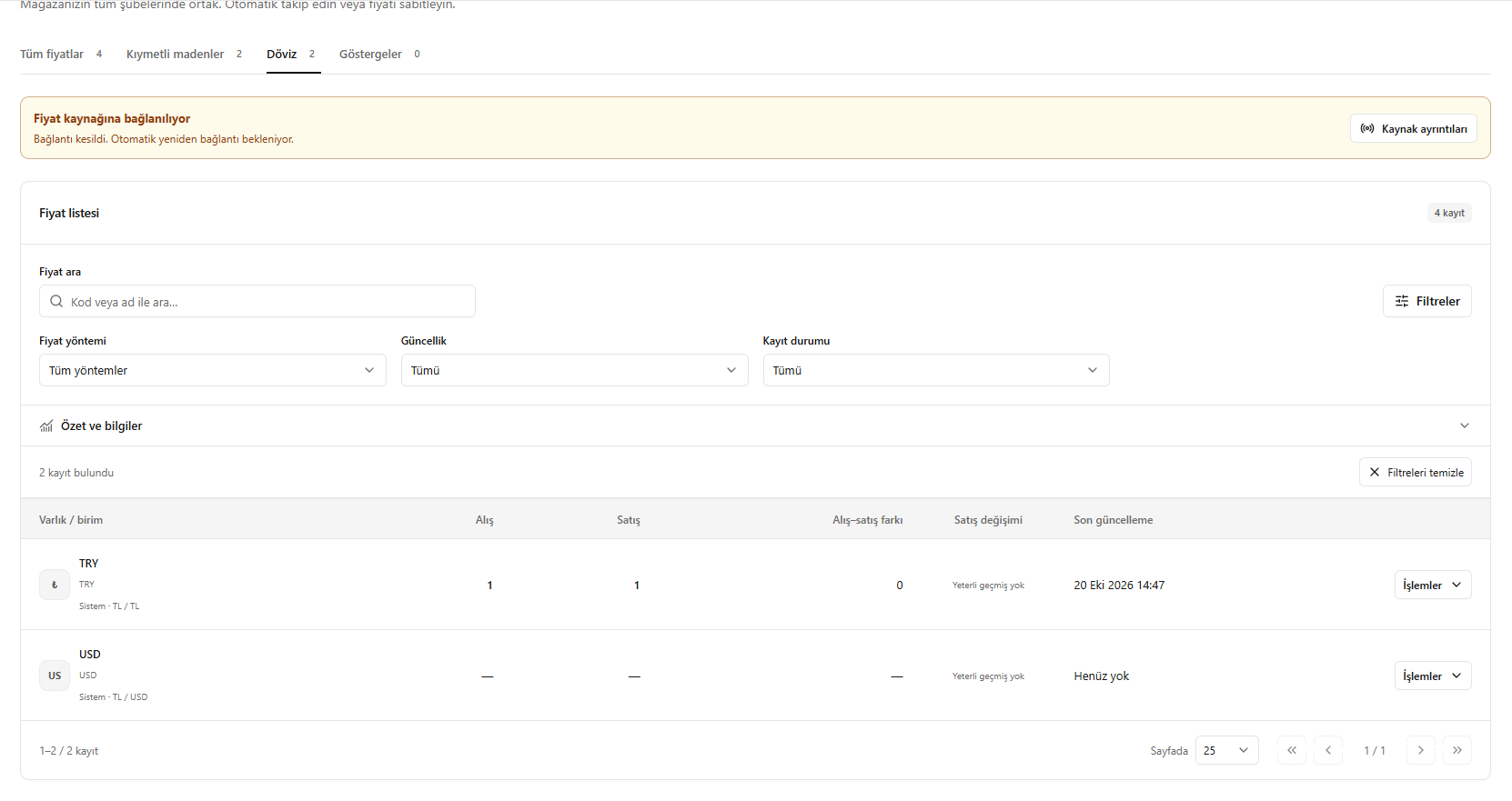
This translation is awaiting language review. Application screenshots and interface labels are in Turkish. The downloadable PDF is also in Turkish.
Steps
- Open the Currencies (Döviz) tab.
- Check the currencies’ buying and selling rates and the spread between them.
- Review the last update time.
- Open price settings or history from Actions (İşlemler).
Missing values displayed as a dash do not mean a zero price.
Screenshot
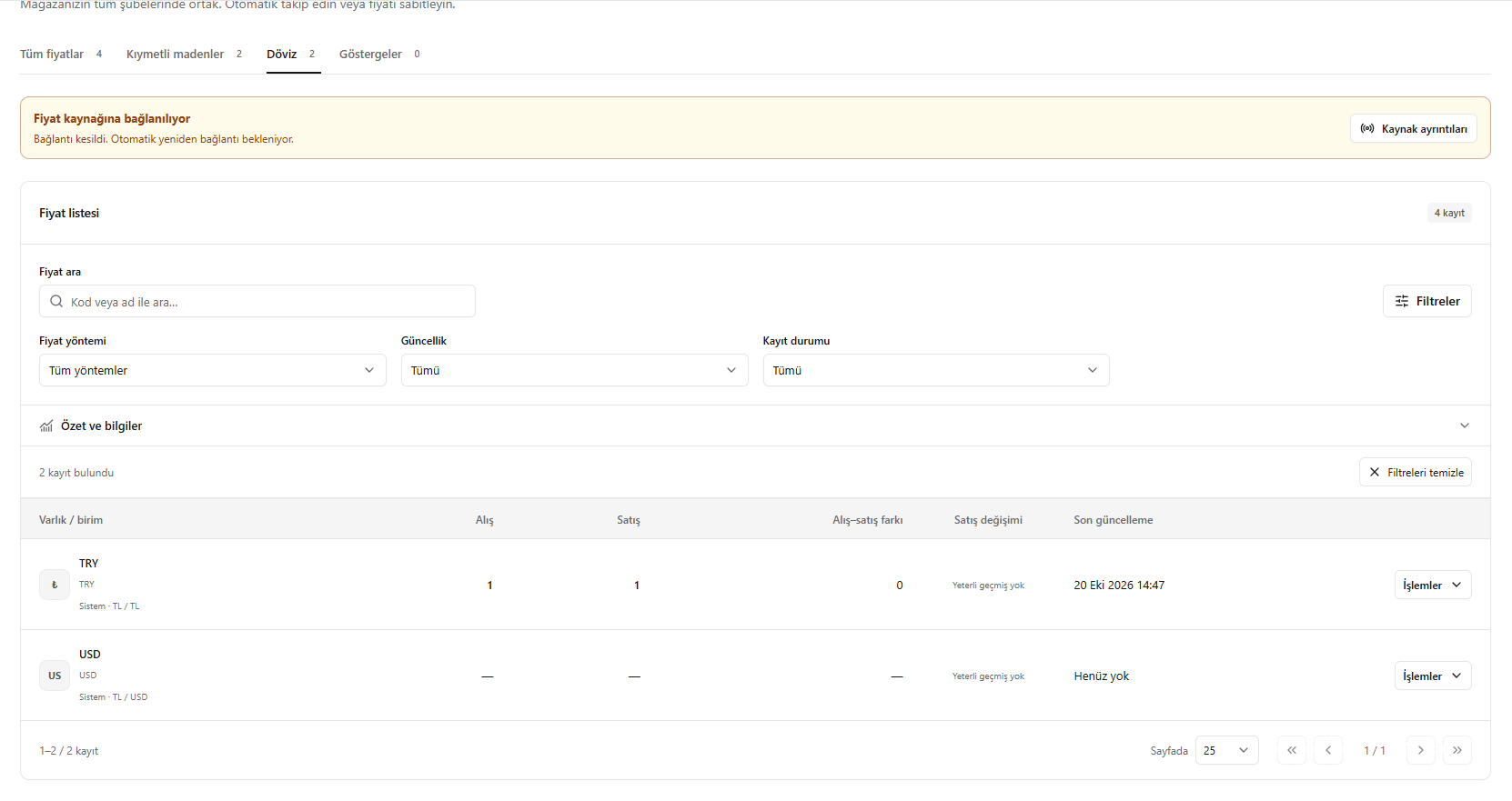
Tracking exchange rates