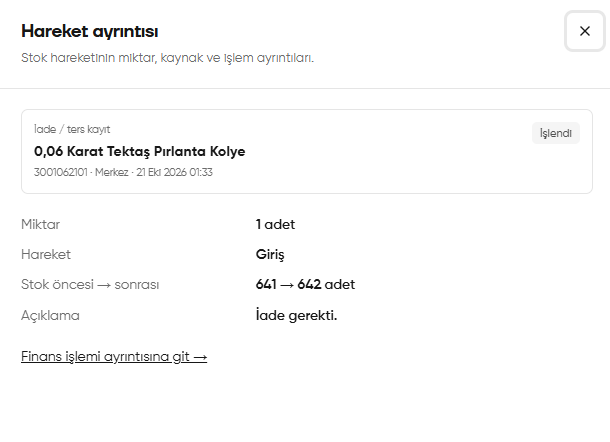
This translation is awaiting language review. Application screenshots and interface labels are in Turkish. The downloadable PDF is also in Turkish.
Steps
- Open the History (Geçmiş) tab.
- Select the relevant group of actions in the Transaction type (Hareket türü) filter.
- Review dates, staff and descriptions of sales, payments and cash account transactions.
- Open details from the linked record, if available.
Screenshot
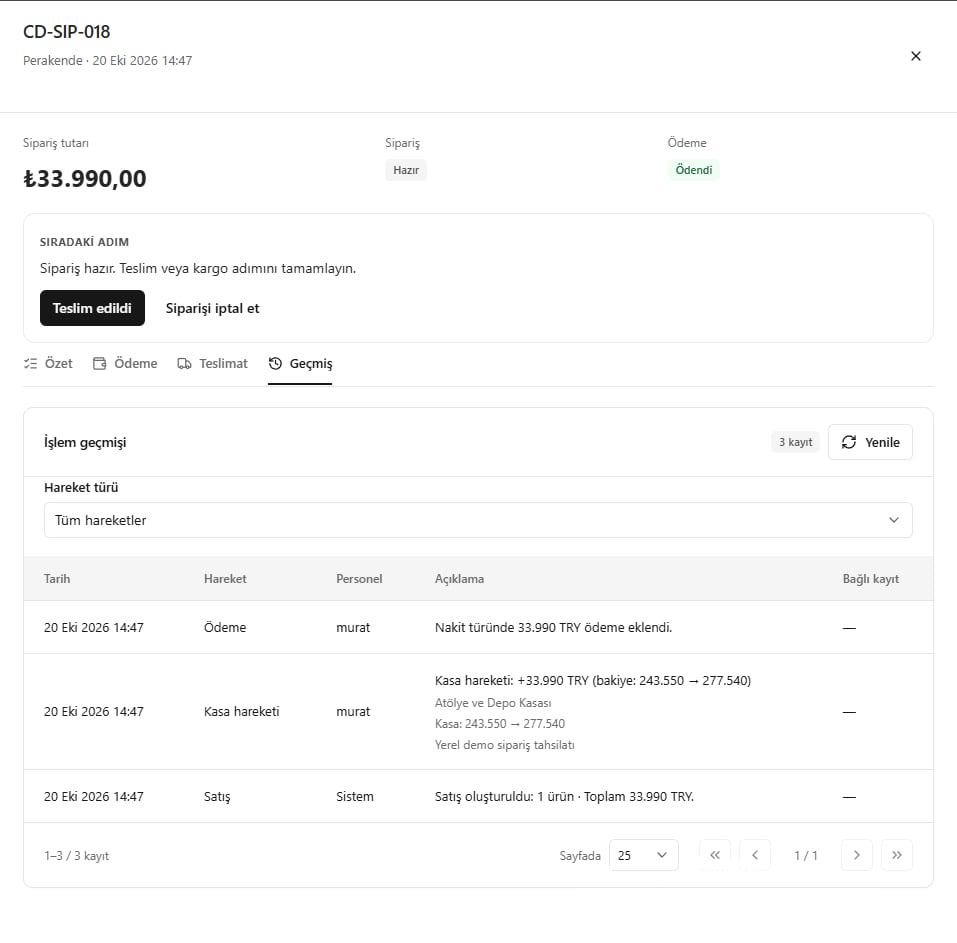
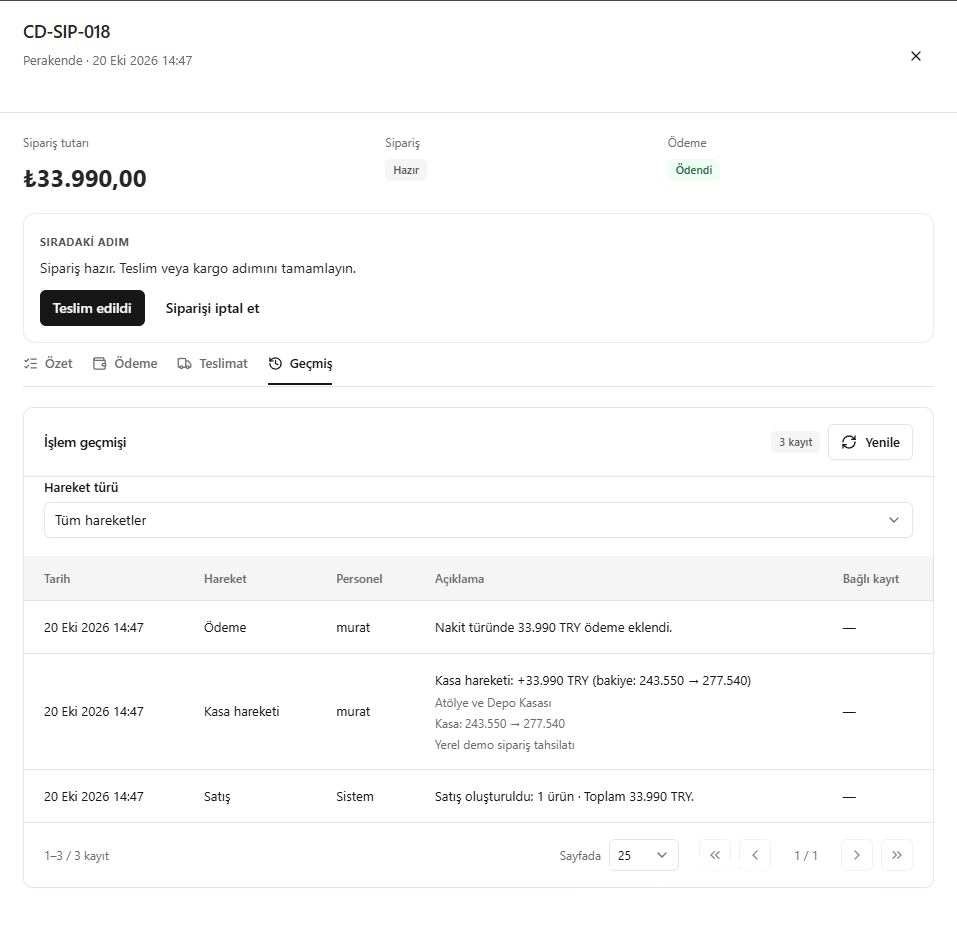
Order activity history
Viewing the linked record’s details
When needed, use View in linked record (Bağlı kayıtta görüntüle) on the relevant history entry to review its details. A record linked to a stock movement opens the Movement details (Hareket ayrıntısı) window below. Check the product and location, transaction time, Quantity (Miktar), Movement (Hareket), Stock before → after (Stok öncesi → sonrası) and Description (Açıklama). The screenshot shows a return / reversing entry: 1 piece enters stock, increasing the stock from 641 to 642 pieces. If you also need financial details, use Go to financial transaction details (Finans işlemi ayrıntısına git) at the bottom.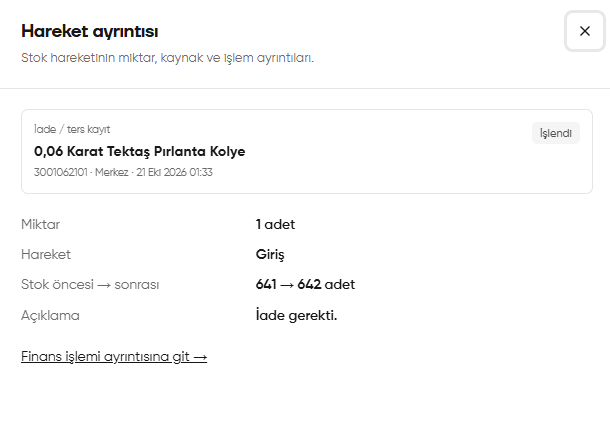
Stock movement details opened from the linked record